28
All four sections will control every selected fixture where possible. If all selected
fixtures are of the same type, they will all follow any changes as you make
adjustments. If mixed types of fixtures are selected, the channel faders will only
work on fixtures of the type displayed. The color picker, pan/tilt controls and
wheels are more generic so will be able to affect any fixture that has similar
functions or features.
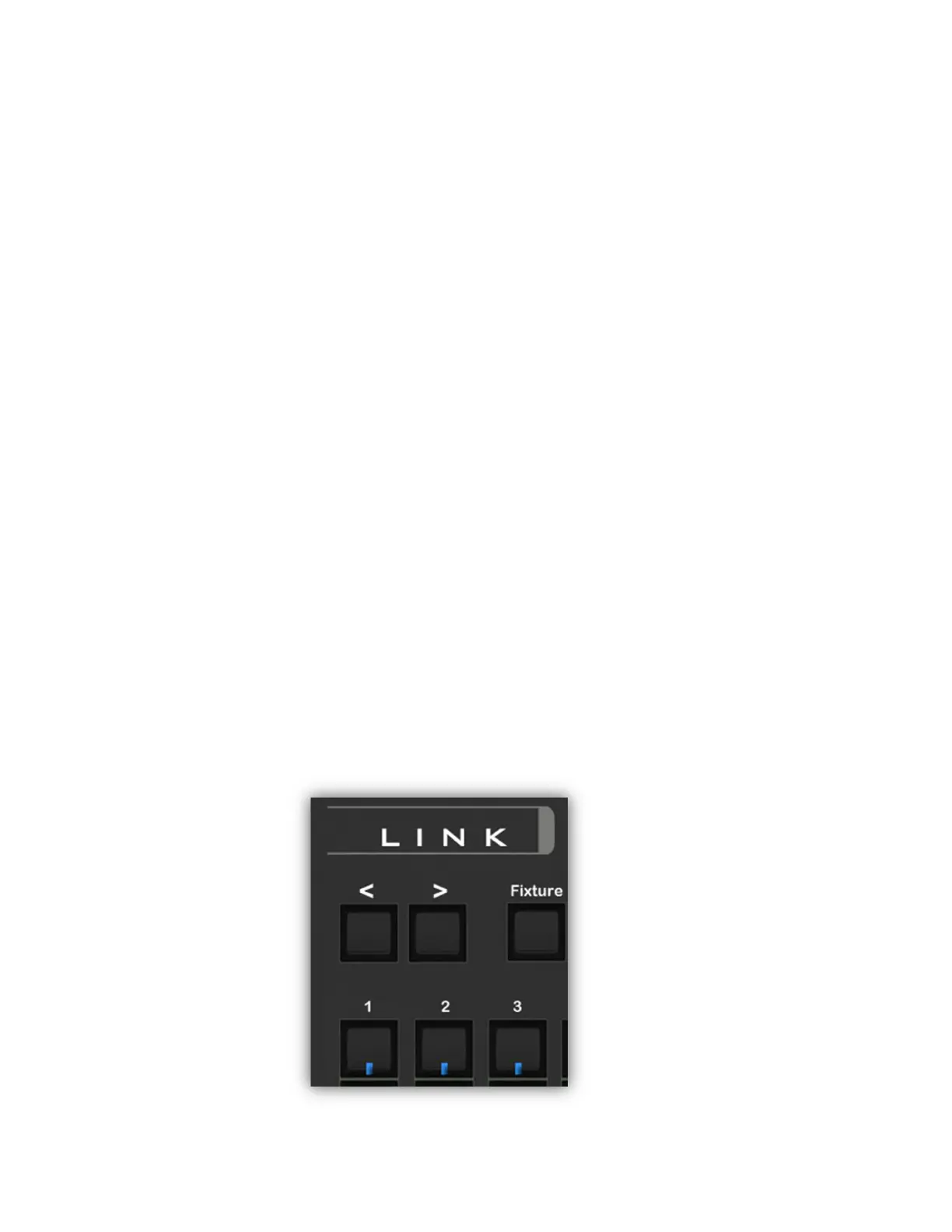
Link Buttons
The Link controller’s matrix buttons and matrix page buttons can be used to
select fixtures for editing when in the channels view. You will notice that the
button LEDs will show which fixtures are currently selected. The buttons will work
the same as when the fixtures view is showing. This is an added convenience that
lets you select new fixtures for editing quickly without having to switch back and
forth between the fixtures and channels views.
Channel Faders
The lower half of the view shows the channel faders. Each fader is assigned to a
channel in the selected fixture(s). When there are more faders than will fit on the
screen, you can scroll left or right by using the fader shift buttons on the Link
controller or by swiping on the screen over the faders. You will notice that the
first eight faders on the left side of the view are highlighted with the numbers 1-8
in the upper right of the highlighted area. This shows which channels are
currently attached to physical faders on the Link controller. Shifting left or right
allows you to assign the Link faders to any group of eight consecutive channels.
Press and hold one of the fader shift buttons on the Link (upper left above the
faders) to scroll the view or press once to shift one step.



 To Next Page