32
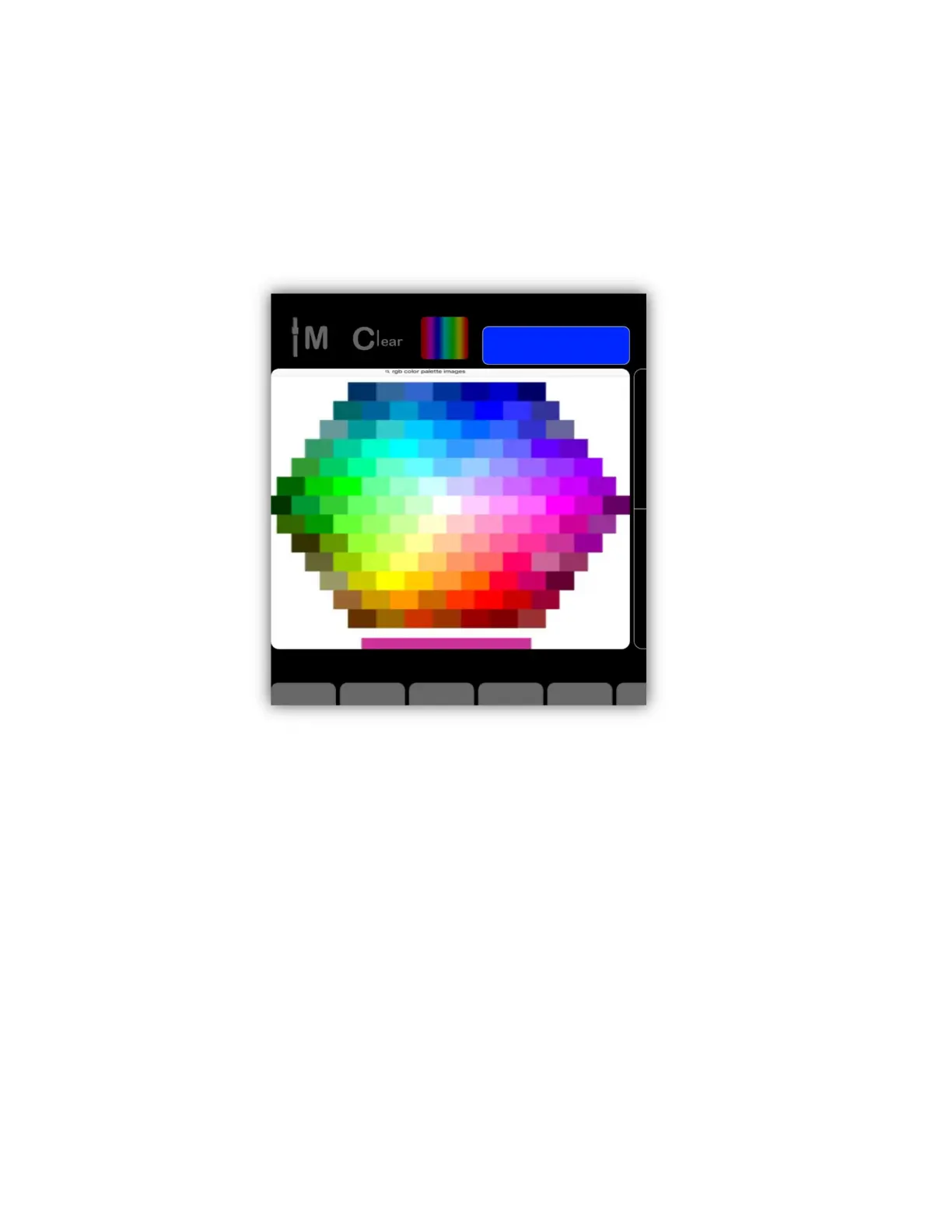
library to pick a photo. There are many types of color picker images available on
the internet or you can use the camera on your IPad to take a picture of colors
you would like to copy. The screenshot below shows an example of a color picker
that was downloaded from the internet. You will notice that when you use an
image the color picker button changes to show the default picker so that you can
switch back and forth between the default picker and a custom one.
Pan/Tilt Control
Any selected fixture with a pan or tilt channel can be controlled by touching the
pan/tilt control and moving the crosshairs by dragging. The pan and tilt numerical
values will be displayed in the lower right area of the control. There is also a
Center button just above the control that will set the pan and tilt to the center
position.
Clear Button
In the upper left of the screen is a button labeled “Clear”. There is also a clear
button on the Link just above the wheels. These buttons provide a “clear all
channels” function. When you clear a fixture or group of fixtures, all of the
fixture’s channels will be set to zero and they will be removed from the current
scene. Tap the button to show a popup as in the example below then tap either
“Clear Selected” to clear only the channels of the currently selected fixtures or tap



 To Next Page