50
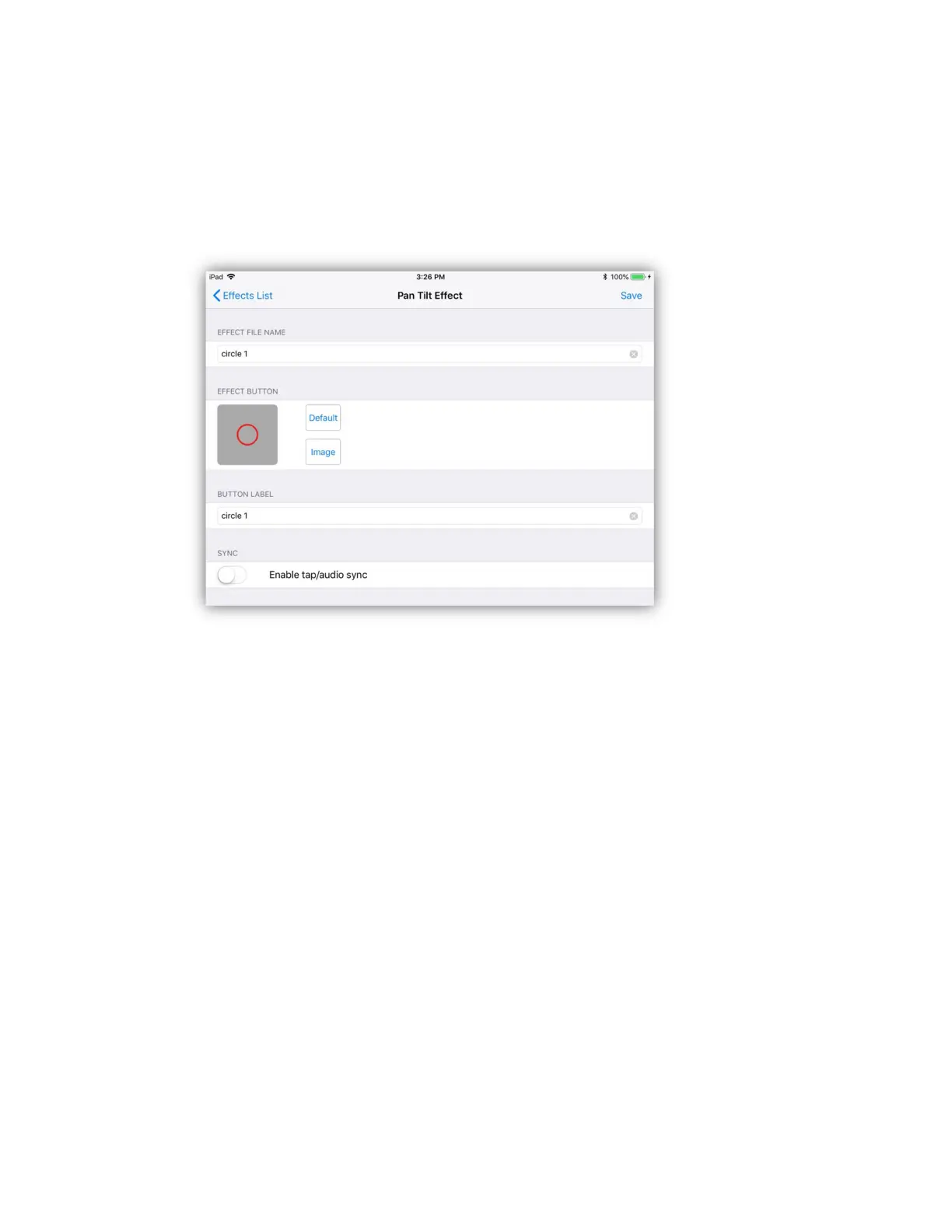
After selecting a button location to save a new effect, the button editor will
appear similar to the example below. In this example a circle shape effect was
created. The default button image will show the shape on a gray background. You
also have the option of choosing an image from your photo library. Tap the
“image” button to call the photo picker to choose a different image for the button.
Enter a long descriptive file name for the effect and also a short button label that
will appear under the button. A default name and label is provided. After you have
entered the names, tap “Save” in the upper right or on the Link to save the file
and button assignment. Effects files are stored in their own folder in the app’s
documents directory.
There is a tap/audio sync enable switch that allows the effect to be controlled by
the tap sync button or audio beat. Enable this if you want to be able to override
the stored speed using the tap sync or audio sync.
Load Pan/Tilt Effect
You can load a saved pan/tilt effect into the editor. Tap “Load” at the top of the
button editor screen then select from the list of effects buttons. Only pan/tilt
effects can be loaded into the pan/tilt effects editor. Once loaded you can then
modify the effect then save to the same location or copy to a new button location
using a different name.



 To Next Page