72
Save Show
Tap the “Save” button at the top of the show editor when you are finished editing
and the list of show button assignments will appear. Choose the button where you
want to save the show by tapping a row on the screen or by using the Link’s
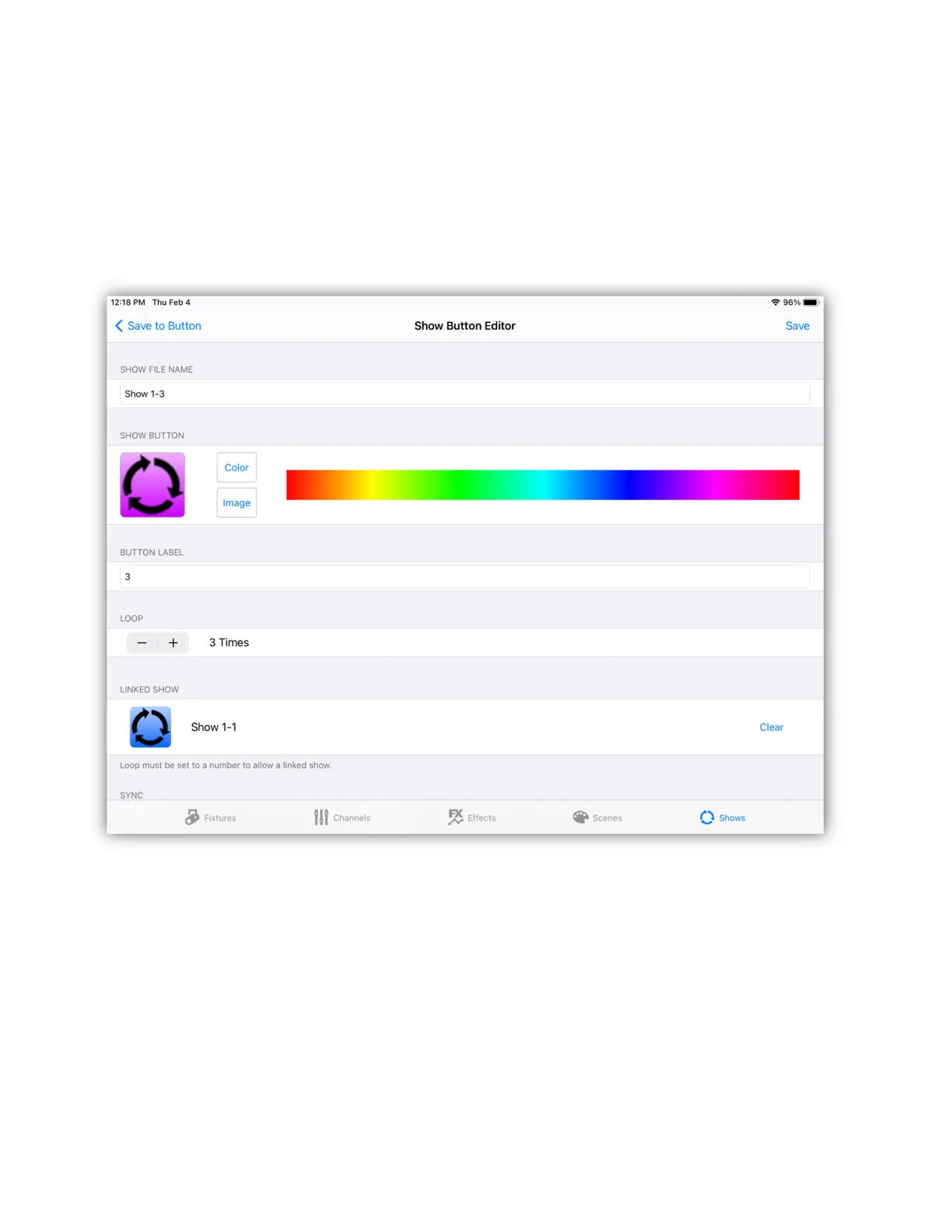
buttons. The show button editor will appear as in the example below.
A default file name that uses the page and button number can be used or you can
enter a longer more descriptive file name for the show. You can also enter a short
label that will appear under the show button. Touch and drag inside the color strip
to change the button color. To use an image instead of a color for the button, tap
“image” to show the image picker where you can choose and crop any image
from your photos library.
With the loop control, you can set the number of times the show will cycle or you
can set it to “Loop continuously”. If set to a number, the show will stop after it
runs the selected number of cycles or it can call another show if you have a linked
show selected.



 To Next Page