73
To select a linked show, tap the “Linked Show” button and then scroll through the
list of saved shows and select one. You can use this feature to link a set of shows
together in a chain. Set the last show in the chain to link back to the first if you
want to make a continuous loop. Note that for the linked shows to be called you
must set each show’s loop counter to a number and not to “continuous”.
If you would like to be able to override the hold times in the show using the tap
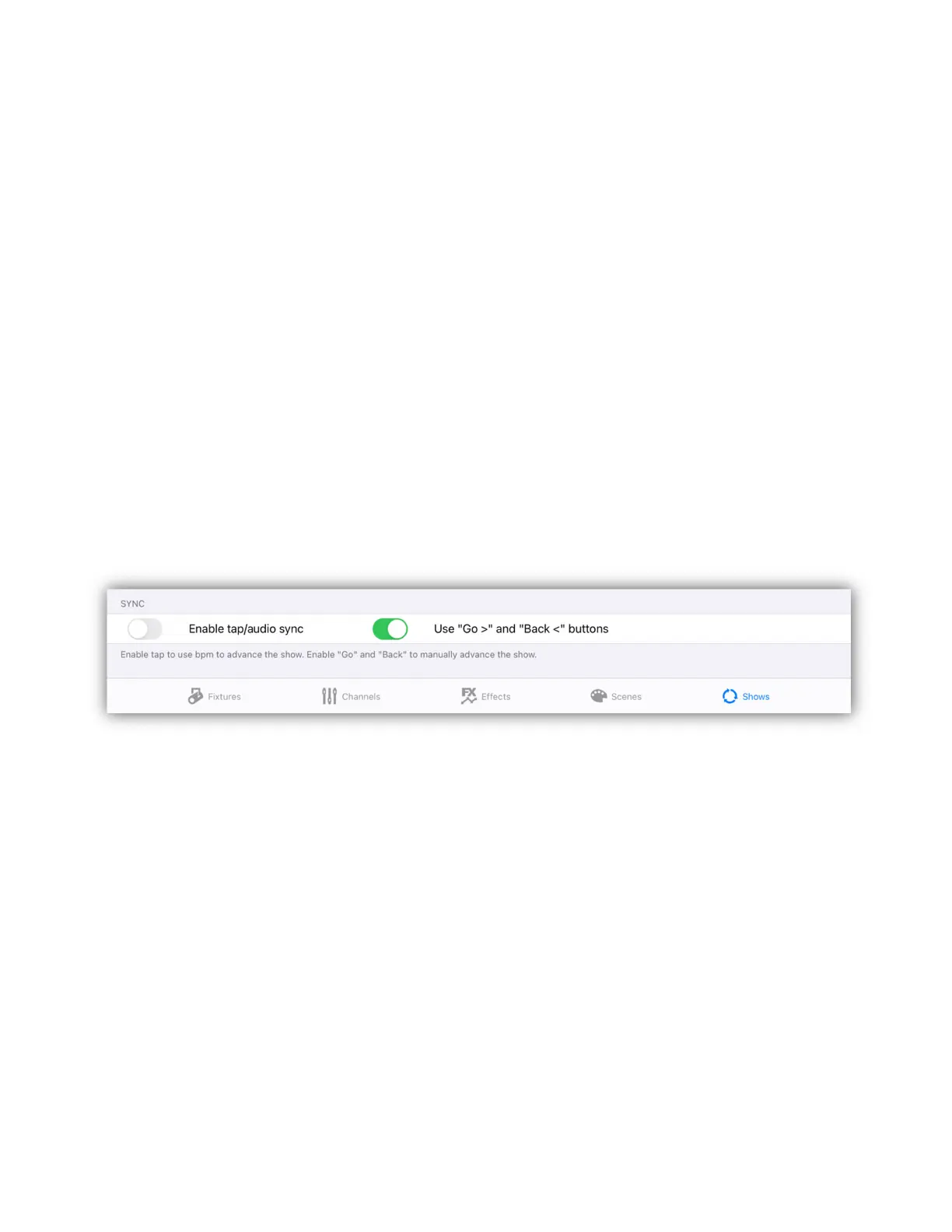
sync or audio sync, turn on the enable switch for tap/audio sync.
To manually advance the show using the < > (Go and Back) buttons. Turn on the
enable switch for that feature as shown below. In manual mode, hold times are
disabled. When the show is started you will have to use the forward button (just
above jog wheel 1) to call the first scene and to subsequently advance through
the show’s scenes. The < (back) button will allow you to move backwards through
the scenes list until the start of the show is reached. “Back” will not loop or recall
any linked show but will hold on the first scene in the current show. Note that if
there is more than one show running in manual mode, they will all advance
together on the Go button press.
After setting the show parameters, tap the “Save” button in the upper right to
save the file. An alert will appear to confirm the save or to warn if you would like
to overwrite another show that is already using that name.



 To Next Page