41
Sub Masters View
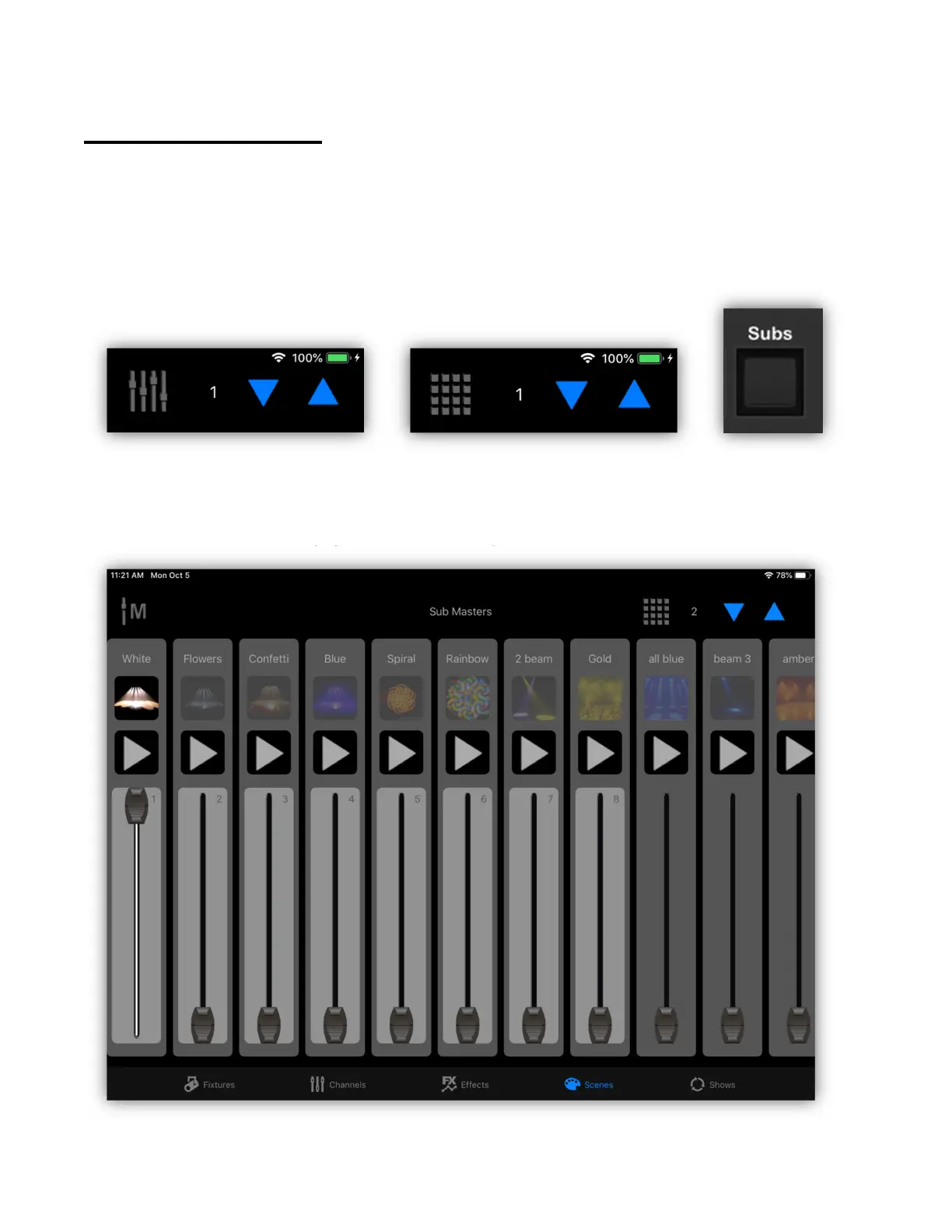
Scenes can be recalled in two ways. Either by using the scene buttons as
described in the previous chapter or by using the scene sub masters. You can
select between the buttons view or sub masters view by tapping the mode button
at the top of the scenes view as shown in the examples below or by selecting the
view from the Subs button on the Link.
The following screenshot shows an example of the sub masters view. Each saved
scene on a page is represented by one sub master strip. Scene buttons on the
scenes view that are empty will not show up in the sub masters.



 To Next Page