30
Wheel Group
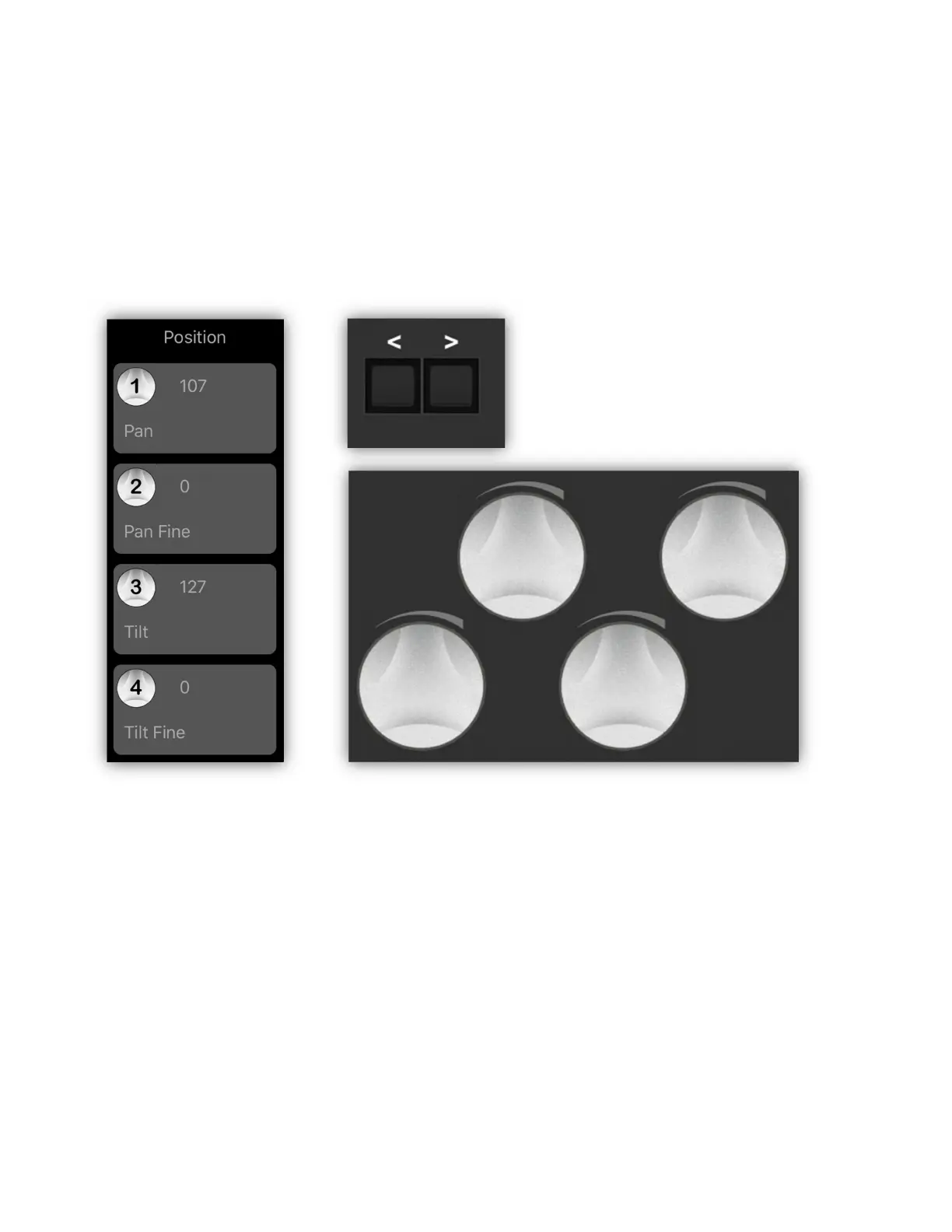
The wheel group is displayed to the right of the channel faders on the screen. This
shows the functions that are currently assigned to the four large wheels on the
Link controller. Notice in the example below the wheels are currently controlling
pan and tilt for all selected fixtures. The group is titled “Position” shown at the top
of the group.
The Link’s wheels are numbered 1-4 from left to right. As you turn the wheels,
the numbers displayed in the wheel group on the screen will increment or
decrement. Pressing in on a wheel clears that channel on all selected fixtures.
There are a variety of generic wheel groups you can select from. Use the wheel
shift buttons just above the wheels on the Link to select a different group. You
can also swipe with your finger up or down over the group on the screen.
When a new fixture is selected, the app will try to match a wheel group to the
displayed fixture based on the fixture’s channel names and features.



 To Next Page