49
Save the Pan/Tilt Effect
Tapping the “Save” button at the top of the effects editor screen or on the Link
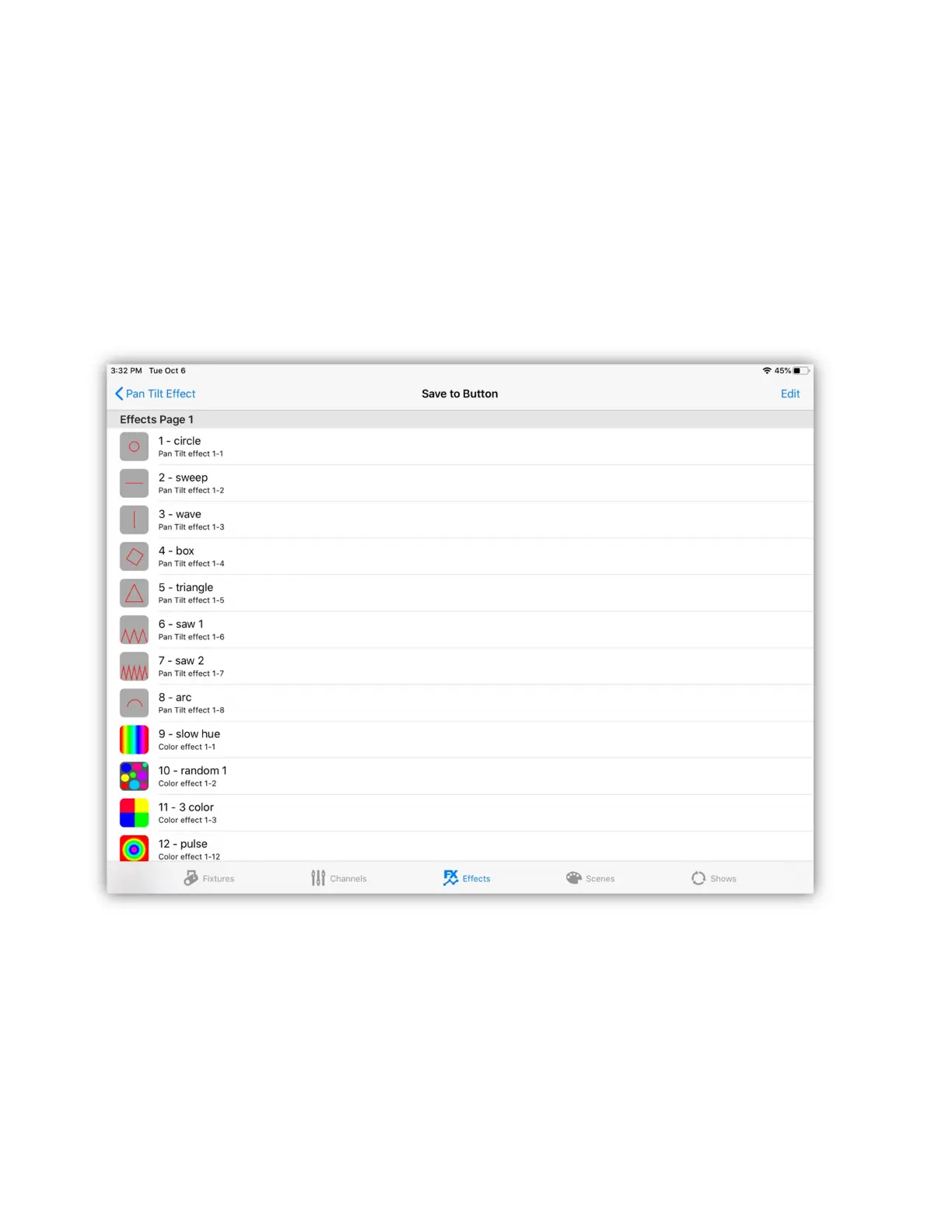
will show the button assignment list similar to the next example. To save the
effect to one of the buttons, tap a button row on the screen. Scroll down to reach
the higher page numbers. Note: You can select a row that’s empty or occupied; if
occupied the effect that’s there will be replaced with your new effect. Only the
button assignment is changed, the replaced effect will still remain in the effects
files in case you want to use it again later.
Note: You can reorder the buttons at any time by tapping “Edit” at the top of the
screen using the standard IOS style list editor.
You can also use the Link’s page up and down buttons to select the page and you
can select the button location by pressing a matrix button on the Link. Buttons on
the Link will be lit if there is already an effect on that button.



 To Next Page