65
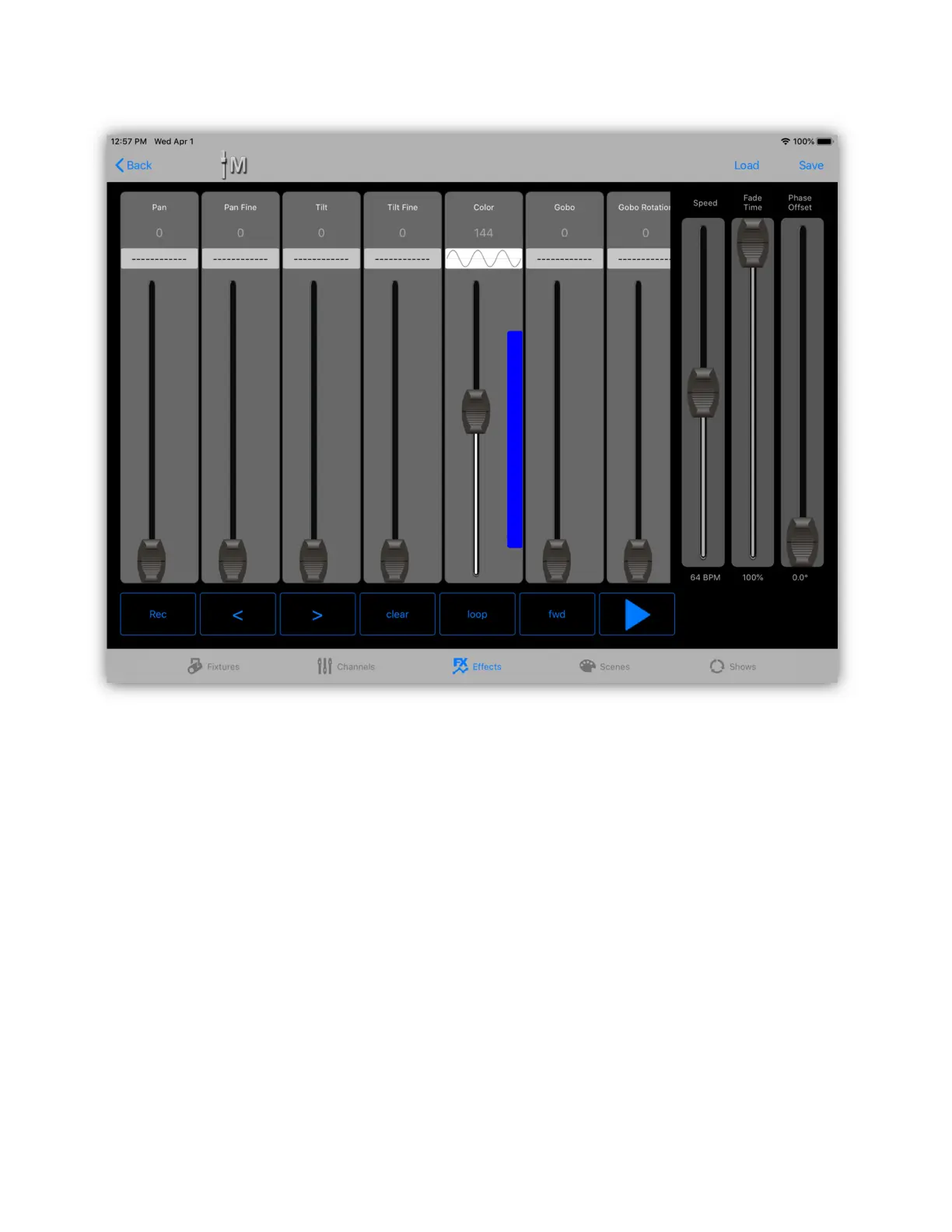
You can have as many or as few channels running waves as desired. To see the
waveform run, tap the play button in the lower right of the screen. You will need
to have some fixtures connected to actually see any phase offset you have added.
When using random waves the effect will pick random values within the bounds of
the blue stripe. If the phase control is set above the halfway mark, each fixture in
the effect will use different random values. If set below halfway, all fixtures will
use the same random value.
When using pulse waves, the width of the pulse can be adjusted by using the
pulse width control. Tap just above the phase fader on its label and the control
will switch to pulse width. You can use it to get a short or long pulse and anything
in between.



 To Next Page