80
Tap “Done” and then return to Locations and select ICloud Drive. In the ICloud
view you will see the files and folders you have stored there. Touch an open area
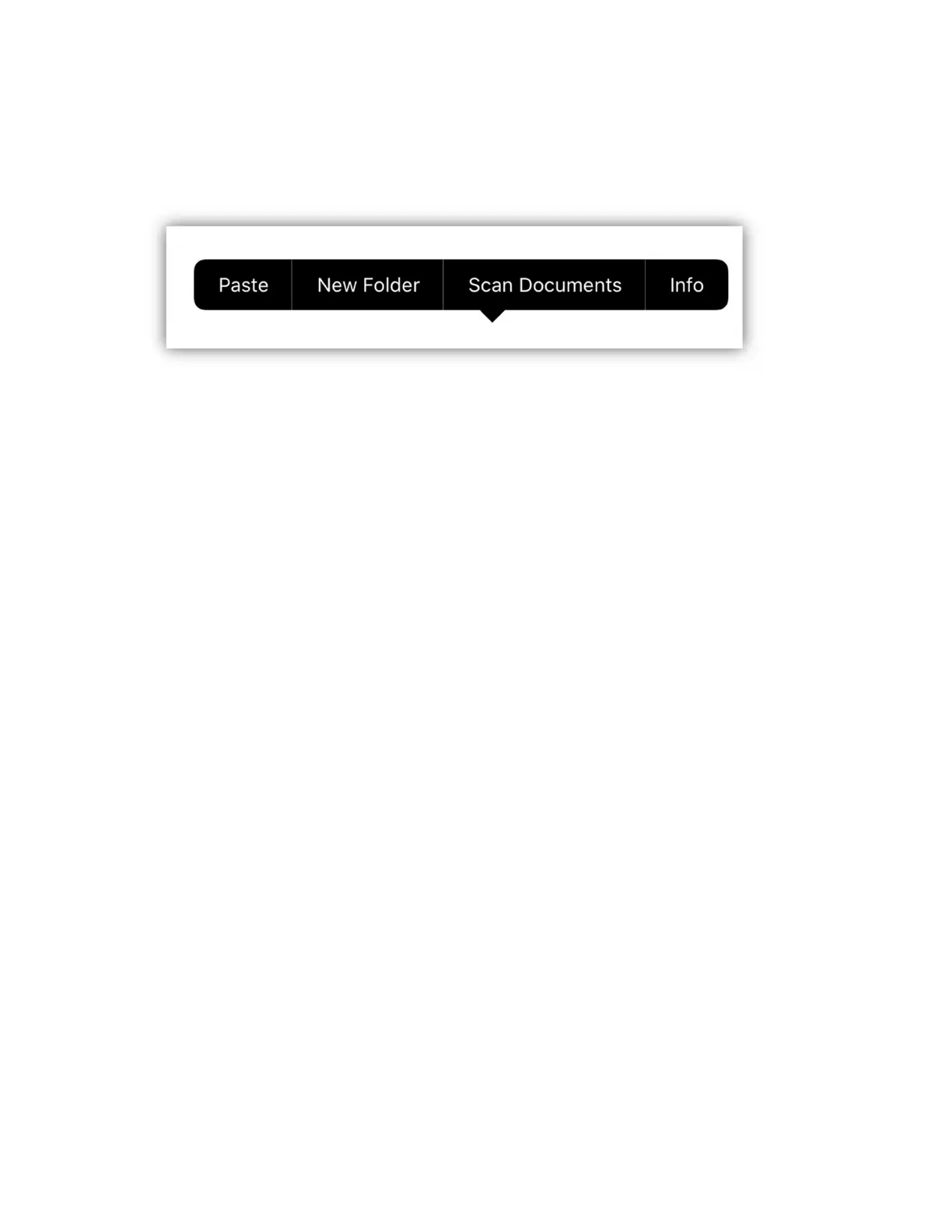
of the screen and hold your finger until you see the following popup.
Tap “New Folder” to make a folder to save your files. Finally open that folder,
touch and hold on an open area until you see the same popup and tap “Paste”. It
can take some time to copy the files depending on how many there are and your
internet speed.
This method can be used to copy your Airstream Link files from an old device to a
new device. Use the methods described in the previous paragraphs to copy all of
the Airstream Link files you have backed up on ICloud to the new Airstream Link
documents folder.
Note: You can reuse custom fixture profiles that you created in the original
Airstream DMX app or the Airstream Pro app by copying and pasting them from
one profiles folder to the other. Only profiles can be shared between the three
apps. Things like scenes, effects and shows are not compatible.



 To Next Page