409
ADOBE ILLUSTRATOR CS2
User Guide
See also
“To adjust tracking” on page 387
“To display Asian type options” on page 406
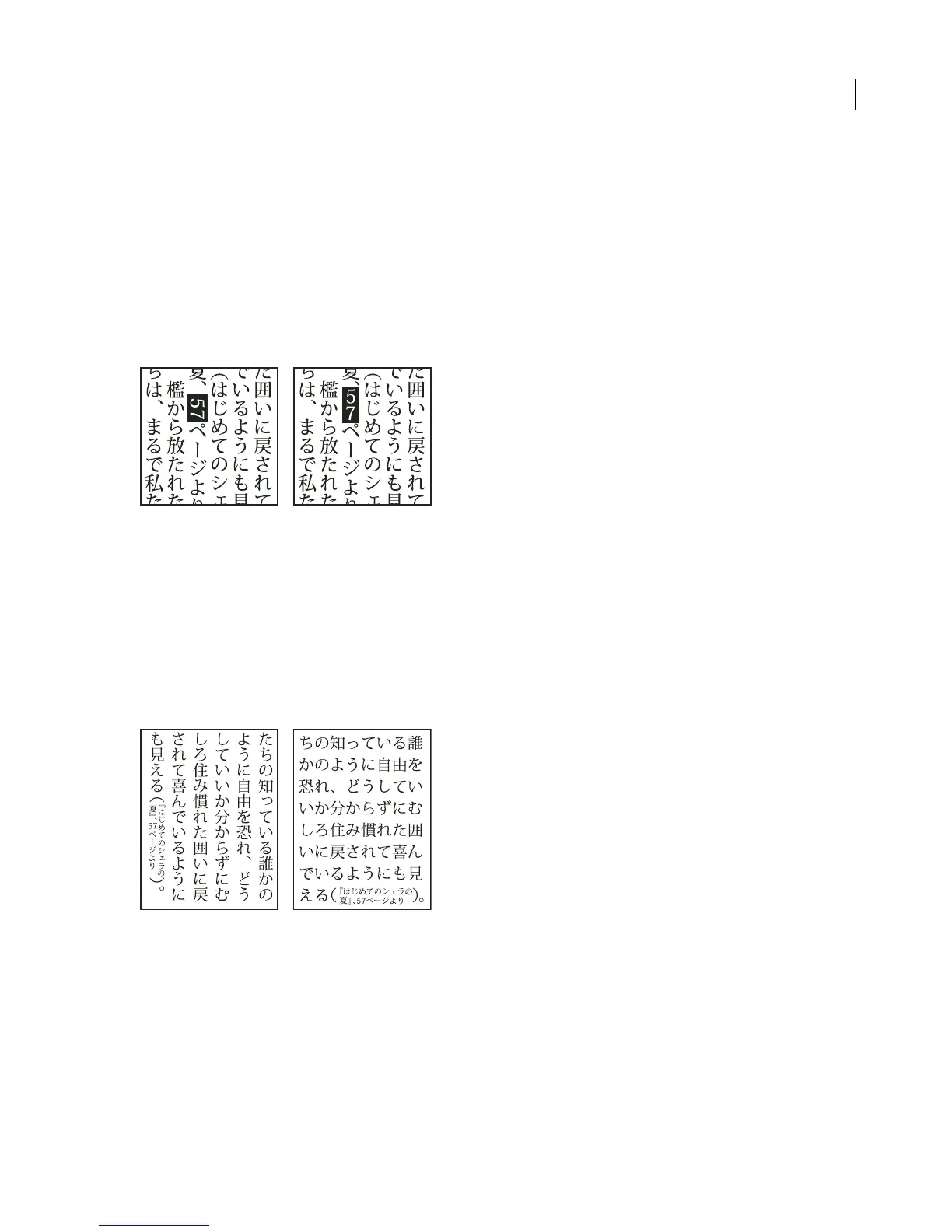
To rotate half-width characters in vertical text
The direction of half-width characters, such as roman text or numbers, changes in vertical text.
❖ Choose Standard Vertical Roman Alignment from the Paragraph palette menu.
When you set this option to on, half-width characters are rotated individually.
Roman text before and after rotation
See also
“To display Asian type options” on page 406
“To rotate type” on page 394
Warichu
The Warichu option in the Character palette decreases the type size of selected text to a percentage of the original
and stacks the type—horizontally or vertically, according to the orientation—on multiple lines.
Vertical and horizontal text with warichu
You can choose Warichu from the Character palette menu, while you have text selected, to turn Warichu on or off,
and you can select Warichu Settings from the Character palette menu to set the following options:
Lines Specifies how many lines of text will appear as warichu characters.
Line Gap Determines the distance between the lines of warichu characters.
Scale Sets the size of warichu characters as a percentage of the size of the parent text.



 To Next Page