Operating the touchscreen, front keys
Page 42 of 178 DLT-V83 Series Manual V1.31 Advantech-DLoG
Key on the right of the device:
Key Explanation
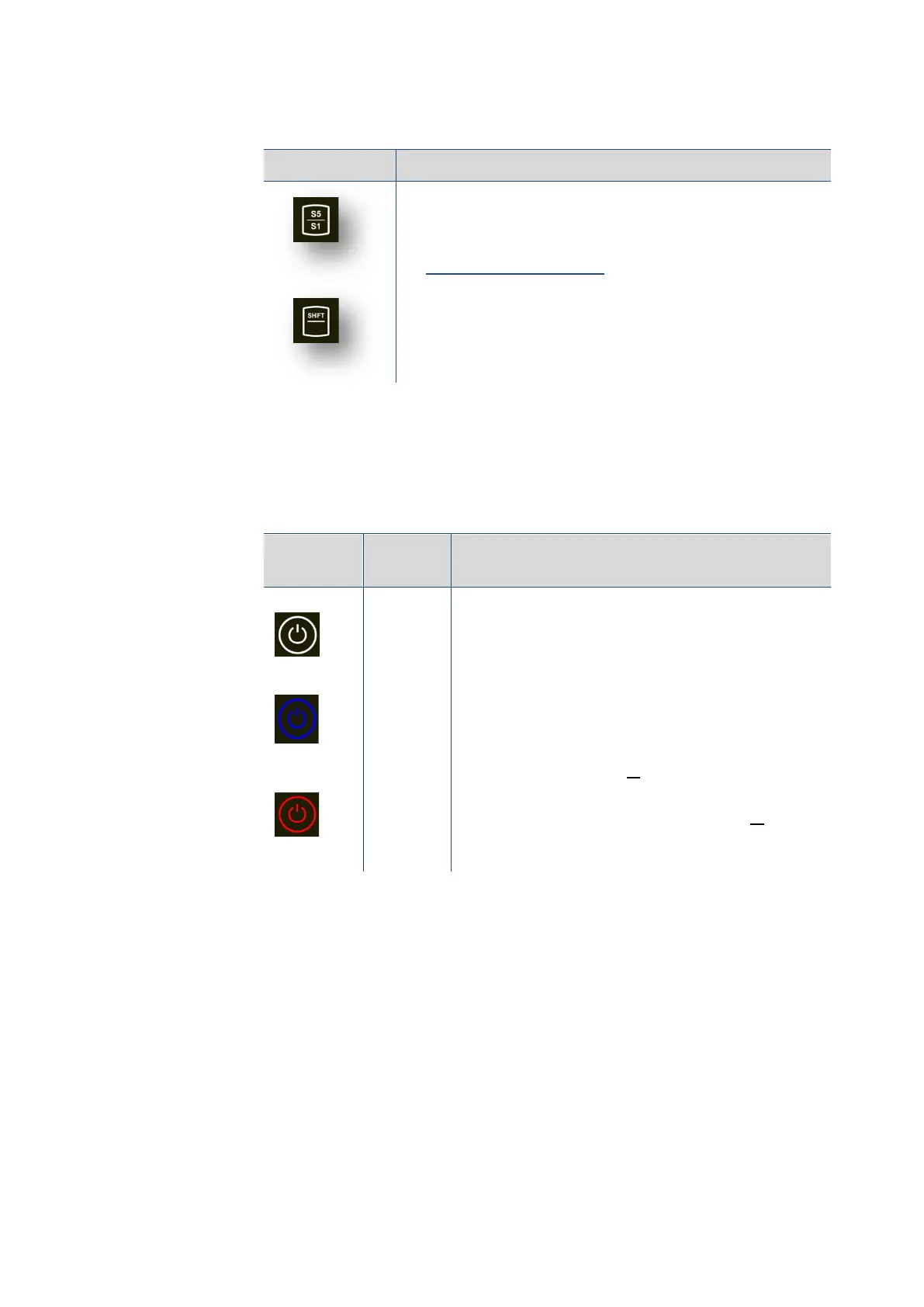
Special keys <S1> to <S8>
These keys are configured with the "DLoG Config" program;
the associated manual is available in the Download Center
at: www.advantech-dlog.com.
Shift key
<Shift> is activated when the key lights up white.
This allows access to the functions <S5> to <S8>.
5.4.3. Operating states
<Power>
key
Color Explanation
White
When the <Power> button is pressed briefly, it lights
up white.
Important: To start the device, the key must be held
pressed for at least 2 seconds.
Blue
Once the device boots, all keys light up blue until the
device is switched off again.
Red
Indicates a temperature in the device that is below
or above the normal range.
Computer will only start if the temperature in the
device is in the range between -30 and +62 °C
again.



 To Next Page