Mounting (mechanical and electrical)
Advantech-DLoG DLT-V83 Series Manual V1.31 Page 85 of 178
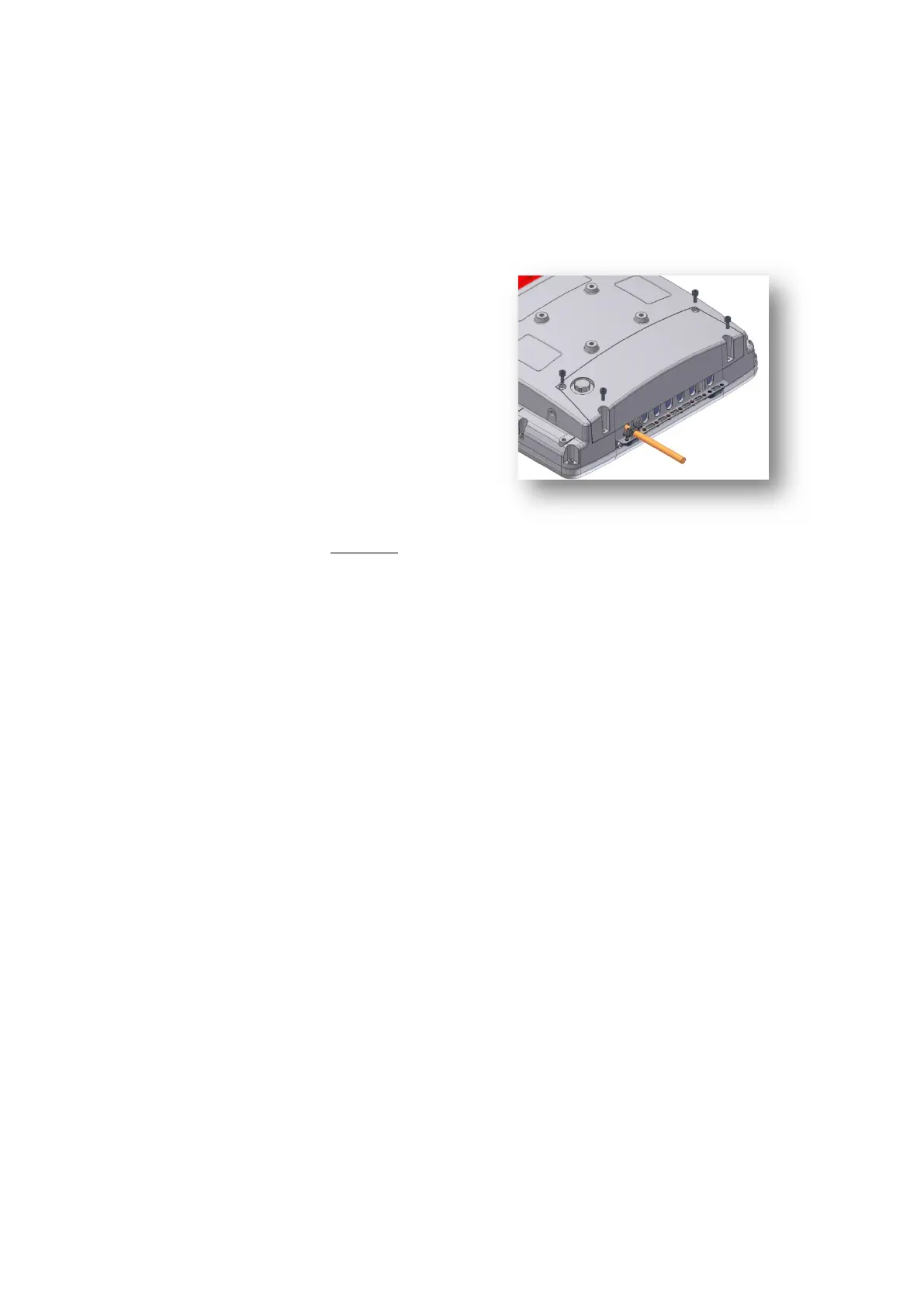
7.8.4. Attaching the cable cover (without integrated UPS)
Carefully mount all cables, see
Section7.8.3. Attaching cable
grommets and fixing strain relief in
place.
Place the cable cover in the DLT-
V83 housing slot.
Place 4 cylinder head screws ISO
4762-M4x10-A2 in the holes of the
cable cover.
Loosely tighten the screws.
Then fully tighten the screws with
3 Nm torque crosswise.
Fig. 7.13: Screwing the cable cover into place



 To Next Page