Operating the touchscreen, front keys
Page 38 of 178 DLT-V83 Series Manual V1.31 Advantech-DLoG
5.3.3. Device with 5 front keys
Left on the device:
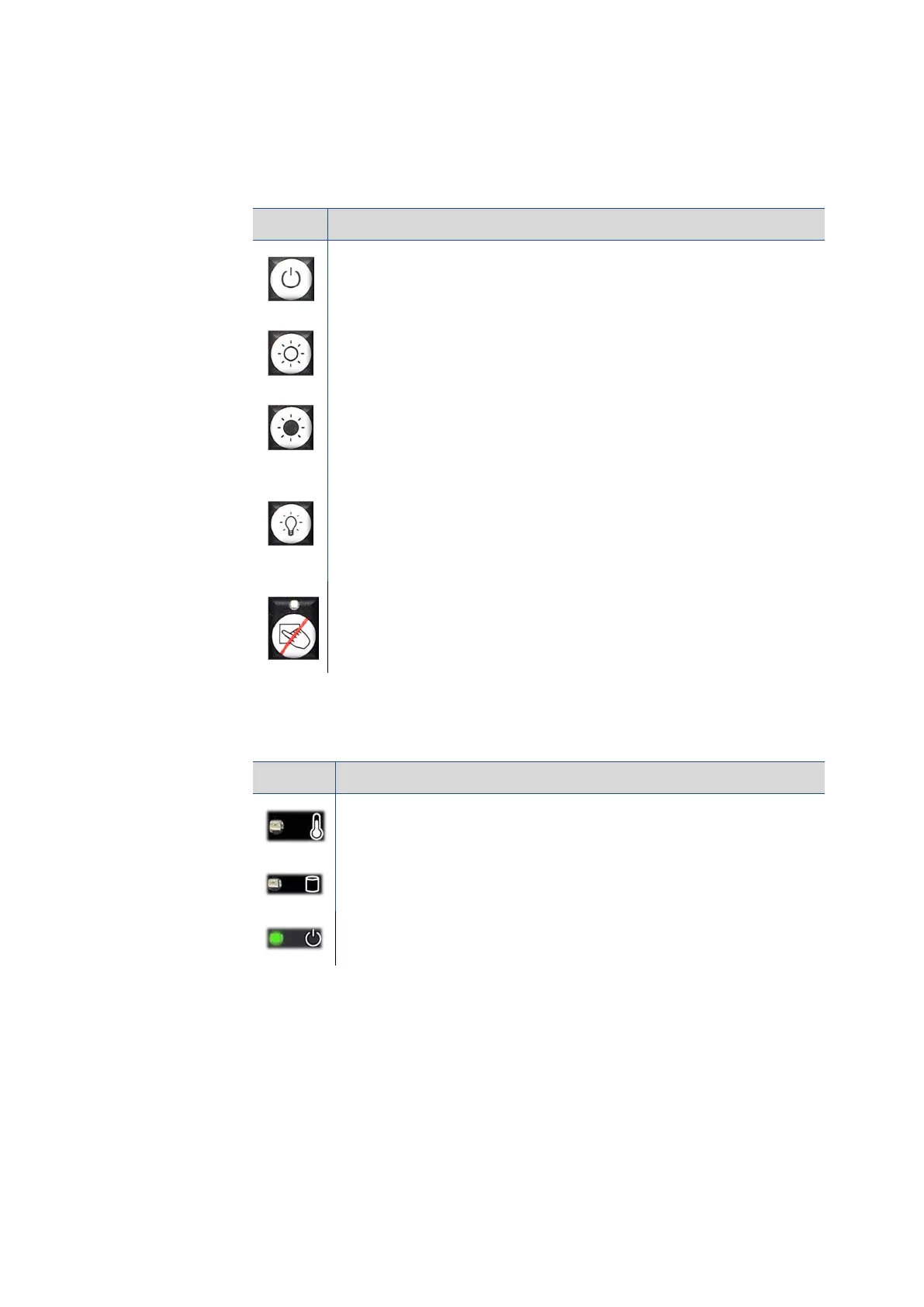
Key Explanation
<Power> button, switch device on/off
Manual brightness control: Display brighter
Manual brightness control: Display darker
Backlight switch on/off
Note: The DLT-V83 will continue to react to keyboard, mouse and
touchscreen inputs even if the backlight is switched off.
Touch activate/deactivate
LED on (orange): Touch deactivated
LED off: Touch activated
LED Explanation
LED (red): Indicates a device temperature outside the normal range
LED (green): Indicates access to the flash drive
LED (green): Display of available internal supply voltage



 To Next Page