Operating the touchscreen, front keys
Advantech-DLoG DLT-V83 Series Manual V1.31 Page 43 of 178
5.5. Software keyboard (optional)
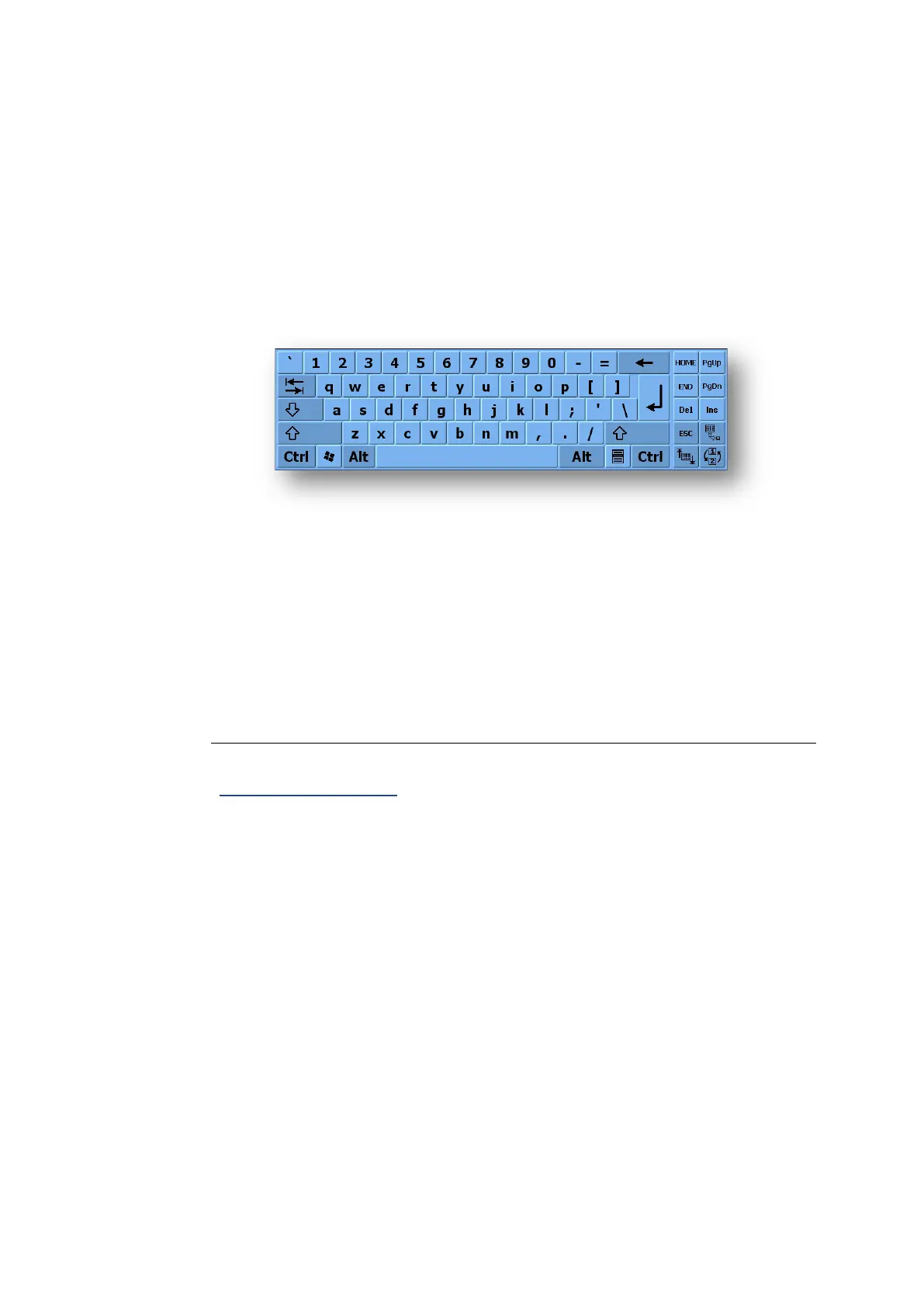
The optional DLoG software keyboard brings the complete standard keyboard with
function keys and numeric pad directly to your DLT-V83 screen – with easy touch
operation. Any entries made, for example, letters and numbers, are passed to the
currently active application program.
Example for a software keyboard (the layout can be configured individually):
Fig. 5.4: Software keyboard
If the software keyboard was ordered together with the DLT-V83 industrial PC, then the
program will have been fully pre-licensed by the Advantech-DLoG production
department. For subsequent installation, an installation program is available.
TIP: Download the software keyboard manual
The manual for the DLoG software keyboard is available in the Download Center at
www.advantech-dlog.com.



 To Next Page