80 Agilent Restricted Agilent 5110/5100 ICP-OES Service Manual
4 Removal/ Installation, Replacement and Adjustment
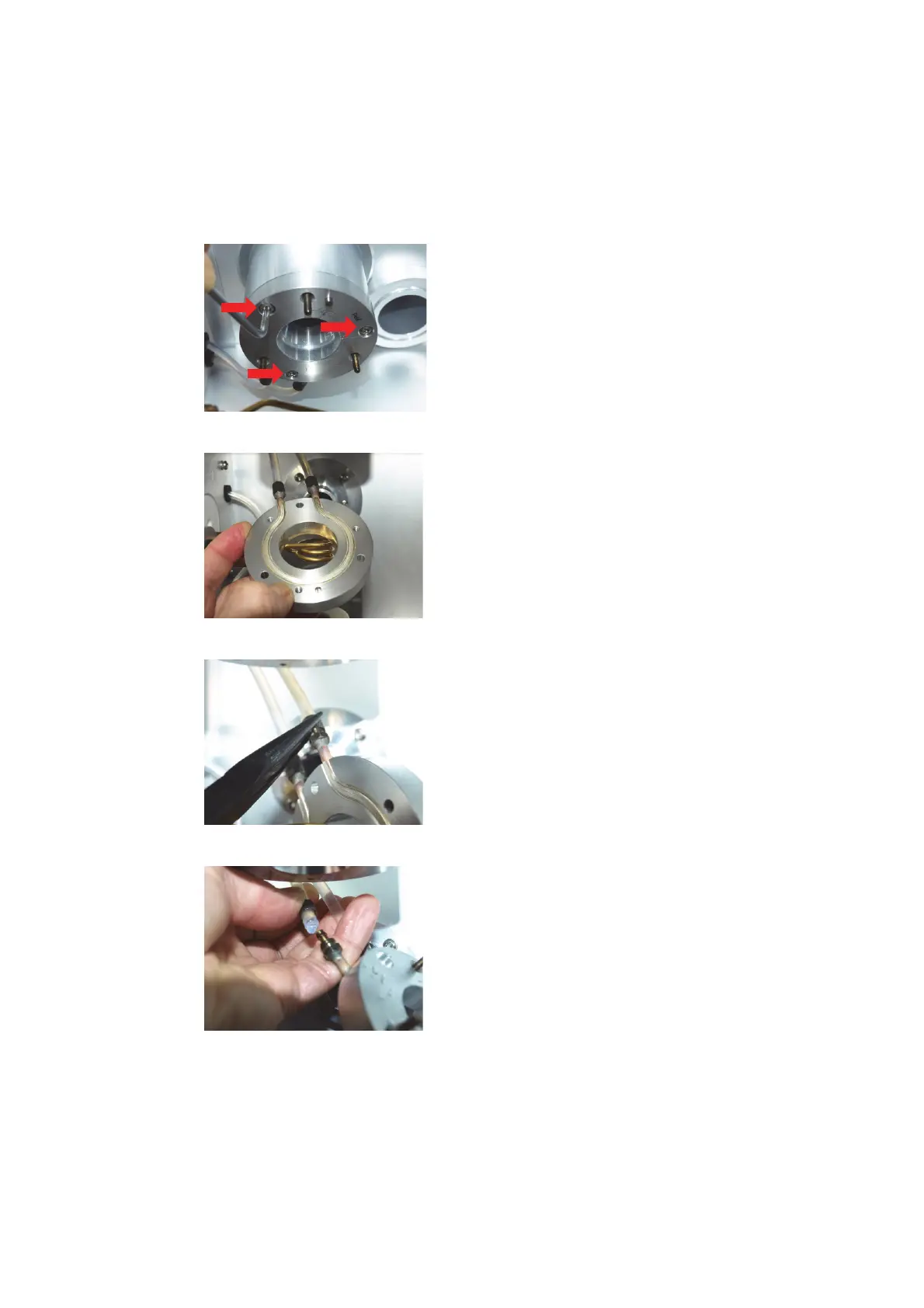
Axial Cone Cooling interface
Axial Cone Cooling interface
1 Switch off water supply.
2 Remove 3 Torx 20 screws that secure the interface.
3 Remove interface from studs.
4 Using pliers unscrew knurled nuts that hold tubing to nipple.
5 Remove both tubes from nipples.



 To Next Page
 Loading...