Contact: AIRSYS North America Phone: (855) 874-5380 Page 41 of 112
Email: ASNSupport@air-sys.com Web: http://airsysnorthamerica.com Rev 1.15
11. If more than four units need to be configured, press Enter until the cursor is blinking in the upper
left corner and press Down to access additional units. Repeat steps 6-9 for all units that need to
be configured.
Match Unit ID with IP Address
Note: This step can be skipped if the address of the unit was not changed from the default 172.168.11.X
where X is the unit #.
The IP address of each unit must be matched to a unit ID. When this step is done, each unit will have a
corresponding IP address.
1. Hold the Esc button until the main screen is displayed.
2. From the Main Screen, press Prg and enter the password (0004).
3. Press Down until the cursor is over “Control Config” and press Enter.
4. The cursor should be over “Network”. Press Enter.
5. Press Down until the cursor is next to “Network configuration”
6. Press Enter until the cursor is next to “Unit ID”.
7. Use the Up and Down buttons to select a Unit ID and press Enter to confirm.
8. Press Enter until the cursor is over the IP address.
9. Use the Up and Down buttons to change the value of each part of the IP address. When finished,
press Enter to move to the next part of the IP address.
10. Once done, repeat steps 5-8 until each Unit ID in the control network has been assigned an IP
address.
Turn the HVAC System On
1. Press Esc until the main screen is displayed.
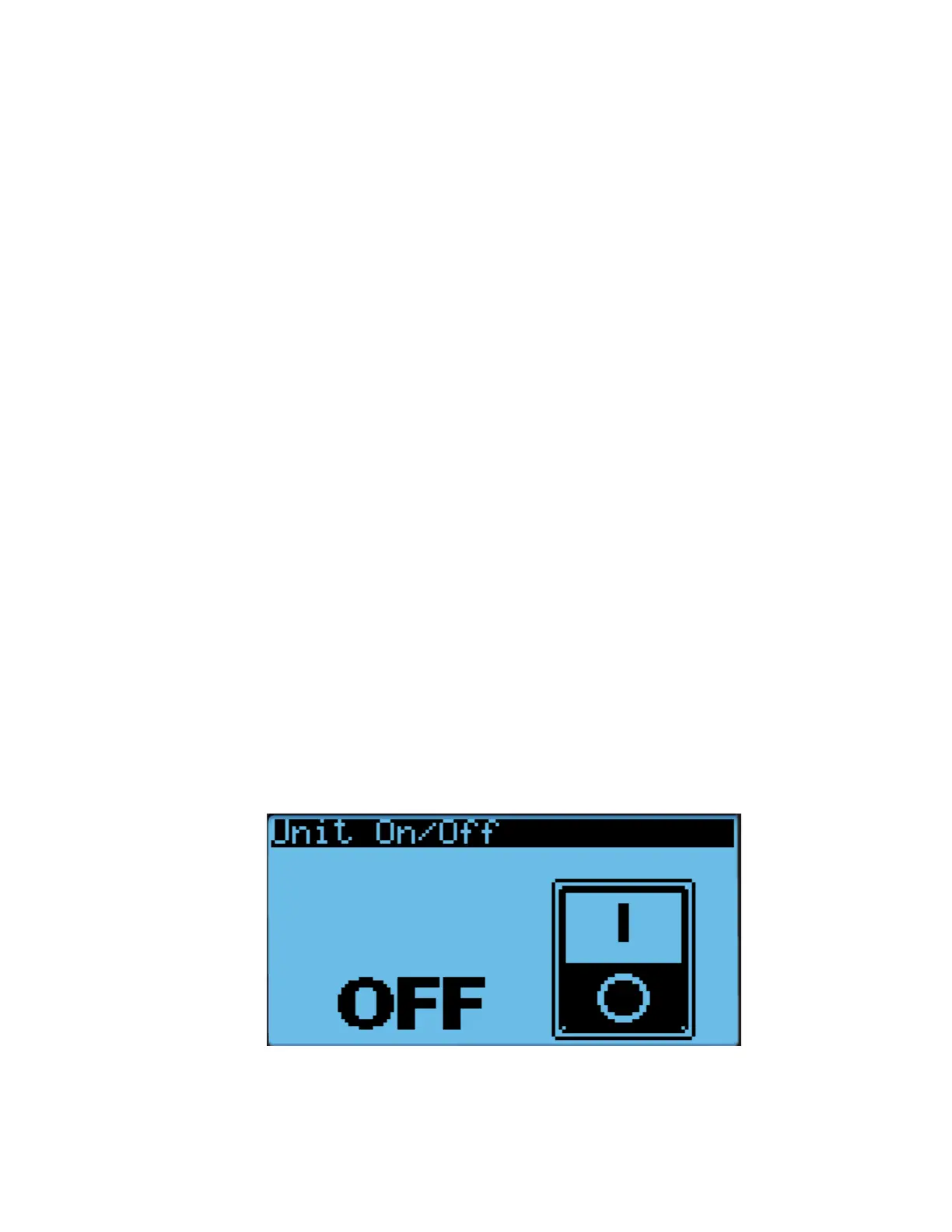
2. Press Down until a power icon is displayed in the lower right corner of the display.
3. Press Enter.
4. Press Up until ON is displayed and then press Enter.
Figure 19: On/Off Screen



 To Next Page