Contact: AIRSYS North America Phone: (855) 874-5380 Page 54 of 112
Email: ASNSupport@air-sys.com Web: http://airsysnorthamerica.com Rev 1.15
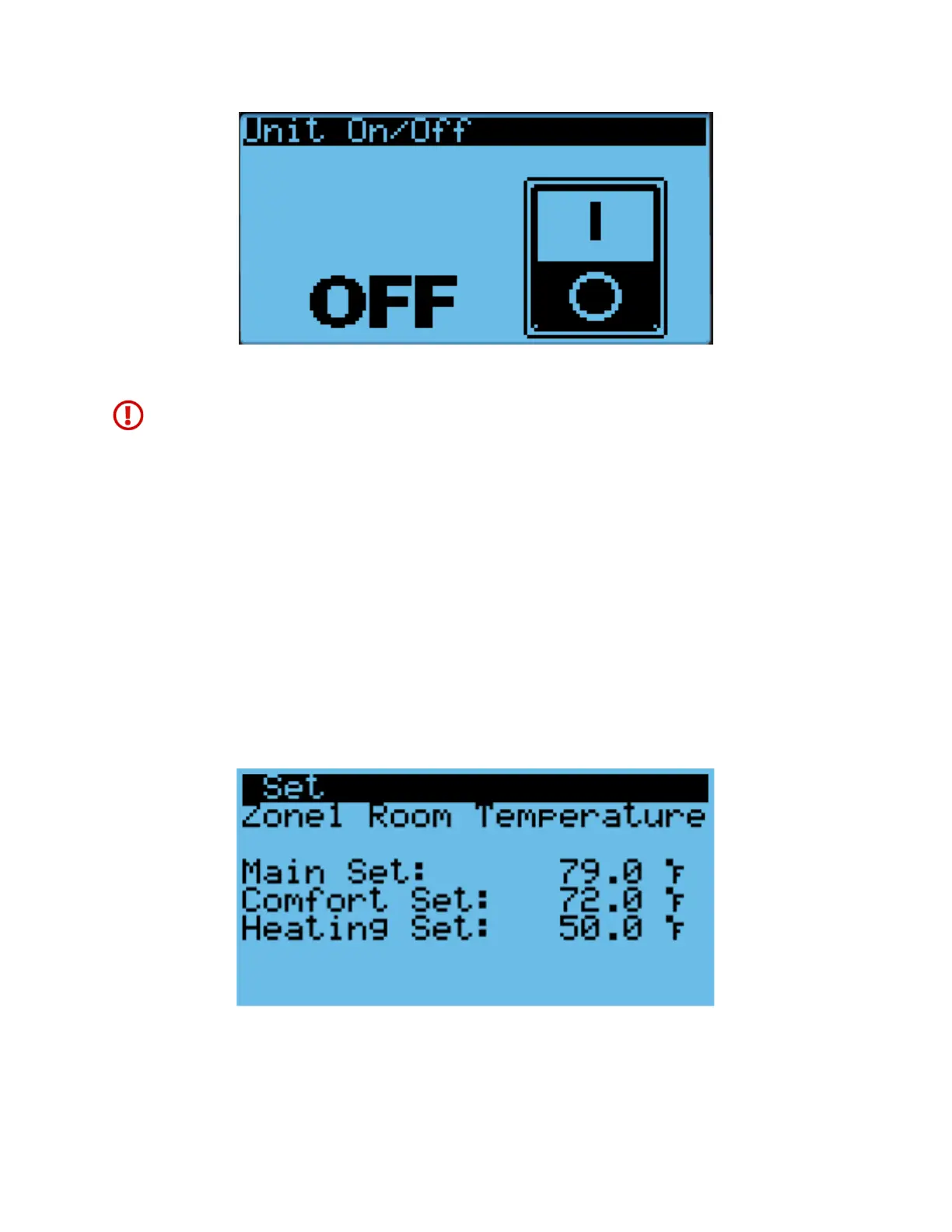
Figure 24: On/Off Screen
Warning. Never leave the site with the HVAC system in the off state. The site will have no
temperature control, which likely will result in an urgent site visit to correct.
Changing the Setpoint and Free Cooling Humidity Limit
The cooling, heating, and comfort mode setpoints for each zone can be independently adjusted from the
controller. In addition, the free cooling humidity limit can be adjusted, but will apply for the whole
network.
1. Hold the Esc button until the main screen is displayed.
2. Press Up or Down until the Set is displayed in the bottom right of the screen and press Enter.
3. Press Down until the desired zone is selected. The screen should display “ZoneX Room
Temperature”. Press Enter.
4. Press Enter until the cursor is next to the desired setpoint.
5. Press Up or Down to change the setpoint and press Enter to confirm.
6. If setpoints for more than one zone need to be configured, press Enter until the cursor is in the
upper left corner and repeat steps 3-5.
Figure 25: Setpoint Screen



 To Next Page