Contact: AIRSYS North America Phone: (855) 874-5380 Page 66 of 112
Email: ASNSupport@air-sys.com Web: http://airsysnorthamerica.com Rev 1.15
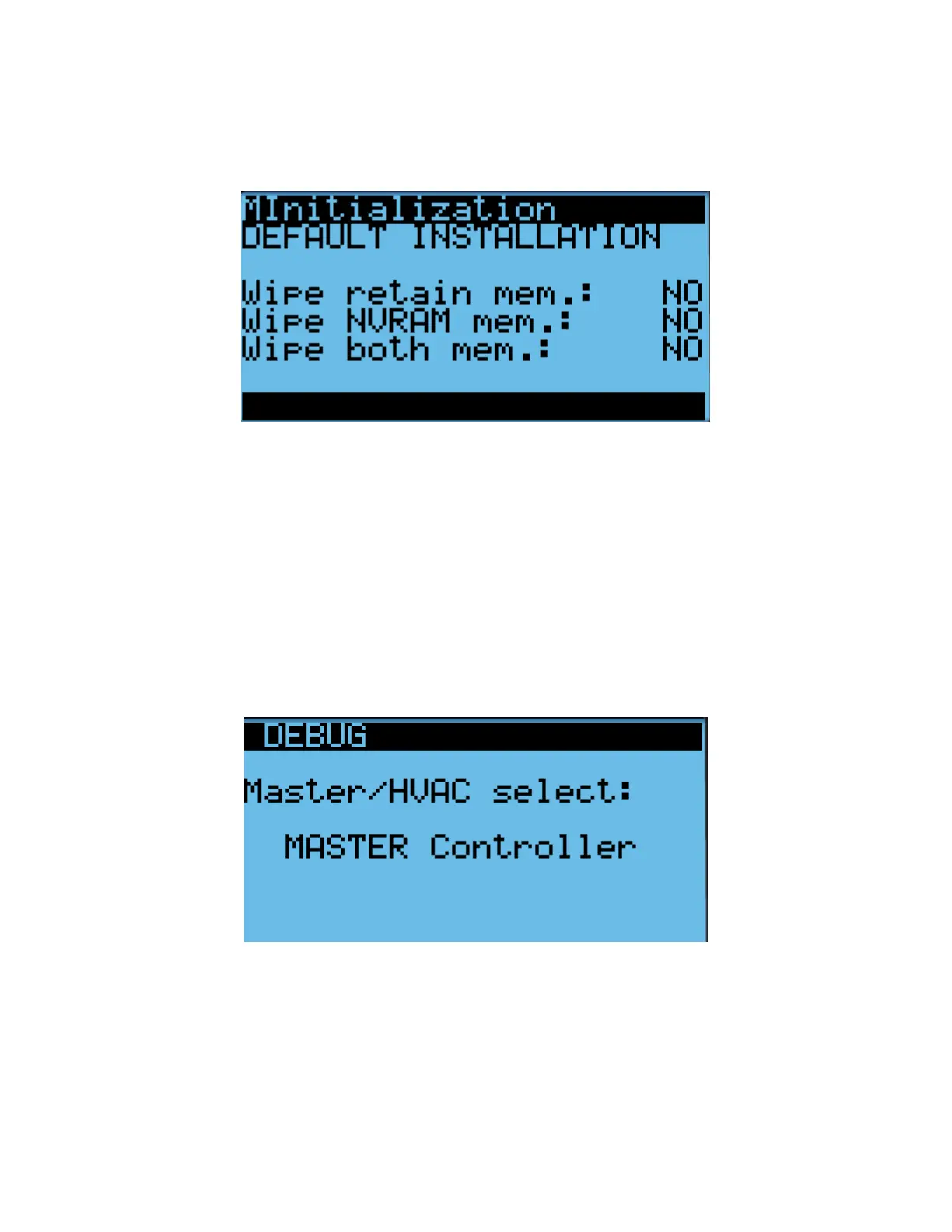
6. Press Enter until the desired option is selected.
7. Press Up or Down until “NO” becomes “Yes” and press Enter.
8. Wait for the system to automatically reboot and follow the on-screen instructions if given.
Figure 34: Factory Reset Screen
If performing a factory reset on a unit, cycle the unit breaker after the reset is complete. This is necessary
for the unit to receive system setpoints from the controller.
Set the Master
If performing a factory reset on the controller, it must be set to “Master” after the reset is complete. Do so
through the following steps:
1. Press the Up and Down buttons at the same time to enter the Debug Menu.
2. Press Down to scroll to Master/HVAC Select and press Enter.
3. Press Down until “Master” is selected and press Enter to confirm.
Figure 35: Set the Master



 To Next Page