Contact: AIRSYS North America Phone: (855) 874-5380 Page 55 of 112
Email: ASNSupport@air-sys.com Web: http://airsysnorthamerica.com Rev 1.15
To change the free cooling humidity limit, repeat steps 1-3, but scroll to the screen that reads “Outdoor
Humidity” Then press Enter and use the Up and Down keys to adjust the humidity limit. Press Enter to
confirm.
Using Comfort Mode
The settings on the HVAC system are optimized for operating efficiency and not for human comfort.
When working inside the shelter for extended durations, the site temperature can be temporarily adjusted
using the comfort mode setting.
1. Hold the Esc button until the main screen is displayed.
2. Press Up or Down until the
Cft
is displayed in the bottom right of the screen and press Enter.
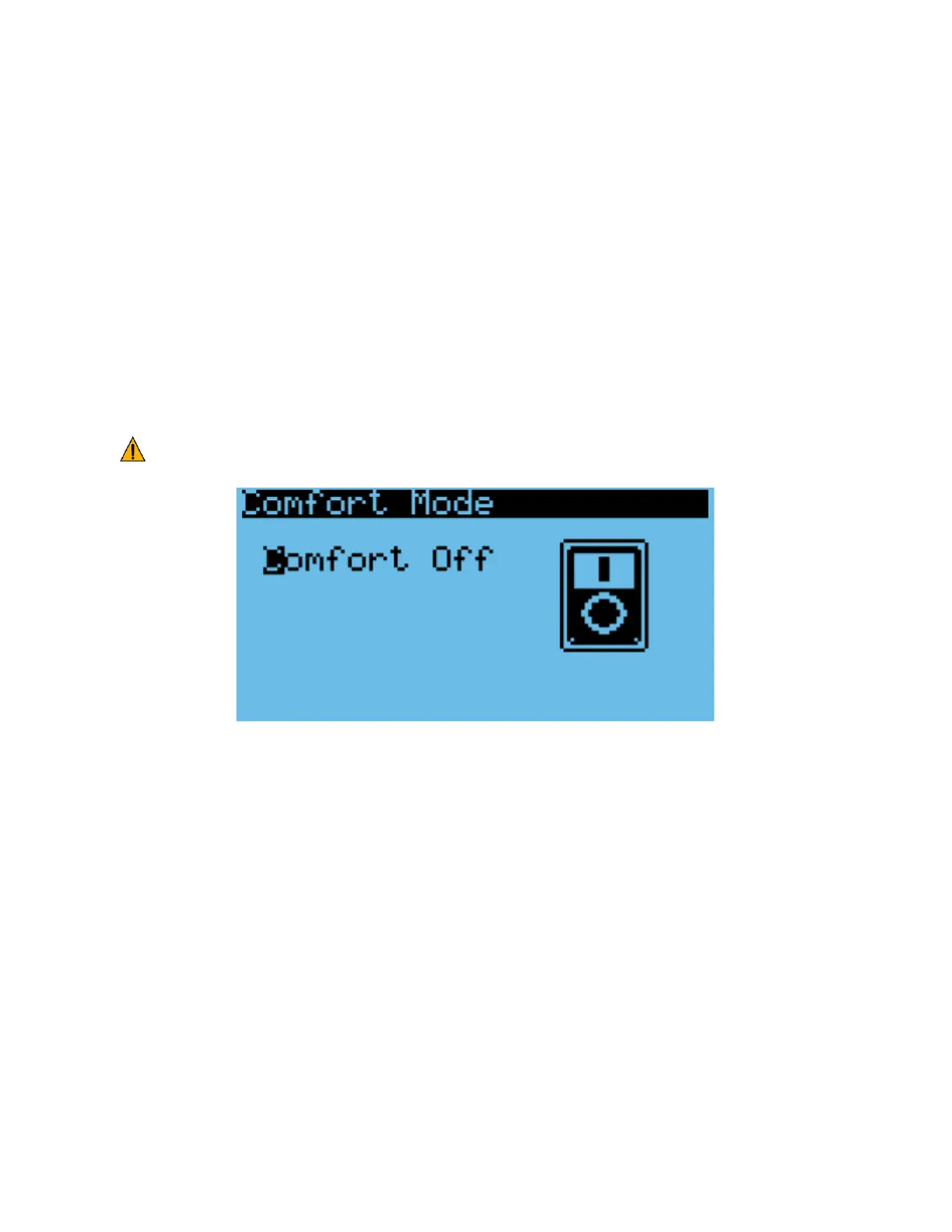
3. Press Up or Down to switch between Comfort and normal mode, press Enter to confirm.
To change the comfort mode setpoint, see “Changing the Setpoint and Free Cooling Humidity Limit”.
Important. If the HVAC system needs to cool aggressively to reach the comfort mode setpoint,
multiple WPUs may go into mechanical cooling.
Figure 26: Comfort Mode Screen
Changing System Units
By default, the system operates using units of °F and psi for temperature and pressure. These can be
changed to metric units if desired.
1. Hold the Esc button until the main screen is displayed.
2. Press Up and Down together to enter the debug menu.
3. Press Down, the screen should display “No Conversion”.
4. Press Enter until the cursor is on the row below “Current UoM”
5. Press Up or Down until the desired unit conversion is shown and press Enter.



 To Next Page