Contact: AIRSYS North America Phone: (855) 874-5380 Page 56 of 112
Email: ASNSupport@air-sys.com Web: http://airsysnorthamerica.com Rev 1.15
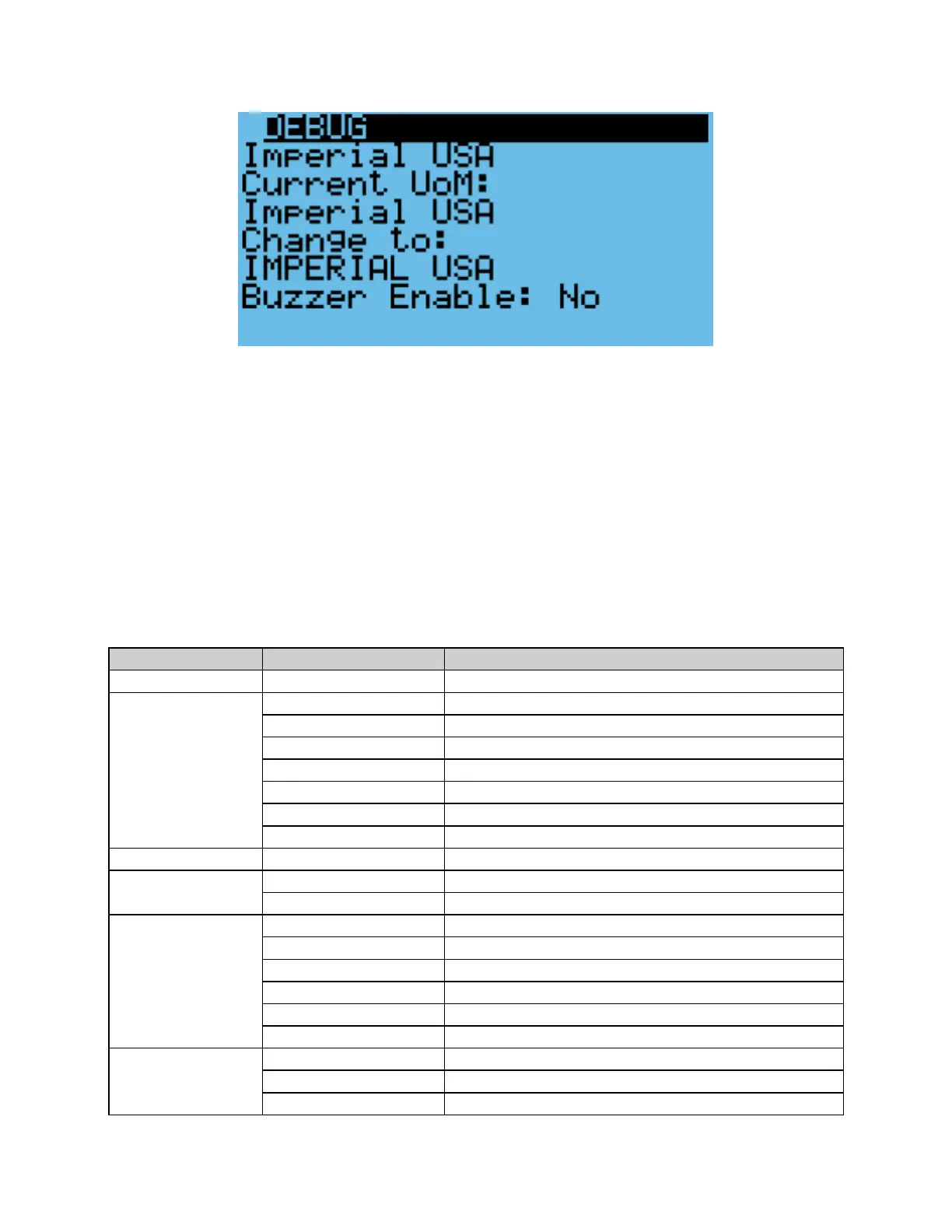
Figure 27: Unit Selection Screen
Viewing Controller Information
System information such as unit status and energy consumption as well as controller status can be viewed
from the controller. See
Table 12 for a complete list of information viewable from the controller. All parameters are read-only.
1. Hold the Esc button until the main screen is displayed.
2. Press Up or Down until i is displayed in the bottom right of the screen and press Enter.
3. Use the Up or Down buttons to scroll through the menu screens.
Table 12: Controller Info Menu



 To Next Page