Contact: AIRSYS North America Phone: (855) 874-5380 Page 52 of 112
Email: ASNSupport@air-sys.com Web: http://airsysnorthamerica.com Rev 1.15
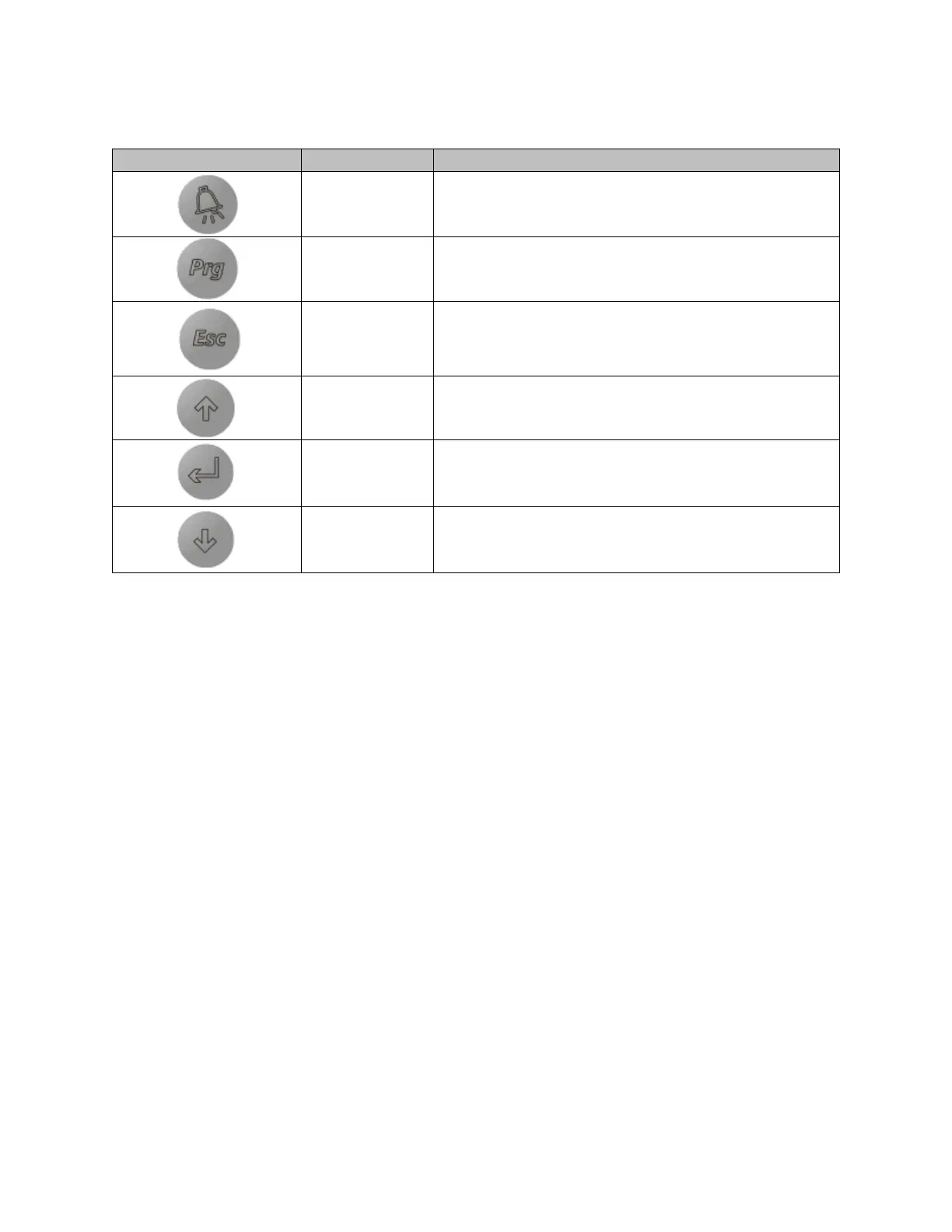
Table 10: PGD Button Actions
Navigating Menus
The user interface is broken down into main menus and program menus. Main menus are accessed
through the main screen, while program menus are accessed through the program menu selection screen.
Please note the following when navigating the menus:
The current position in the menu is marked by a blinking cursor.
• When the cursor is in the top left corner of the screen, press Up or Down to navigate to different
menu screens.
• To enter a menu screen, press Enter.
• When inside the menu screen, press Enter to scroll through the different parameters.
• After the desired parameter is selected, press Up or Down until the desired setting is selected
and press Enter to confirm.
• To exit a menu screen, press Enter until the cursor is in the top left corner. The Up and Down
buttons can then be used to navigate to different menu screens.
Main Screen
The Main Screen is displayed by default upon system startup. It can also be accessed from any point by
holding the Esc button.



 To Next Page