Chapter 4 Web Access
36 OmniTouch Fax Server User Guide - 8AL_90216_USAA ed.01
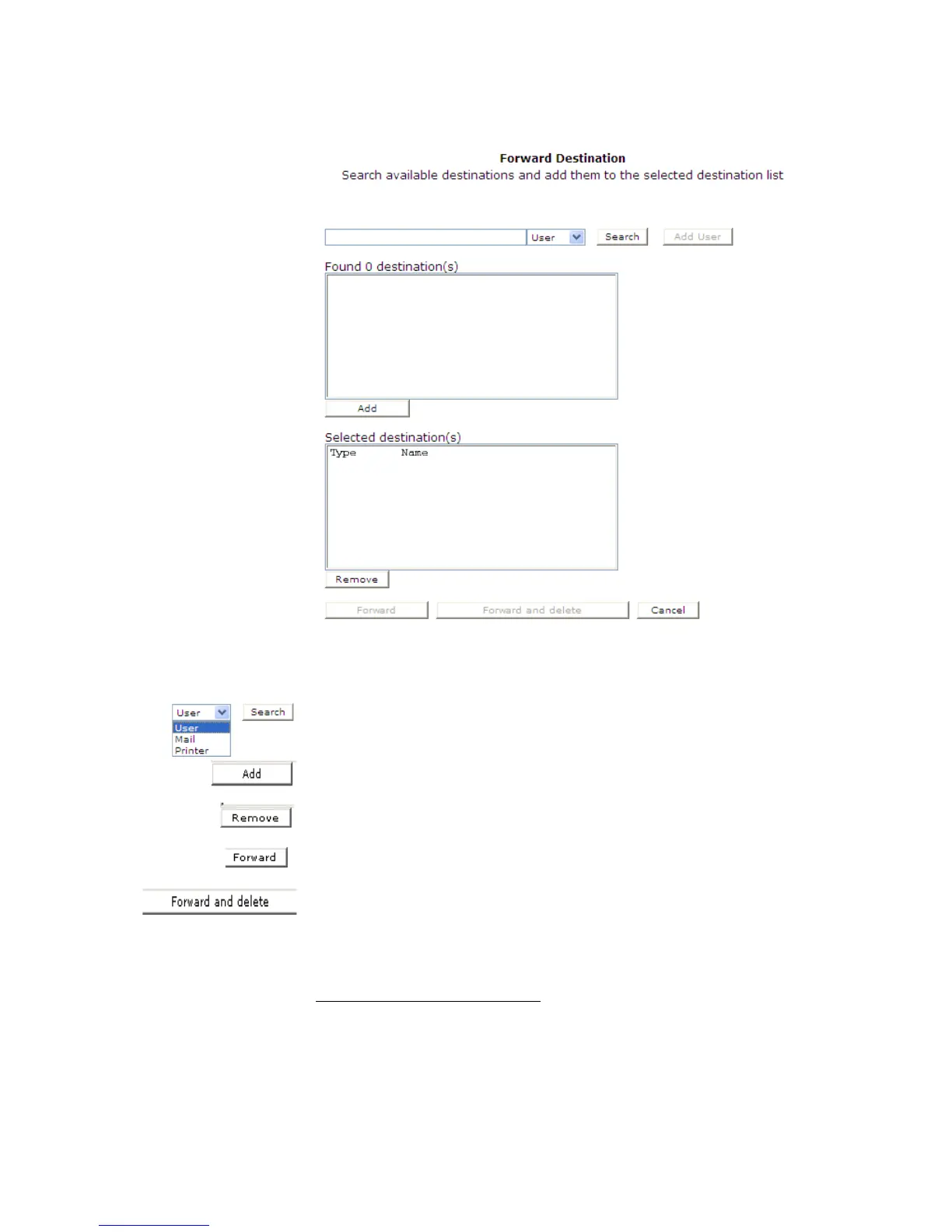
The user selects an appropriate notification destination.
1
The
choices are User, Mail and Printer. By clicking on the Search
button, a list of the possible destination(s) is displayed.
User must select the destination and click the Add button.
If an incorrect destination is selected, just click the Remove button
and reselect.
Clicking on the Forward button reroutes the fax(es) to the
recipient(s’) Inbound History Current view.
To forward and delete a fax, the user must be in the Inbound
History Current view and click on the Forward and delete
button. The fax(es) are forwarded to the selected recipient(s) and
also sent to the originator’s Inbound History Deleted view.
1. Notification destinations are resources to which incoming fax
feedback notifications can be sent.



 To Next Page