To Exit Factory Test
To exit a test step, disconnect the machine from electrical power.
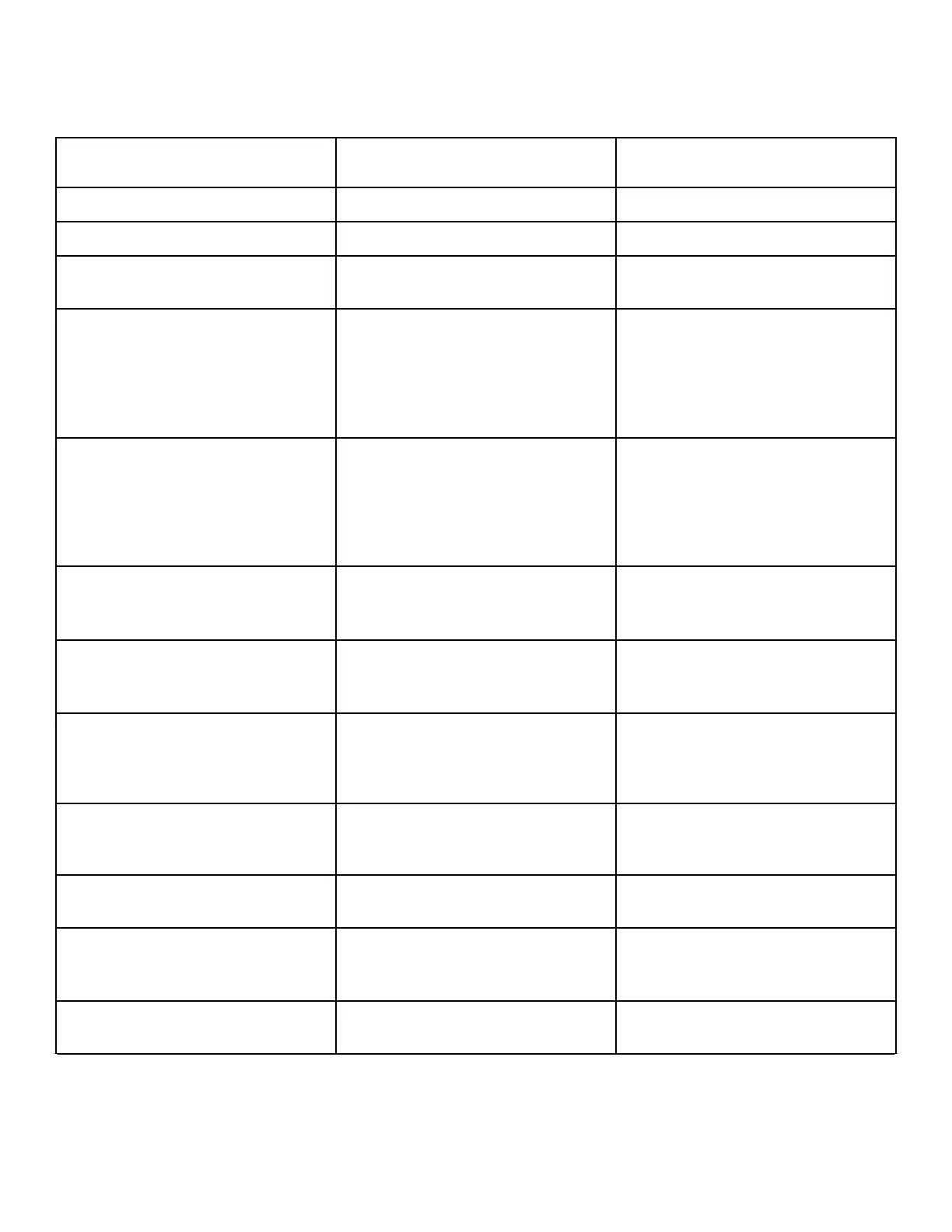
Factory Test Quick Reference Chart
Display Test Mode Comments
FL
Control Type FL is the control type.
SXXX
Software Version Number XXX is the control version number.
Ax
Control Level The control will display the control level
as Display 1.
drAi or PUNP
Drain Type
The control will show drAi if it is con-
figured for a gravity drain. It will show
PUNP if it is configured as an electric
pump machine. The control will remain
in this mode until the Start keypad is
pressed.
HEAt
Heater Installed
The control will show HEAt if it is con-
figured for a Water Heater. The control
will skip this step if it is not configured
for a Water Heater. The control will re-
main in this mode until the Start keypad
is pressed.
v oP or v CL
Coin Vault Test
v oP is displayed when coin vault
switch is open. v CL is displayed when
coin vault switch is closed.
S oP or S CL
Service Door Switch Test
S oP is displayed when service door
switch is open. S CL is displayed when
service door switch is closed.
CXCX
Coin Drop Test X is the number of coins entered. Coin
drop #1 is shown on the left of the dis-
play and coin drop #2 is shown on the
right of the display.
PAXX
Keypad Test XX is the number of the keypad being
pressed. You need to press all keypads to
advance to the next step.
888888
Display Test All LEDs and display segments will
light.
droP or drCL
Door Switch Test
droP is displayed when loading door is
open. drCL is displayed when loading
door is closed.
dbXX
Driver Type and Driver Version Number Driver board version display when XX is
the driver software version number.
Table 31 continues...
Testing Machine and Electronic Control Functions
©
Published by permission of the copyright owner -
DO NOT COPY or TRANSMIT
107 Part No. 805405ENR5




 To Next Page