From
a
PC
Basic Operation
Initial
System
Start-Up
If
the system stops working properly, tum the ignition switch to off, and
then on again.
If
the system still does not work properly, reset the unit.
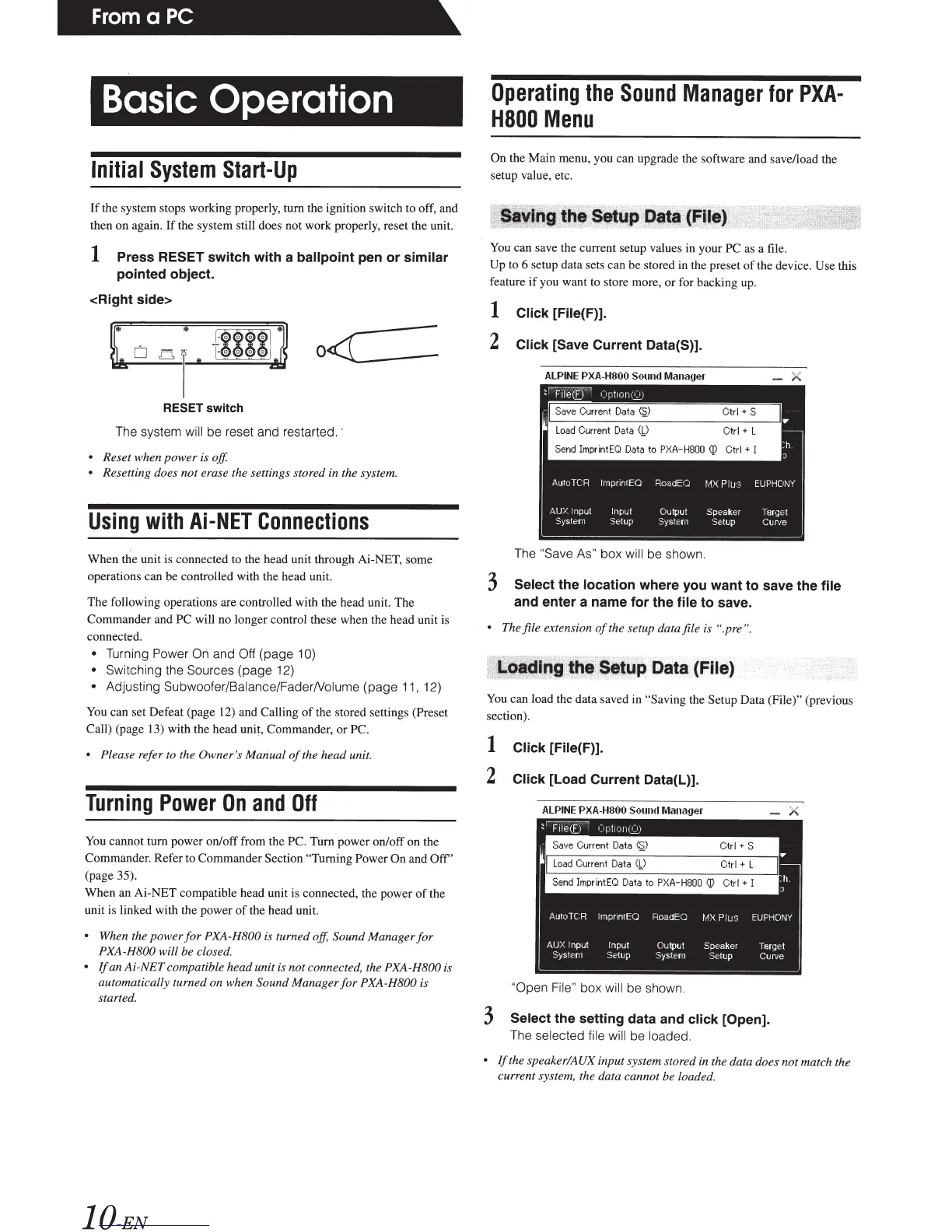
1 Press RESET switch with a ballpoint
pen or
similar
pointed object.
<Right side>
"
~
+
~$$$
/
o<C:
=
0
01
RESET
switch
The system
will be reset and restar
te
d.
•
Reset when power is
off
• Resetting does not erase the settings stored
in
the system.
Using
with
Ai-NET
Connections
When the unit is connected to the head unit through Ai-NET, some
operations can be controlled with the head unit.
The following operations are controlled with the head unit. The
Commander and PC
will no longer control these when the head unit
is
connected.
• Turning Power
On
and
Off
(page
10)
•
Switching
th
e Sources
(page 12)
•
Adjusting Subwoofer/Balance/FaderNolume
(p
age 11, 12)
You
can set Defeat (page 12) and Calling
of
the stored settings
(Preset
Call) (page
13)
with the head unit, Commander,
or
PC.
• Please
refer to the Owner's
Manual
of
the head unit.
Turning
Power
On
and
Off
You
cannot tum power on/off from the
PC.
Tum power on/off on the
Commander. Refer to Commander Section
"T
urning Power On
and
Off
'
(page 35).
When an Ai-NET compatible head unit is connected, the power
of
the
unit
is
linked with the power
of
the head unit.
•
When the power
for
PXA-H800
is turned off,
Sound Manager
for
PXA-H800
will be closed.
•
If
an
Ai-NET
compatible h
ead
unit is n
ot
connect
ed,
the PXA -H800
is
Operating
the
Sound
Manager
for
PXA-
H800
Menu
On
the Main menu, you can upgrade the software and save/load the
setup value, etc.
You can save the current setup values in your
PC
as a file.
Up
to 6 setup data sets can be stored in the preset
of
the device.
Use
this
feature
if
you want to store more, or for backing up.
1 Click
[File(F)].
2
Click [Save Current Data(S)].
The
"Save As"
box will
be
shown.
3
Select the location where you want to save the file
and enter a name for the file
to
save.
• Theftle
extension
of
the setup data file is
".pre".
You
can load the data saved in
"Saving
the
Setup
Data (File)" (previous
section).
1
Click [File(F)].
2
Click [Load Current Data(L)].
X
automatically turned on when
Sound
Manager
for
PXA-H800
is
"Open File"
box
will
be shown.
start
ed
.
10-EN
3
Select the setting data and click
[Open).
The
selected file will
be
loaded.
•
If
the speaker/AUK input system stor
ed
in
the data does not match the
curre
nt
system, the data cannot be loade
d.














 To Next Page