105
Chapter 3 Handling
3
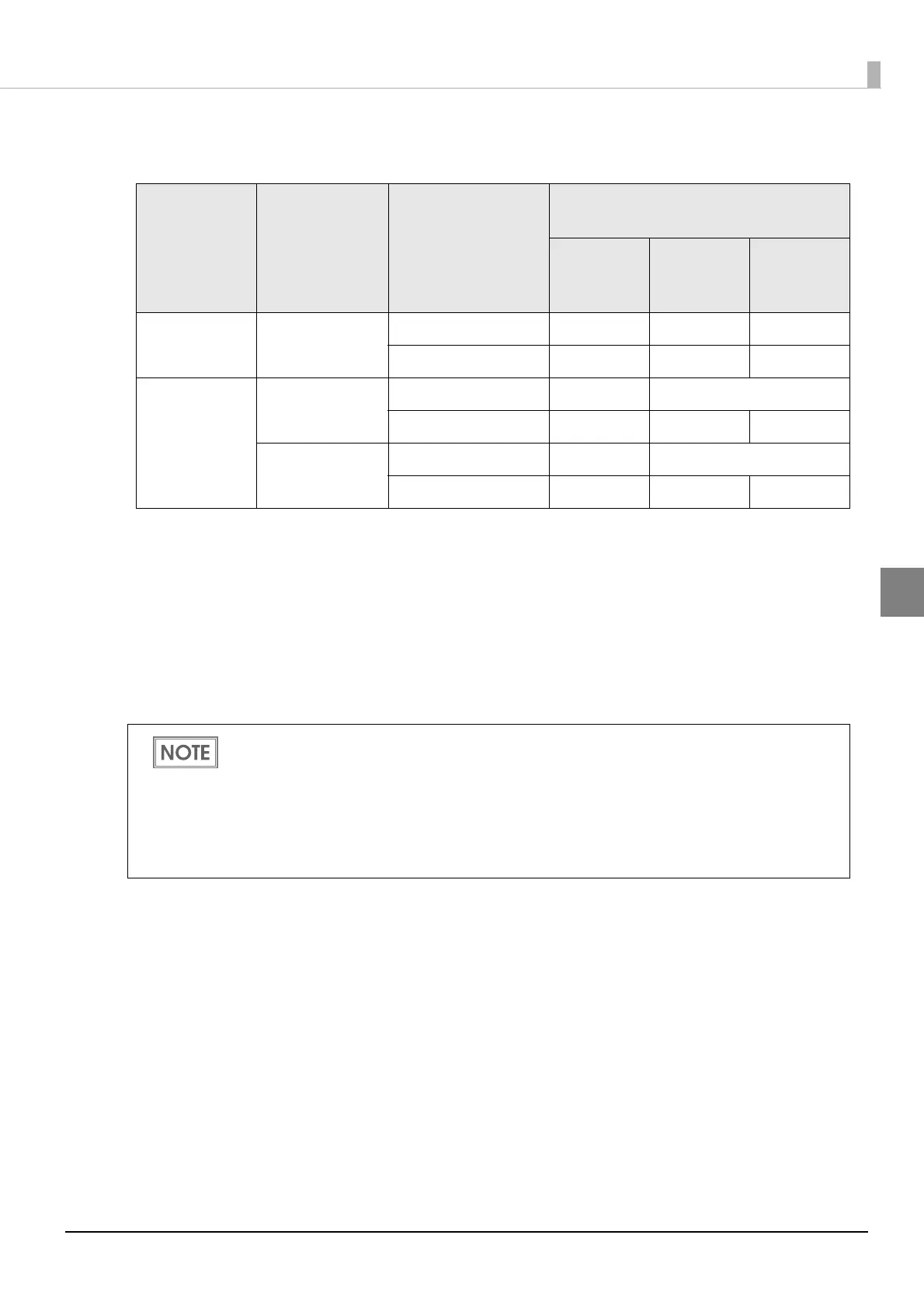
•Recommended value for setting the barcode/2D symbol font (2D symbol of matrix type)
(AztecCode, QRCode)
- : Not supported.
*
1 : Whether paper feed is performed during printing 2D symbol can be checked in [Display
Media Feed Position] - [Display Print Preview] in the Print Preview function. For this
function, see "Print Preview" on page 110.
*2: Only QRCode is confirmed.
3
Click [Add].
The selected 2D symbol font is saved and the font name is added to the font list.
Category
Graphic reso-
lutions
(Horizontal x
vertical) (dpi)
Print Status (*1)
Minimum Cell Size
[by 360 dpi]
ANSI
Grade D
or higher
ANSI
Grade C
or higher
ANSI
Grade B or
higher
Plain,
Plain label
360 x 360
No Paper feed 6 dot - -
With Paper feed 8 dot - -
Synthetic label
Matte
Matte label
Glossy label
Wristband
360 x 360
No Paper feed 5 dot 6 dot (*2)
With Paper feed 6 dot 7 dot -
720 x 360
No Paper feed 5 dot 6 dot (*2)
With Paper feed 6 dot 7 dot -
The 2D symbol font can be registered up to 30.
The 2D symbol font setting can be overwritten by clicking [Save] after selecting the font
name from the font list and changing the setting.
The 2D symbol font setting can be deleted by clicking [Delete] after selecting the font name
from the font list.
Test print is executed according to the setting by clicking [Print] after inputting the text in the
box.



 To Next Page