173
Chapter 4 Application Development Information
4
Application Development Information
This chapter describes how to control the printer and gives information useful for printer application
development.
Printer Control Method
The control method for the printer differs depending on the use environment.
Printer Driver
The printer driver has the following functions and these are not necessary to implement in the
application.
❏ Barcode and 2D symbol font is implemented. The barcode and 2D symbol font can also be printed
using font replacement function for .NET environment.
The barcode and 2D symbol font must be set in advance on the printer driver to use this function.
(See "Barcode Printing" on page 89 and "2D Symbol Font Settings" on page 101 for details of how
to make setting.)
On .NET environment, True Type font is specified to be replaced by barcode and 2D symbol font.
The barcode and 2D symbol can be printed by specifying replaced True Type font from the appli-
cation. (See "Barcode and 2D Symbol Font Printing on .NET Environ ment" on page 108 for details
about font replacement function.)
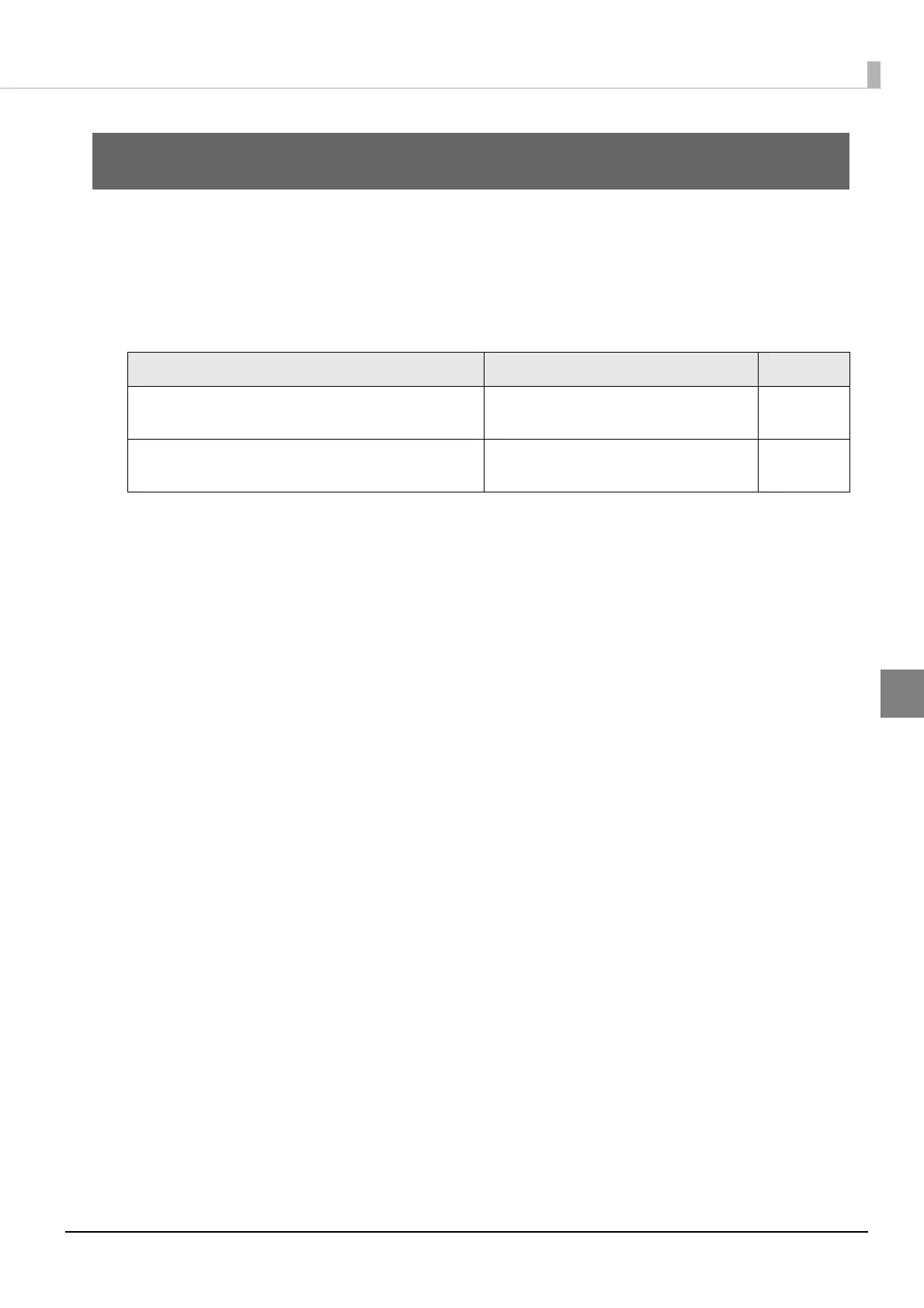
Application specifications Control method Page
Printing using the Epson printer driver installed
during the setup operation in chapter 2.
Use an Epson printer driver page 31
Printing using the application developed from
EPSON Inkjet Label Printer SDK.
Use EPSON Inkjet Label Printer SDK page 174



 To Next Page