61
Chapter 3 Handling
3
Handling
This chapter describes basic handling of the printer.
Replacing the Ink Cartridge
When the ink ends, the INK LED lights. Follow the steps below to replace the ink cartridge.
1
Turn the power on and make sure that the INK LED lights.
2
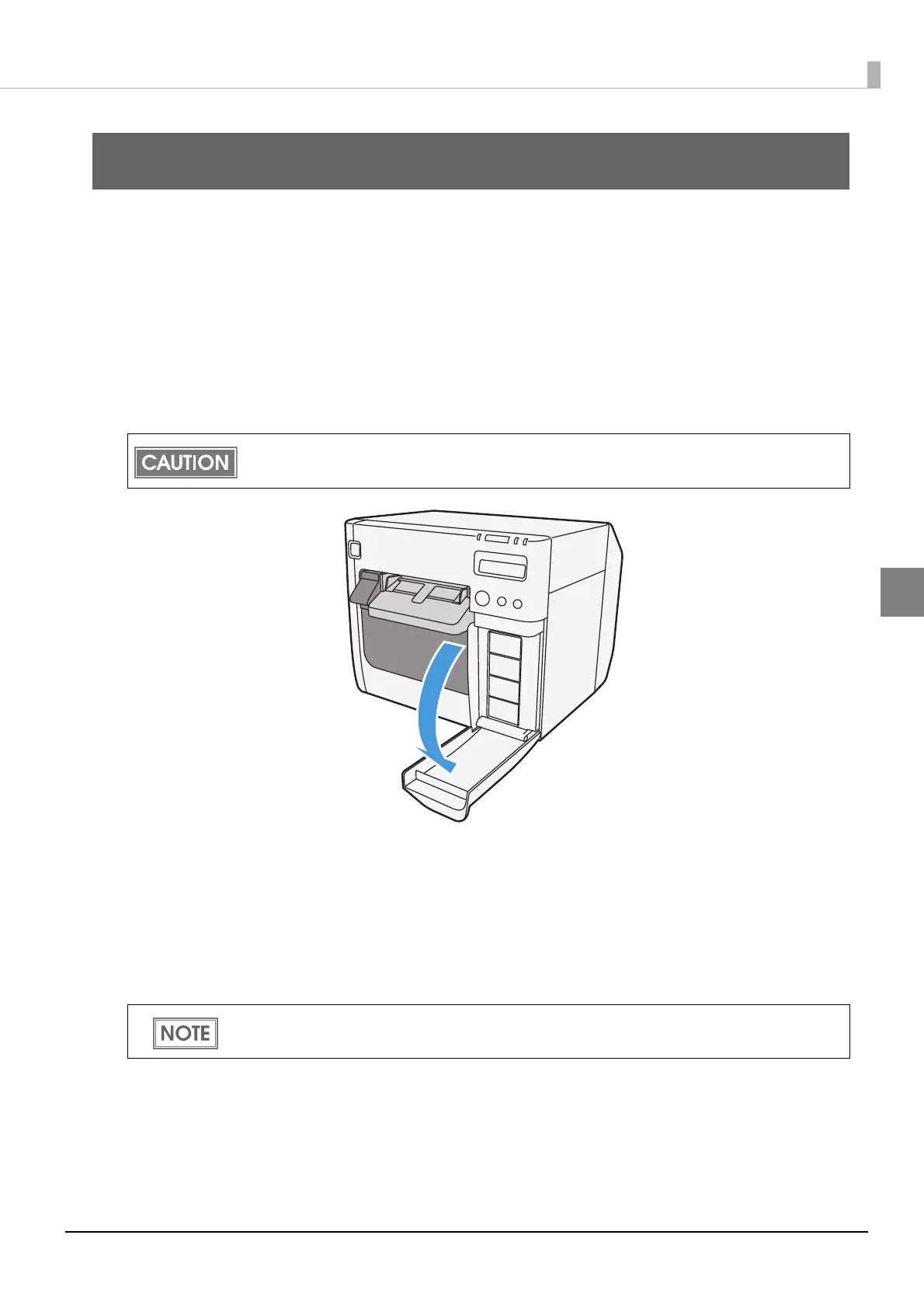
Pull down the ink cartridge cover to the front to open it.
3
If there is a used ink cartridge that requires replacement, slowly push the ink
cartridge, check that the lock is released, and pull the ink cartridge out
towards you.
4
Shake new ink cartridge package 4 or 5 times before opening it and take
out the ink cartridge from the package.
Open the ink cartridge cover, and wait at least 4 seconds until internal operations stop. If you
take out the ink cartridge in less than 4 seconds, there is a risk that the ink may spurt out.
Do not shake the ink cartridge too hard. The ink cartridge may leak if you shake it around too
much or push the sides strongly.



 To Next Page