210
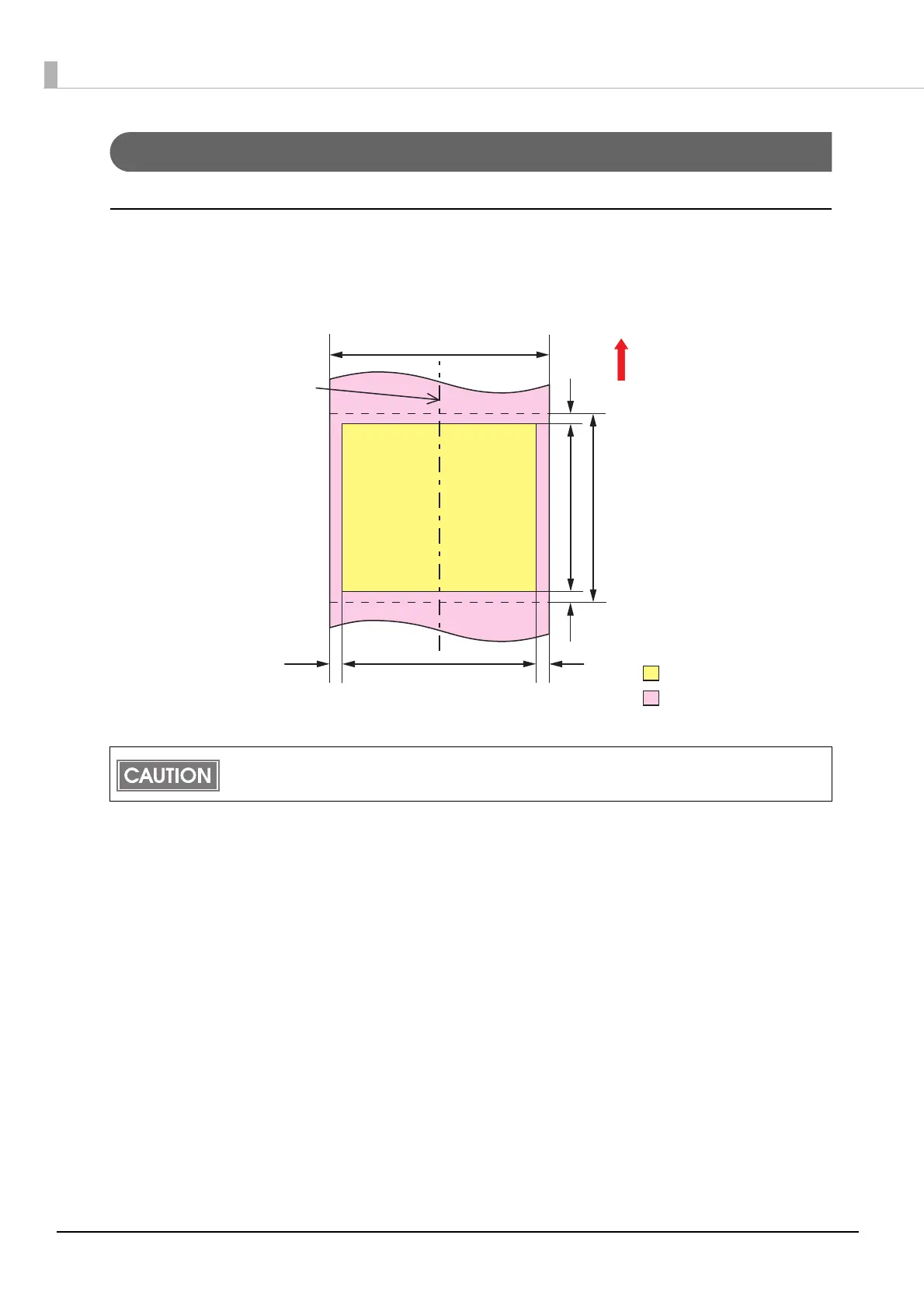
Print Area and Cutting Position
Continuous paper / Roll paper
When “Borderless Printing” is disabled
Top, bottom, left, right margins: 1.5 mm (Typical value)
When the roll paper option is set to “Banner Mode,” a top margin is set only on the first page of
the print job, and not on the rest. A bottom margin is set on the last page of the print job.
Paper width
1.5 mm
12.0 mm or more*1
15.0 mm or more*2
1.5 mm
1.5 mm
1.5 mm
Auto-cut position
Auto-cut position
Paper feeding direction
Print area
Print area width
Paper
Center of paper width
*1 When auto cut is not
performed : 5.0 mm or
more
*2 When auto cut is no
t
performed : 8.0 mm or
more



 To Next Page