157
Chapter 3 Handling
3
HELP for EPSON Printers
You can view the help for the driver to handle errors.
Follow the steps below to display the troubleshooting for the driver's LCD display.
1
Display the printer driver window.
(See "How to Display the Printer Driver" on page 43.)
2
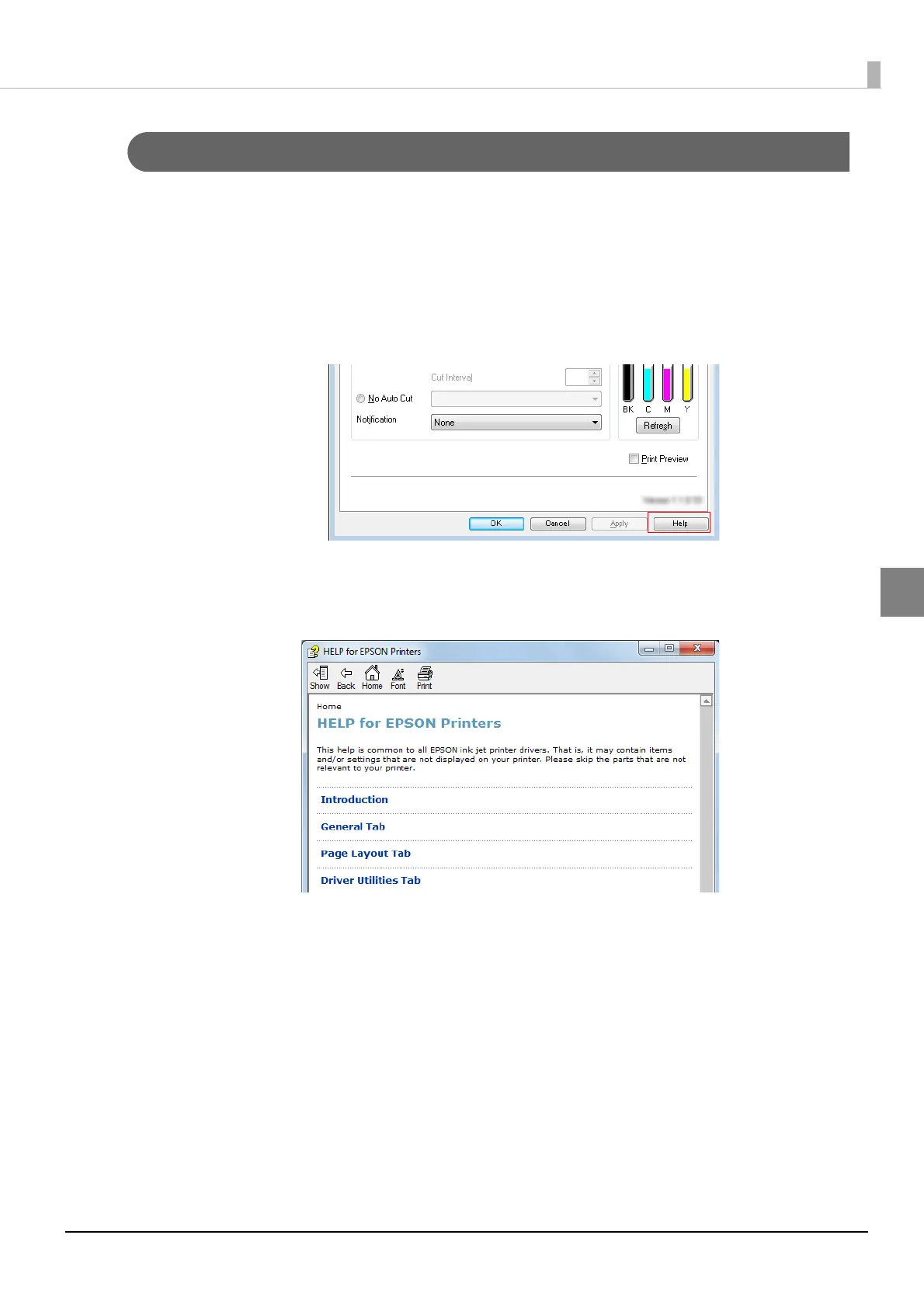
Click [Help] at the bottom-right of the window.
3
"HELP for EPSON Printers" window appears. From the top page, select [Intro-
duction] - [Error Recovery to LCD Display].
Click [Home] to display the top page.



 To Next Page