162
Reset
The printer resets in the following cases (called "hardware reset"):
❏ When the printer is initialized with the RESET button
❏ After the printer's firmware is updated
Cleaning the Printer
Cleaning the platen
When replacing the maintenance box, use the non-woven cloth and cotton swabs included in the
maintenance box and clean the platen in the following procedure.
1
Turn off the printer and unplug the AC cable from the outlet.
2
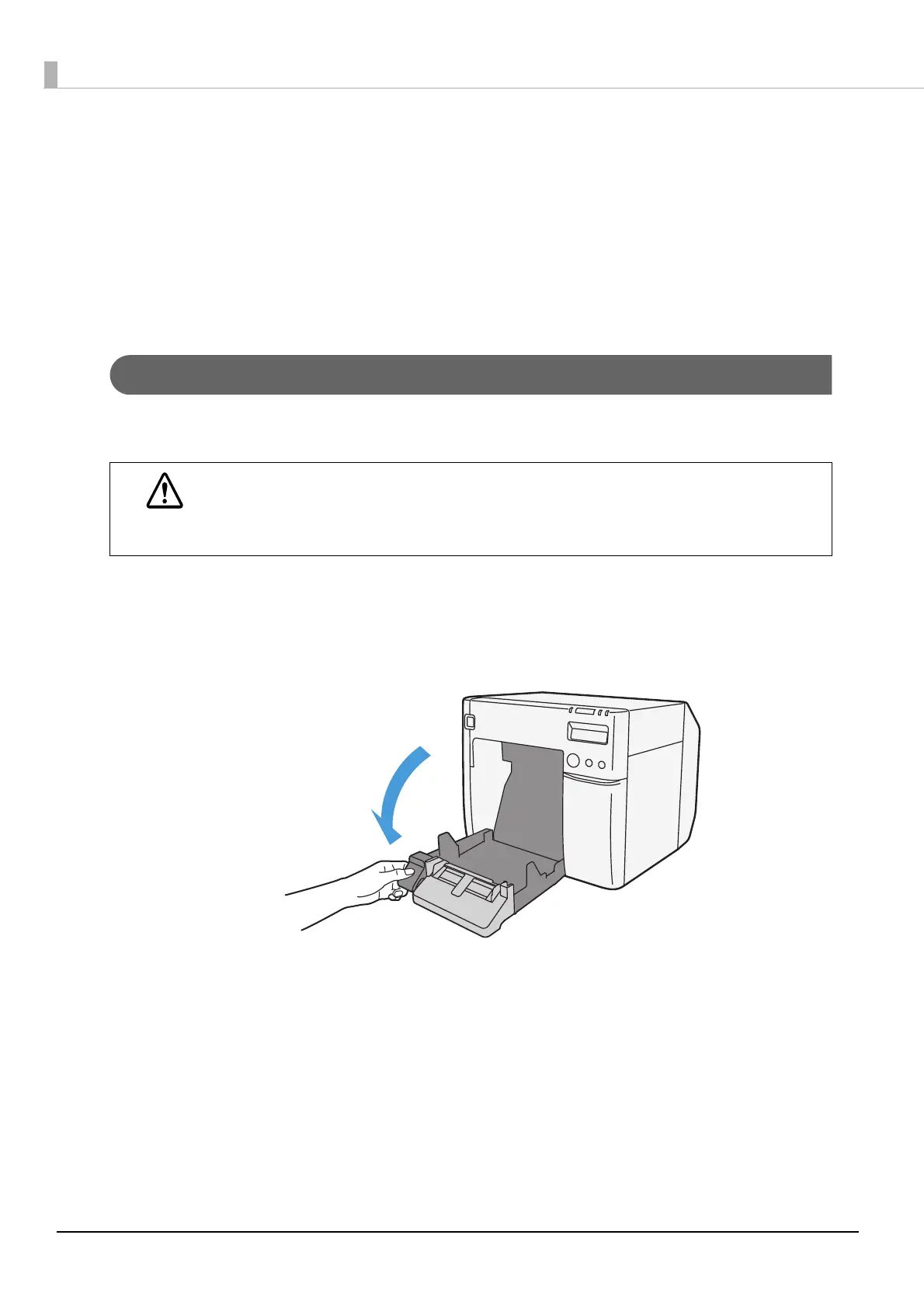
Press down the release lever, and pull it to the front to open the roll paper
cover.
3
Remove the used roll paper or fanfold paper.
CAUTION
Do not use any water or alcohol.
Be careful not to change the shutter positions on the platen. If the shutter is set incorrectly,
paper may be jammed or get dirty.
Be careful not to disfigure or damage the 3 sensors.



 To Next Page