163
Chapter 3 Handling
3
4
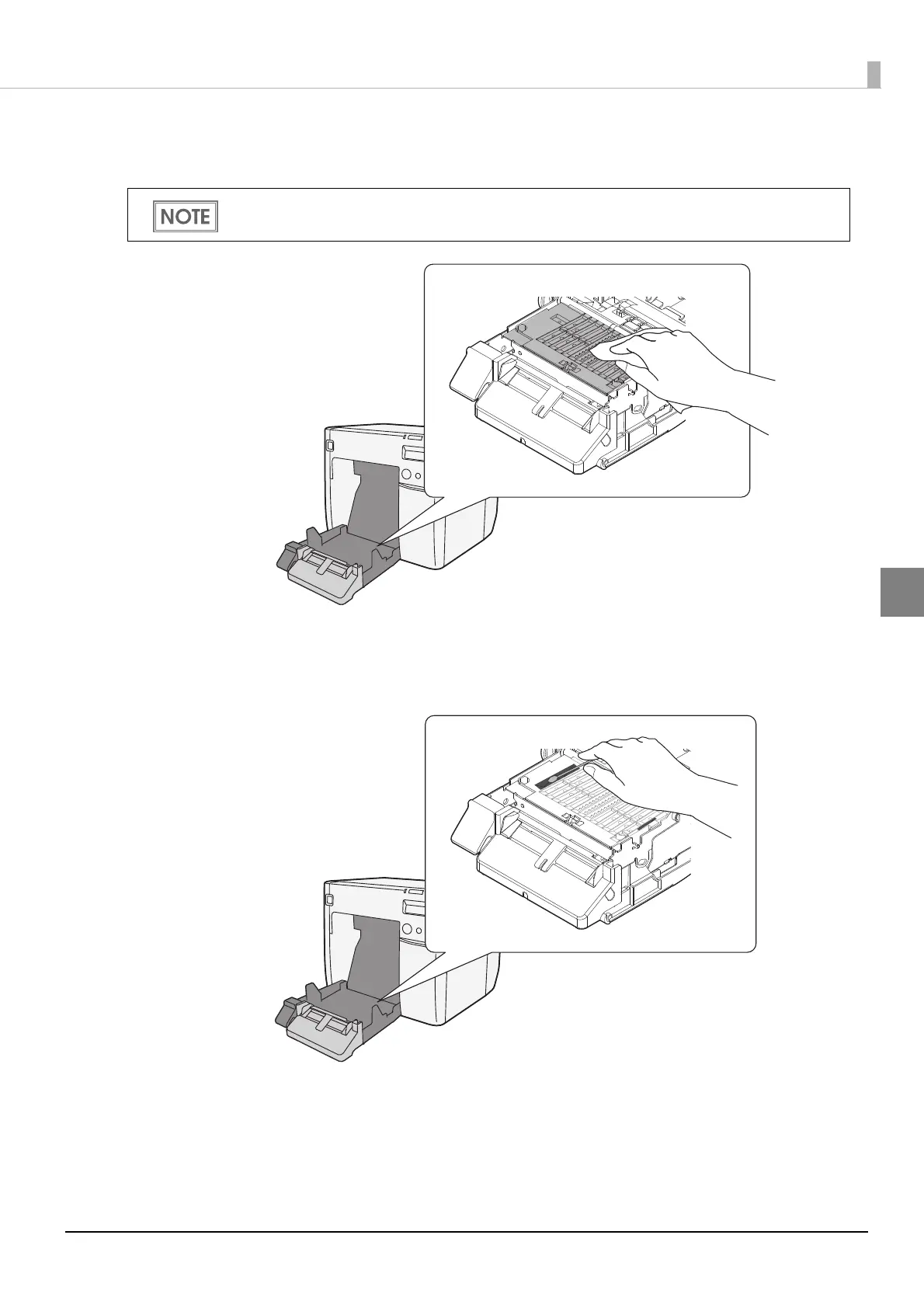
Use the non-woven cloth included with the maintenance box to wipe off
stains on the platen.
5
Use the included cotton swabs to remove stains in the holes or on the sides.
If the holes are clogged, be sure to remove the stains and clean them thor-
oughly.
6
Close the roll paper cover.
Your hands or paper may be stained by the ink on the platen. If the three holes in the platen are
clogged with ink, ink stains may occur inside the printer.



 To Next Page