183
Chapter 5 Maintenance
5
Setting the Printer Driver
The printer driver settings can be output to a configuration file (*.bsf) or imported from another
configuration file. When using such operations, note the following point:
❏ Register "Current Settings" of the printer driver to [Favorite Setting] before saving to a BSF file. If
not registered to [Favorite Setting], the printer driver settings cannot be saved to the BSF file.
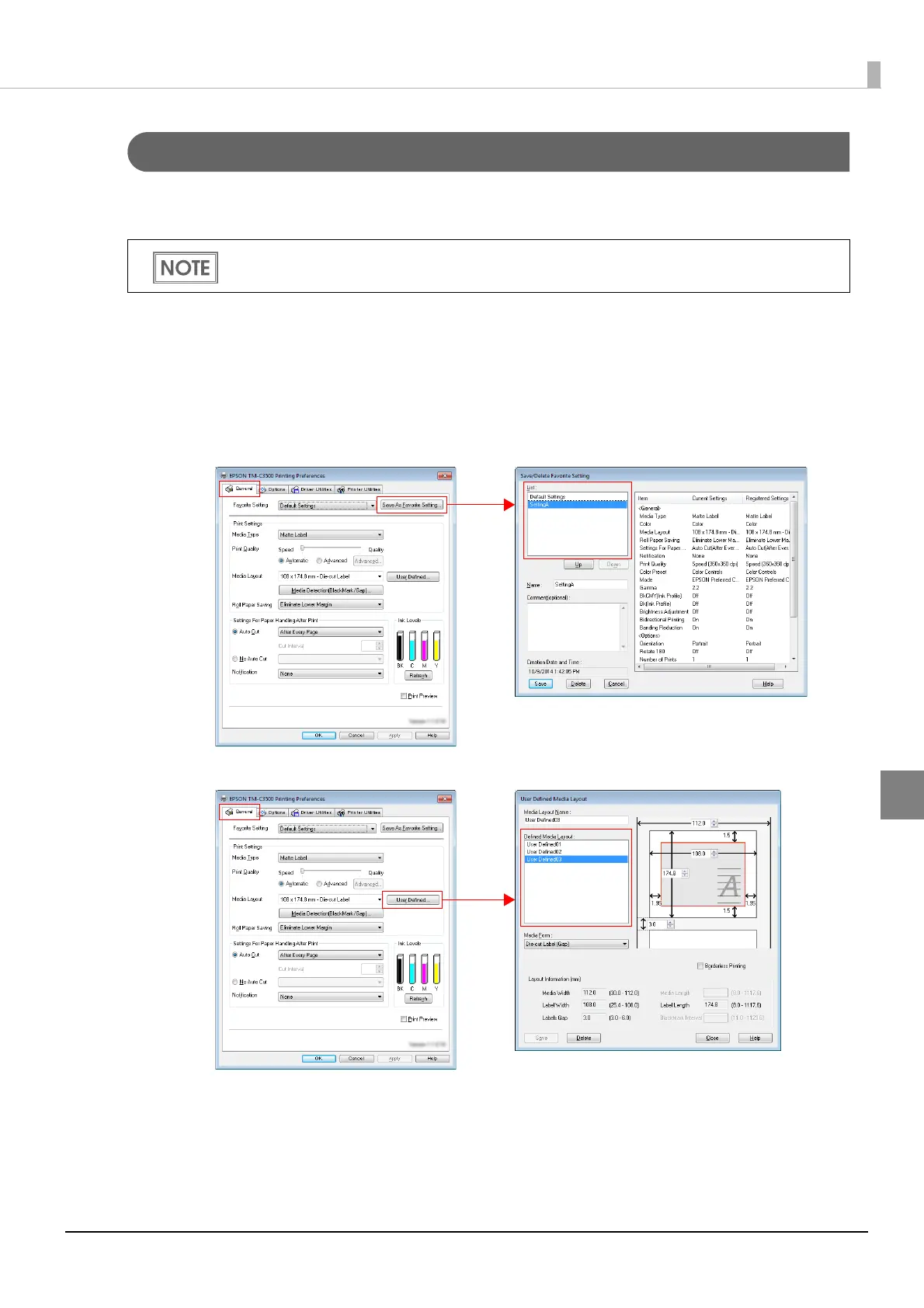
❏ The setting items shown below are used as common items when multiple printer queues are cre-
ated in a computer. When a BSF file i s imported, the settings are overwritten. Therefore, to retain
the existing settings, create a BSF file including the existing settings.
•Favorite List
•User Defined Media List
The BSF file is used also when creating a package (driver installation package/driver setting
change package) for client computer setup.



 To Next Page