19
Chapter 1 Product Overview
1
Connectors
All cables are connected to the connector on the lower rear of the printer.
•Power supply connector: Connects cable of the AC adapter.
•USB/LAN Connector: Connects the printer with the host computer via interface.
•Link LED: Indicates the printer network status.
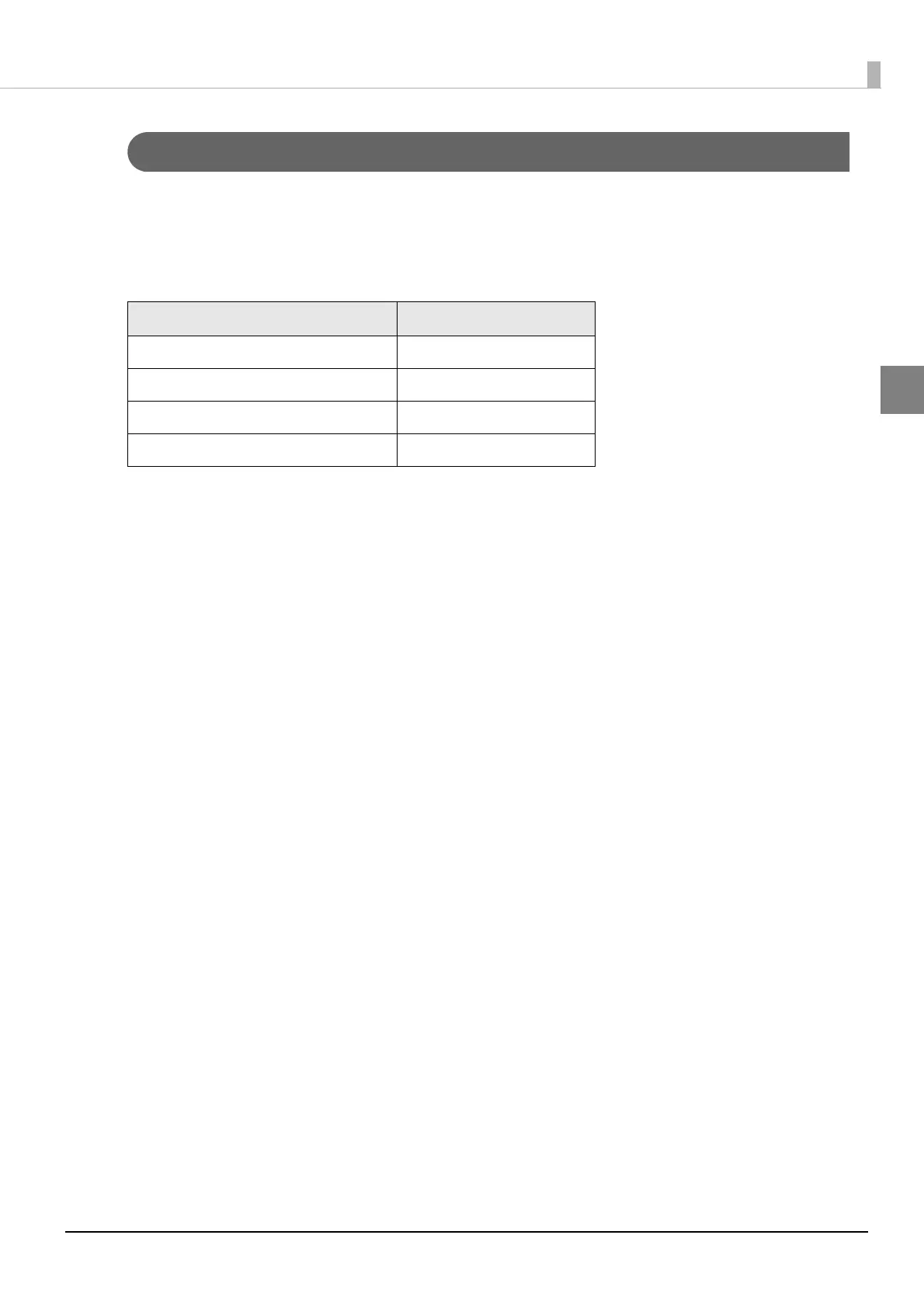
Printer status Link LED
Power off Off
Not connected to the network Off
Network established On
Receiving data Blinking



 To Next Page