113
Chapter 3 Handling
3
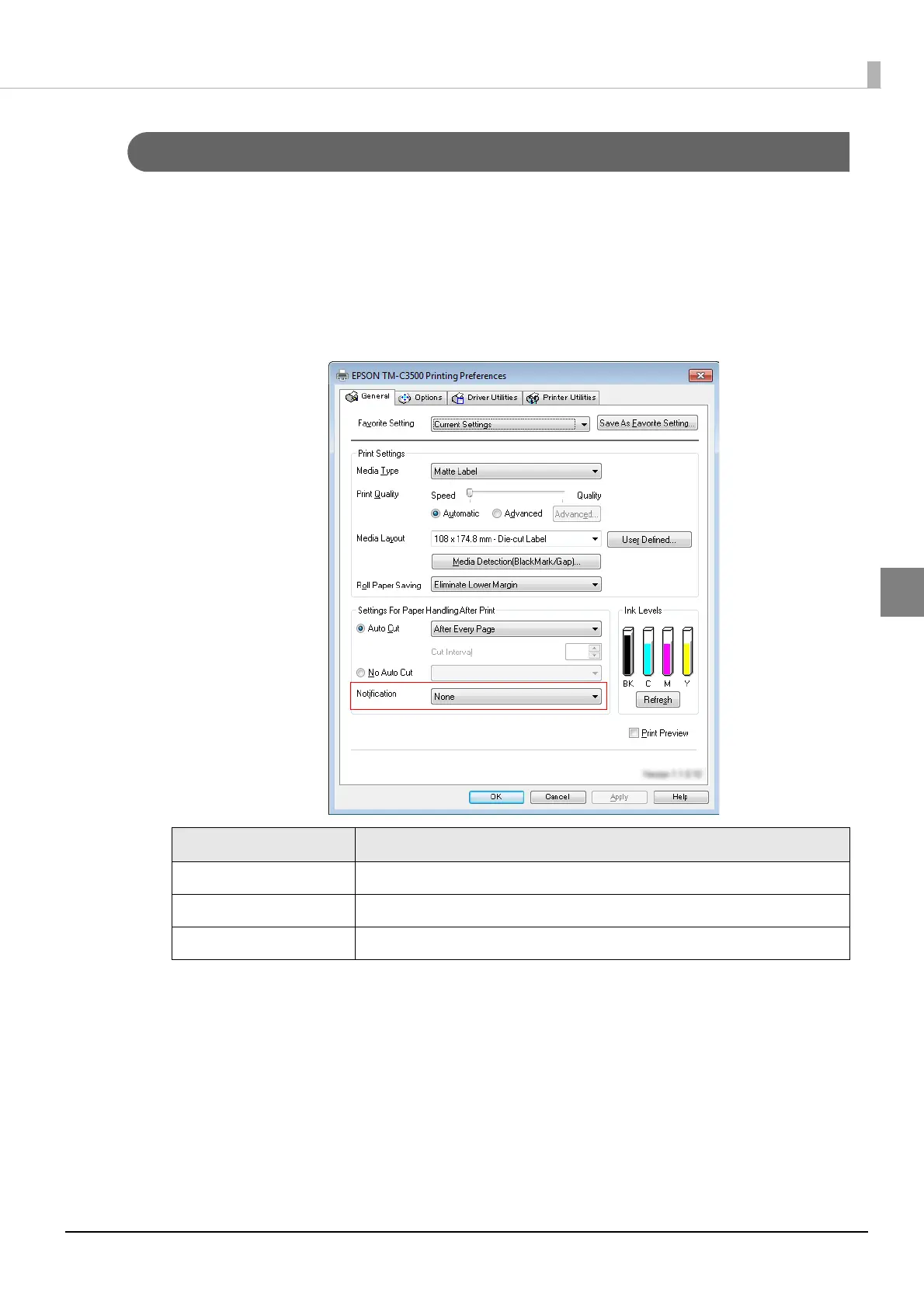
Beeper
Follow the steps below to set whether to sound the beeper after printing and the timing to sound the
beeper.
1
Display the printer driver window.
(See "How to Display the Printer Driver" on page 43.)
2
On [General] tab, select [Notification].
3
Click [OK].
The settings for beeper sound are applied and saved.
Item Description
None The beeper is not used.
Beep at Page End The beeper is set off after each page is printed.
Beep at Job End The beeper is set off after the last page is printed.



 To Next Page