54
Setting EPSON Status Monitor 3
When EPSON Status Monitor 3 is used, the paper type and the ink level are displayed on a pop-up
window when printing. In addition, when a fatal error occurs, an error window is displayed.
[Not use] is set by default setting; however, if a fatal error occurs, an error window can be displayed.
Use/Not use EPSON Status Monitor 3
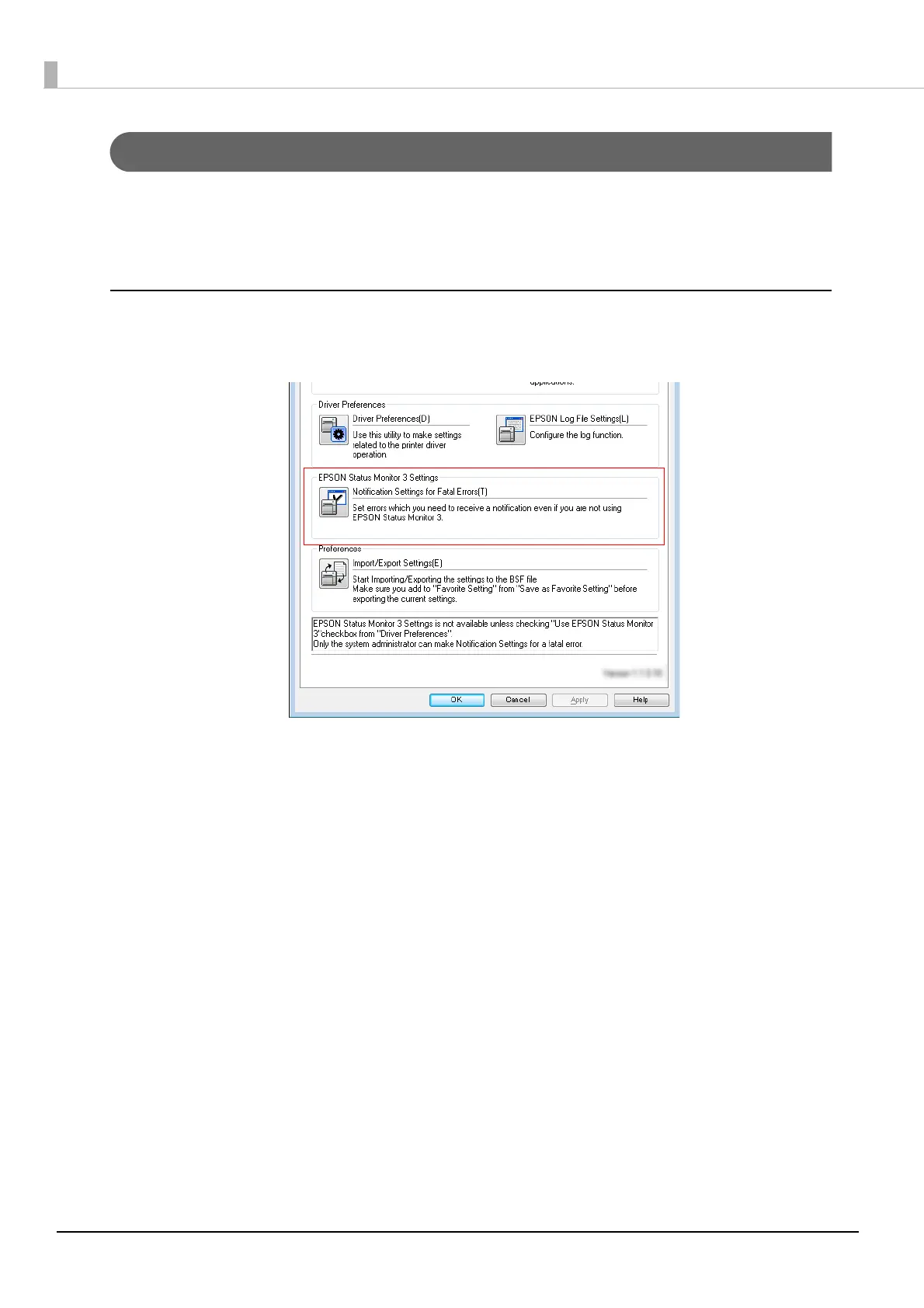
[Not use EPSON Status Monitor 3] is set by default setting. [Notification Settings for Fatal Errors] is
displayed on the EPSON Status Monitor 3 Settings window in Driver Utilities.



 To Next Page