55
Chapter 2 Setup
2
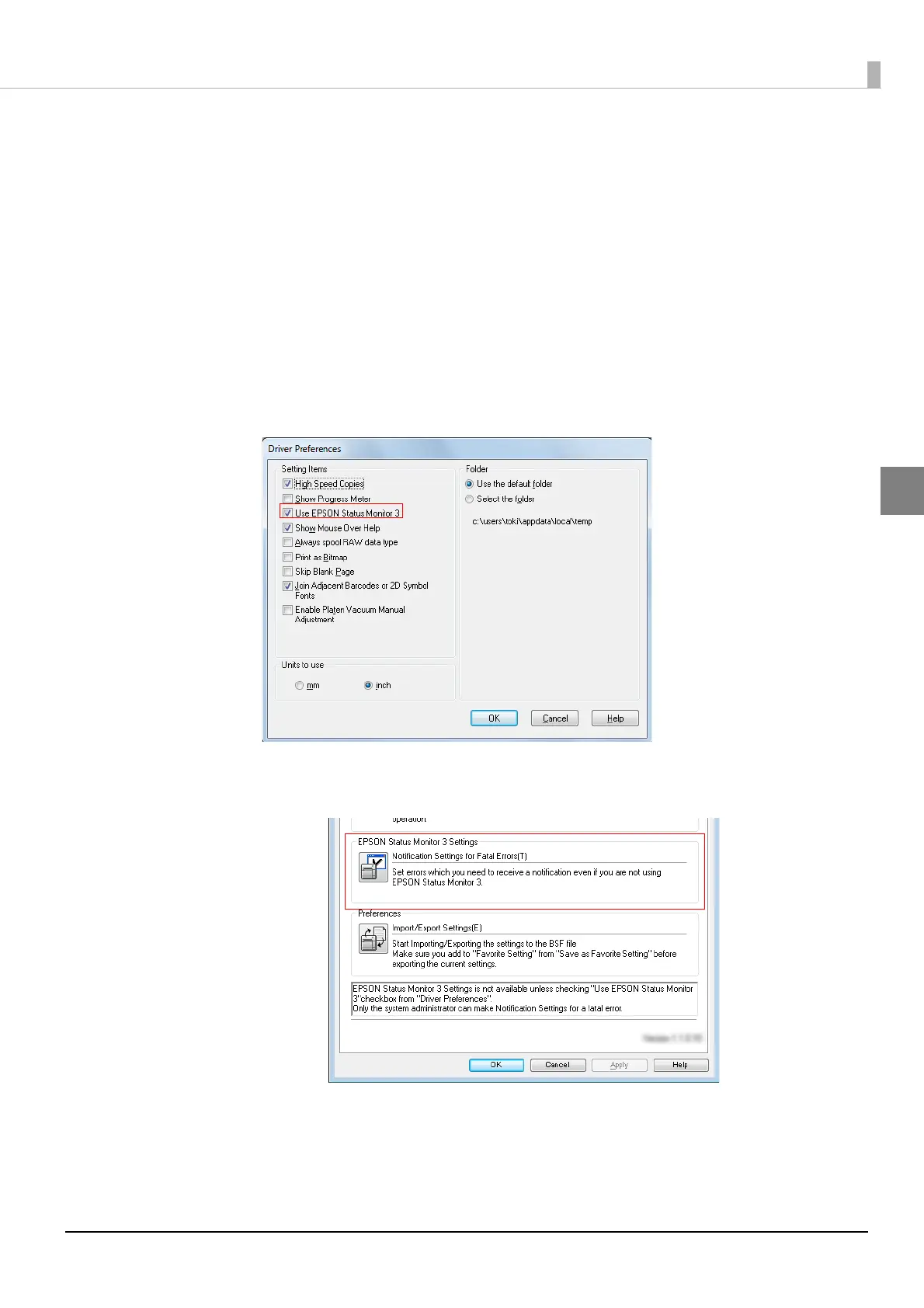
Follow the steps below to change to [Use EPSON Status Monitor 3].
1
Turn the printer ON.
2
Display the printer driver window.
(See How to Display the Printer Driver on page 43.)
3
Select [Driver Utilities] tab and click [Driver Preferences] under [Driver Prefer-
ences].
4
The [Driver Preferences] window is displayed.
Check the box of [Use EPSON Status Monitor 3] and click [OK].
5
[EPSON Status Monitor 3] and [Monitoring Preferences] are displayed in
[EPSON Status Monitor 3 Settings] on the Driver Utilities window.



 To Next Page