56
Use EPSON Status Monitor 3
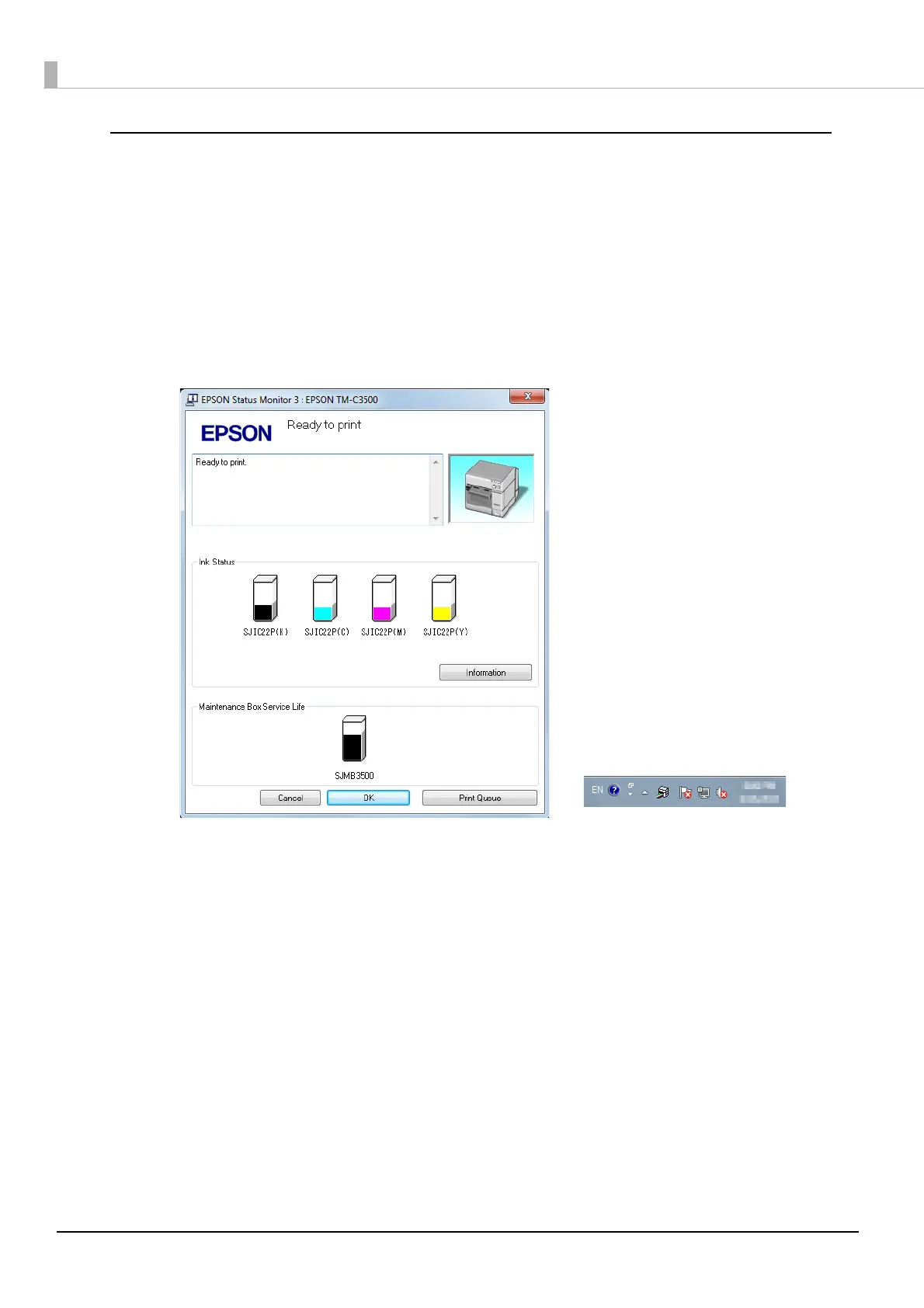
When [Use EPSON Status Monitor 3] is set, the following operations will be performed:
•When printing, a window automatically appears, allowing you to check the printer status and the
ink level.
•Error information is displayed when an error occurs during printing.
The EPSON Status Monitor 3 will not be activated if an error occurs when not printing.
•Clicking the icon for [EPSON Status Monitor 3] on the task tray allows you to display [EPSON Sta-
tus Monitor 3] at any time.
(See Displaying the icon on page 60 for how to display the icon.)
Display window for EPSON Status Monitor 3
Icon on task tray



 To Next Page