17
Chapter 1 Product Overview
1
CUT button
❏ If "Media detection settings" is set to "Full-page label/Continuous paper/Transparent full-page
label", feeds the paper to the autocutting position for the top of the next page, and performs
autocutting.
❏ If "Media detection settings" is set to "Die-cut label (Blackmark)", "Continuous paper
(Blackmark)", or "Die-cut label (Gap)/Transparent die-cut label", feeds the paper to the
autocutting position according to the black mark or the gap between labels, and performs
autocutting.
Cleaning button
If the cleaning button is held down for approximately 3 seconds, head cleaning is performed.
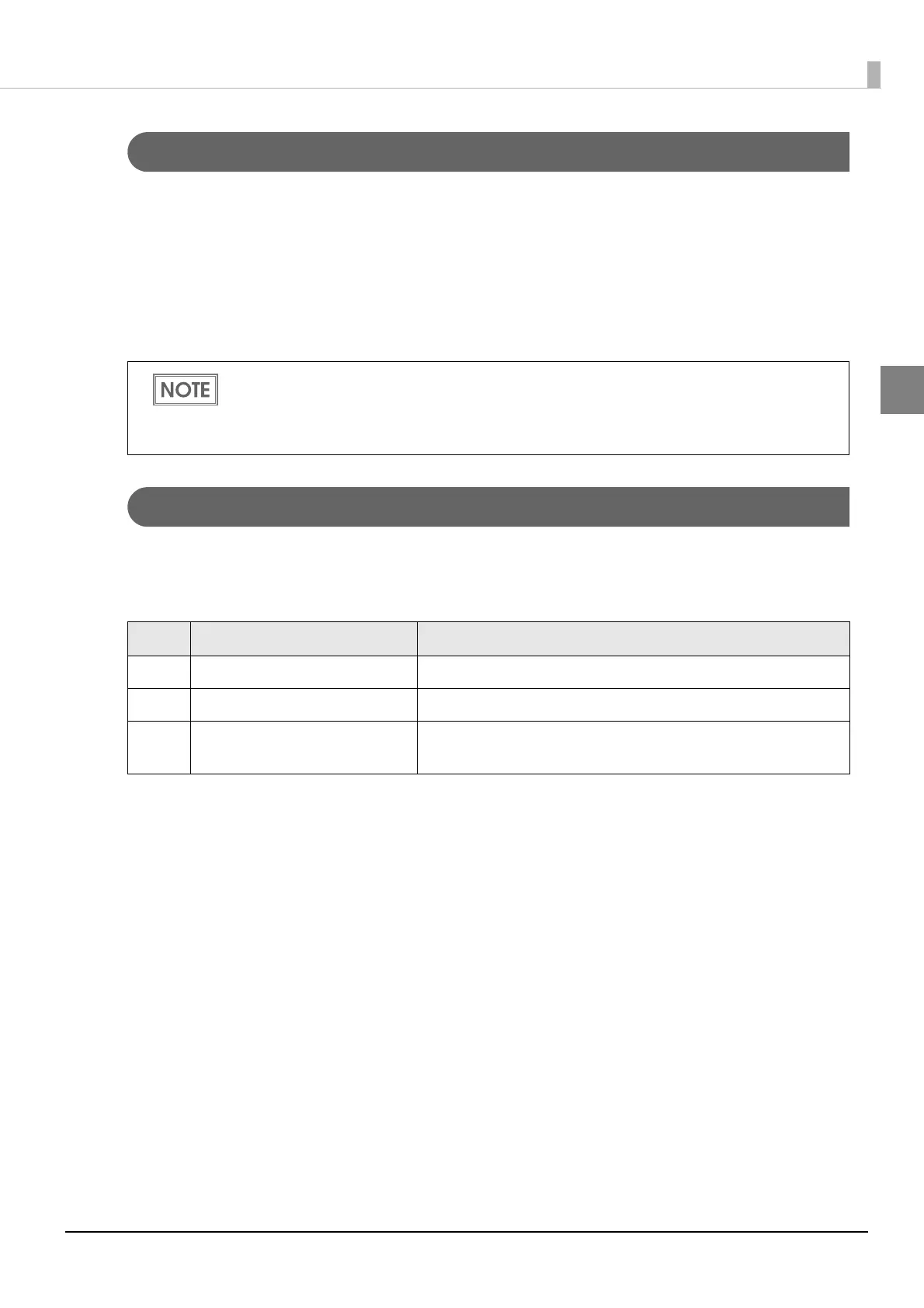
The following settings are possible from the driver regarding cleaning operations when the cleaning
button is held down.
However, in order to prevent errors due to pieces of paper, even if you press the cut button
again, cutting is not performed in a position where cutting was already performed.
Approximately 2 seconds is required from the point when the CUT button is pressed until the
point when paper cut starts.
No. During stand-by During printing
1 Disabled Disabled
2 Head cleaning performed Disabled
3 Head cleaning performed
Printing canceled -> head cleaning performed ->
printing resumed



 To Next Page