135
Chapter 3 Handling
3
Sensor Adjustment
The threshold for the sensor can be adjusted when the sensor does not detect the label gap and black
mark for the paper to be used. Follow the steps below to make adjustment.
1
Load the paper to the printer.
2
Turn the printer on.
3
Display the printer driver window.
(See "How to Display the Printer Driver" on page 43.)
4
Select [Printer Utilities] tab and click [Printer Setting Utility] under [Printer Pref-
erences].
5
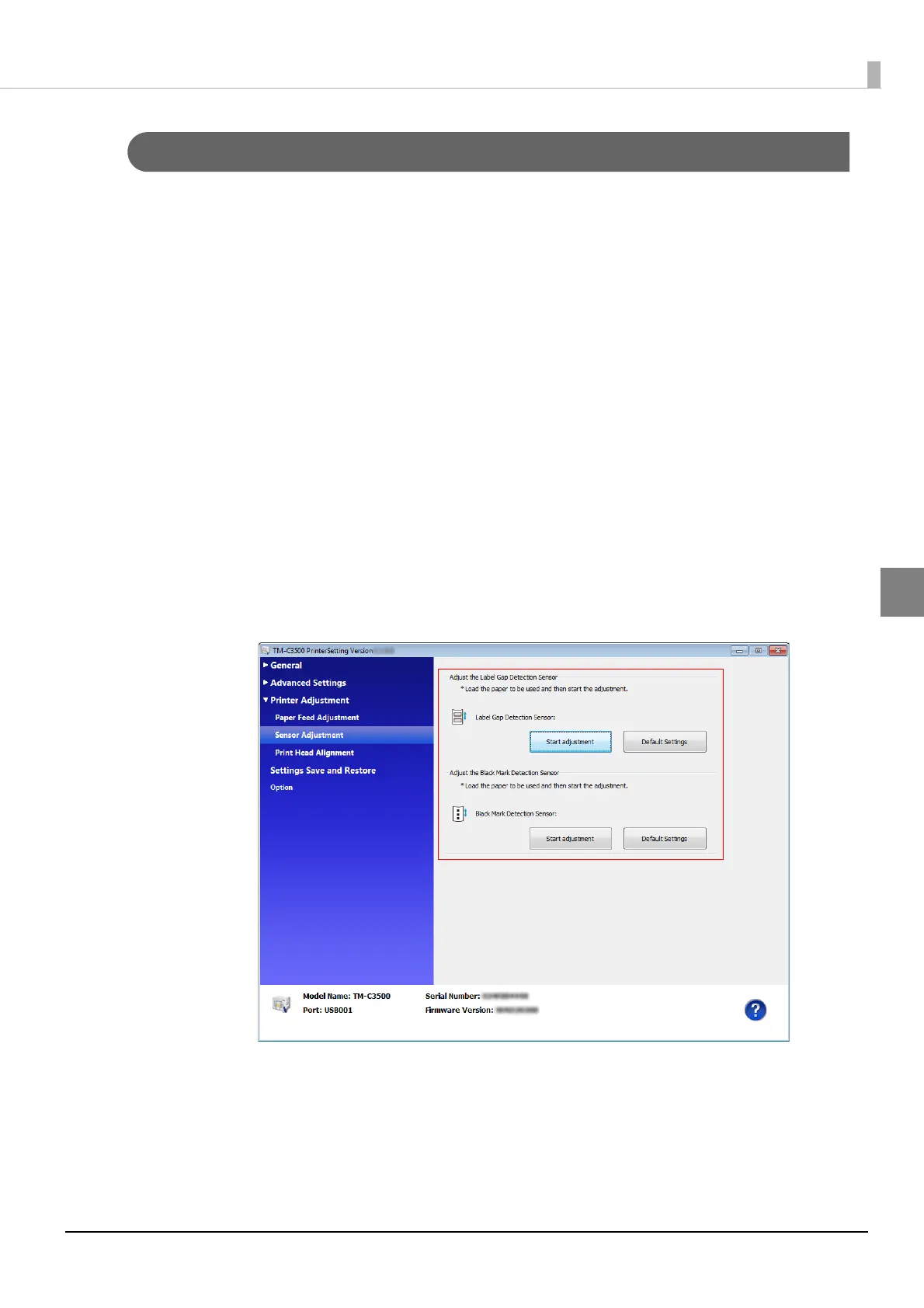
TM-C3500 PrinterSetting window appears. Select [Printer Adjustment] -
[Adjustment ].
6
"Sensor Adjustment" window appears. Click [Start adjustment] for the sensor
to be adjusted.
7
The confirmation window appears. Click [Yes] to send the settings to the
printer.



 To Next Page