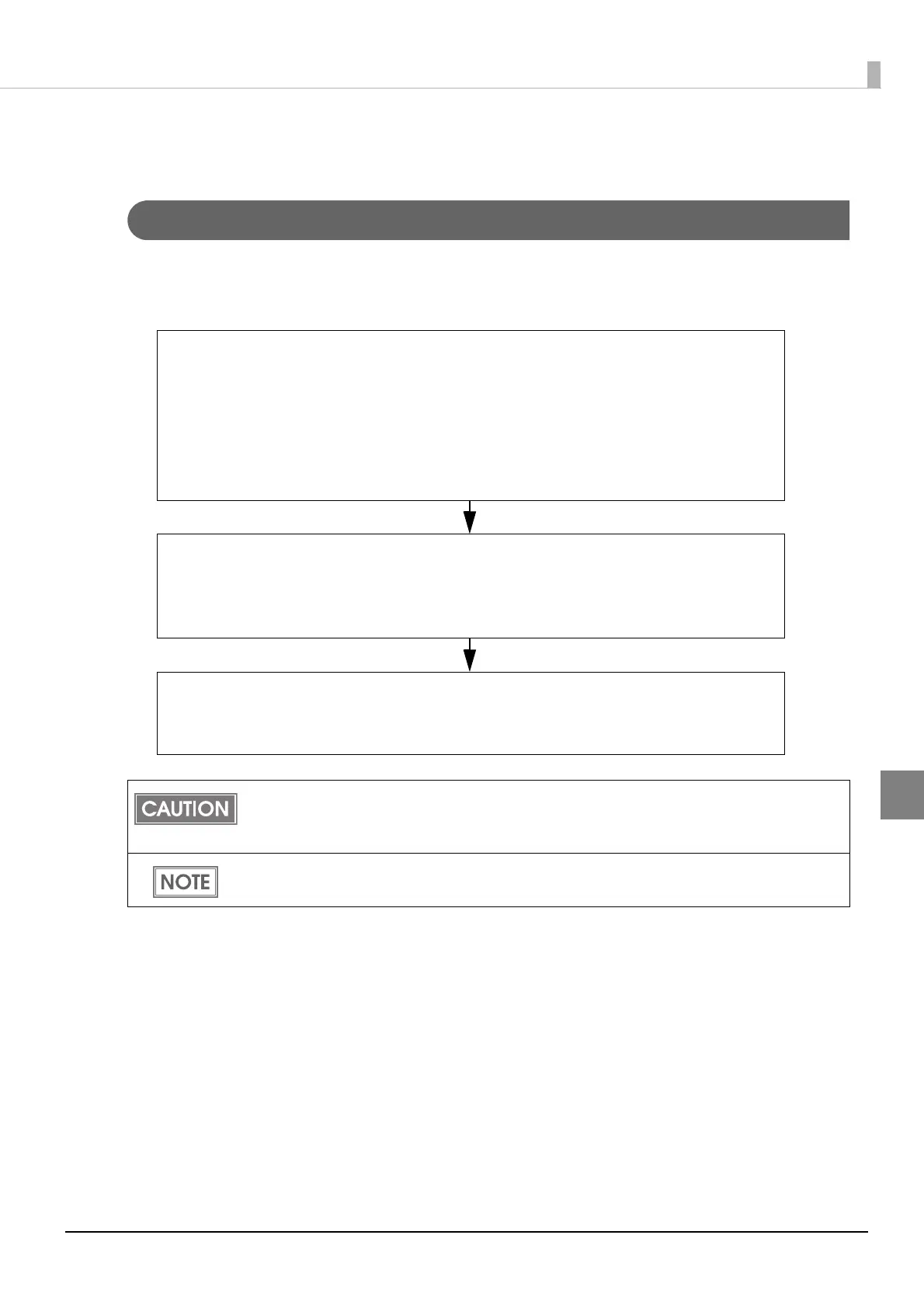
1. Creating a printer settings list
Create a settings list of the printers to be installed and the settings for the following
items that can be set before ink charging.
•Media source settings
•Media detection settings
•Network settings such as IP address
2. Setting up a printer before ink charging
Connect printers to the administrator's computer one by one, and set up the printers
according to the settings list created with Epson Printer Deployment of EPSON
Deployment Tool.
3. Installing the printer
Install the printer in the installation location. Load the media and ink cartridge to be
used and power on the printer.



 To Next Page