32
Attaching the Power Switch Cover
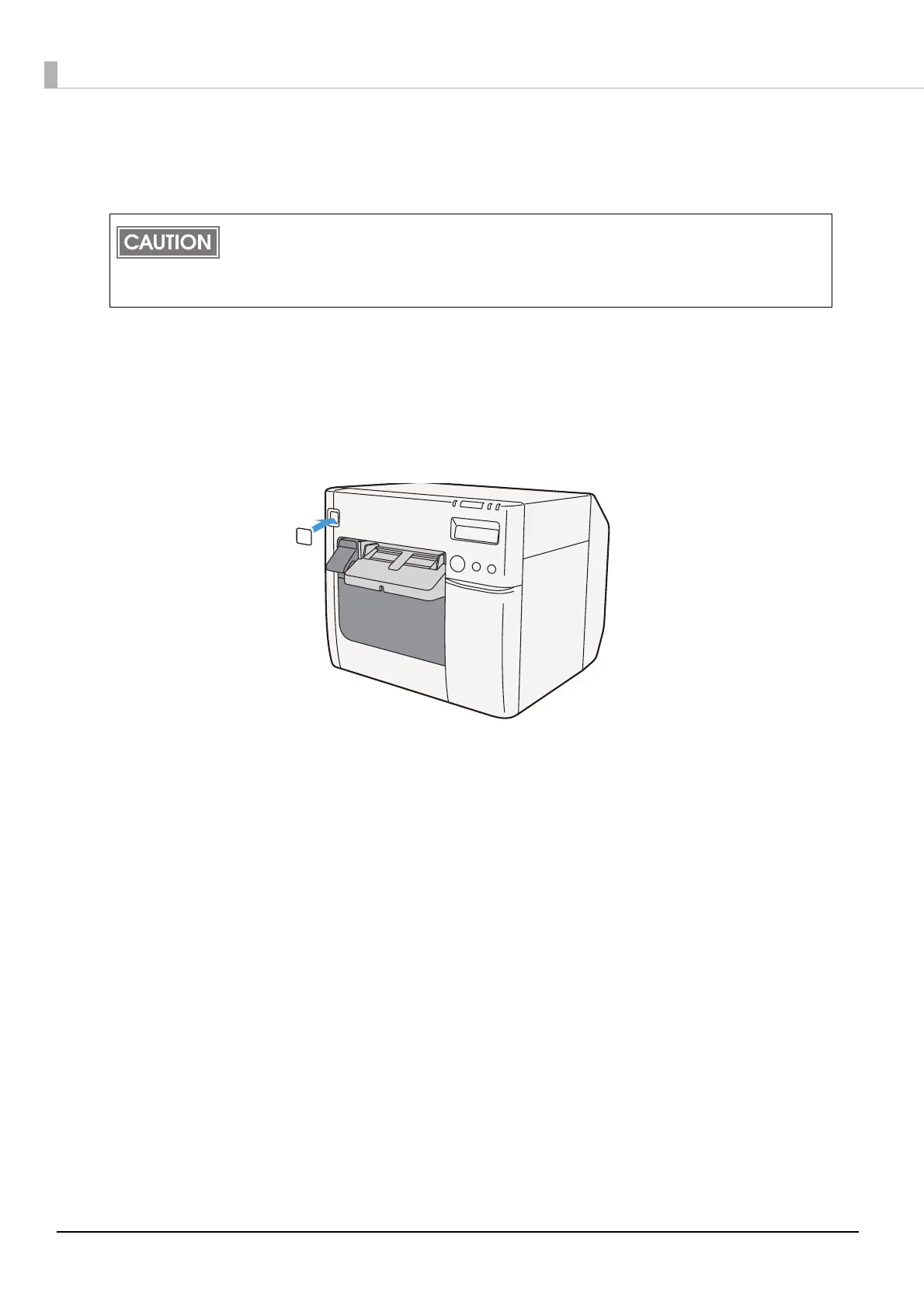
Attaching the power switch cover prevents accidental pressing of the power switch.
To prevent the power switch from being pressed
Attach the power switch cover as it is (without punching a hole in it).
1
Set DIP switch 1 to ON.
2
Push the power switch cover onto the power switch of the printer.
Before attaching the power switch cover, set DIP switch 1 to ON. (For details, see “Setting the
DIP switches”Setting the DIP Switches on page 48.) The printer power can then be switched by
turning the AC supply on and off, and you can also control the printer power with a device such
as a distribution board. In this case, the power switch is used to reset the printer.



 To Next Page