34
Setting Up the Printer
Set up the printer using Install Navi. Install Navi is included in the supplied CD-ROM.
1
Turn on the computer to be connected to the printer.
2
Make sure that the printer is turned off.
3
Set the CD-ROM in the computer, and Launcher automatically starts up.
Click [Setup] to start InstallNavi.exe.
4
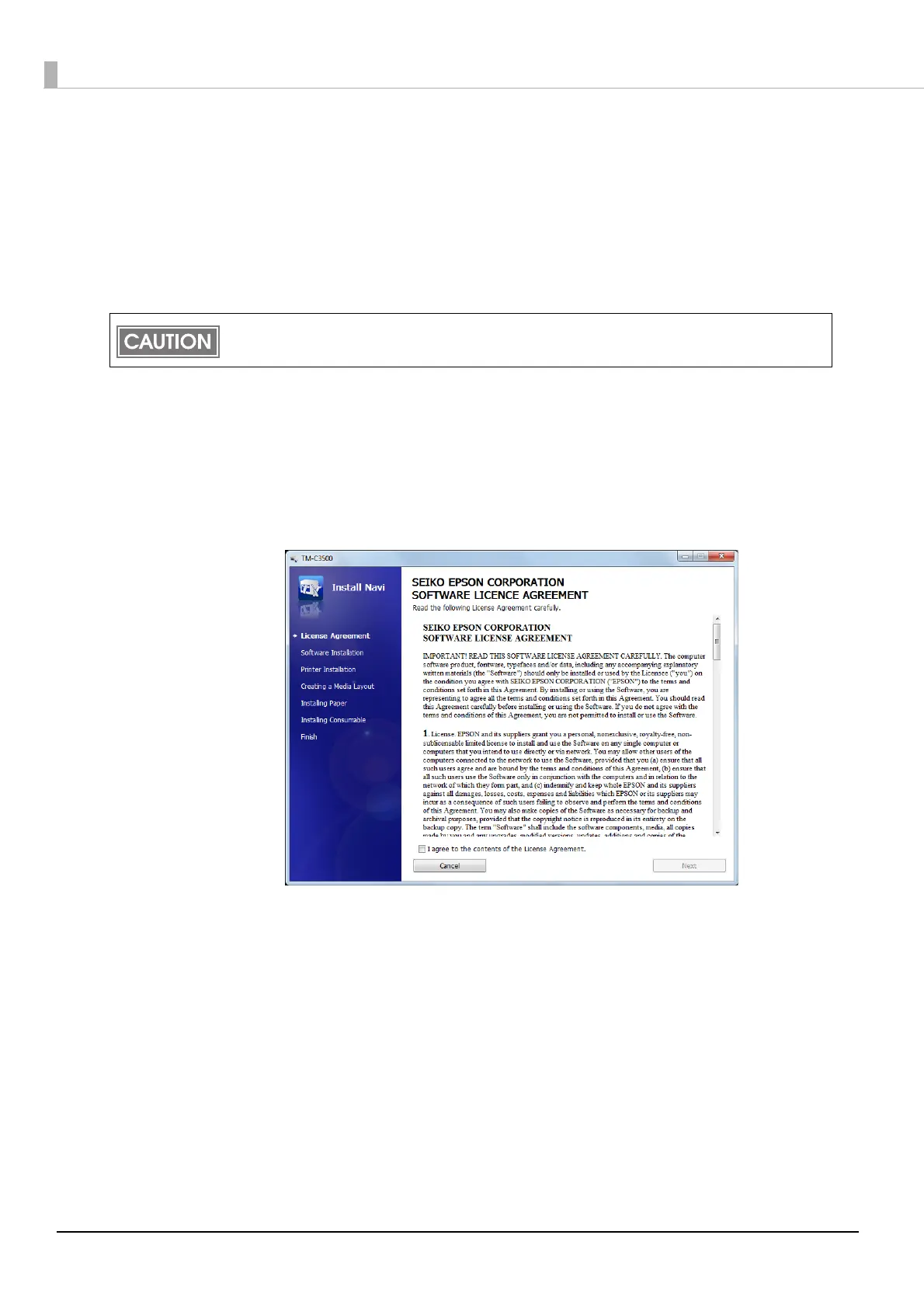
When Install Navi is executed, the following window appears. Agree to the
license agreement and click [Next], and the software installation starts. Set
up the printer according to the displayed instruction.
Be sure to turn the printer off.



 To Next Page