35
Chapter 2 Setup
2
5
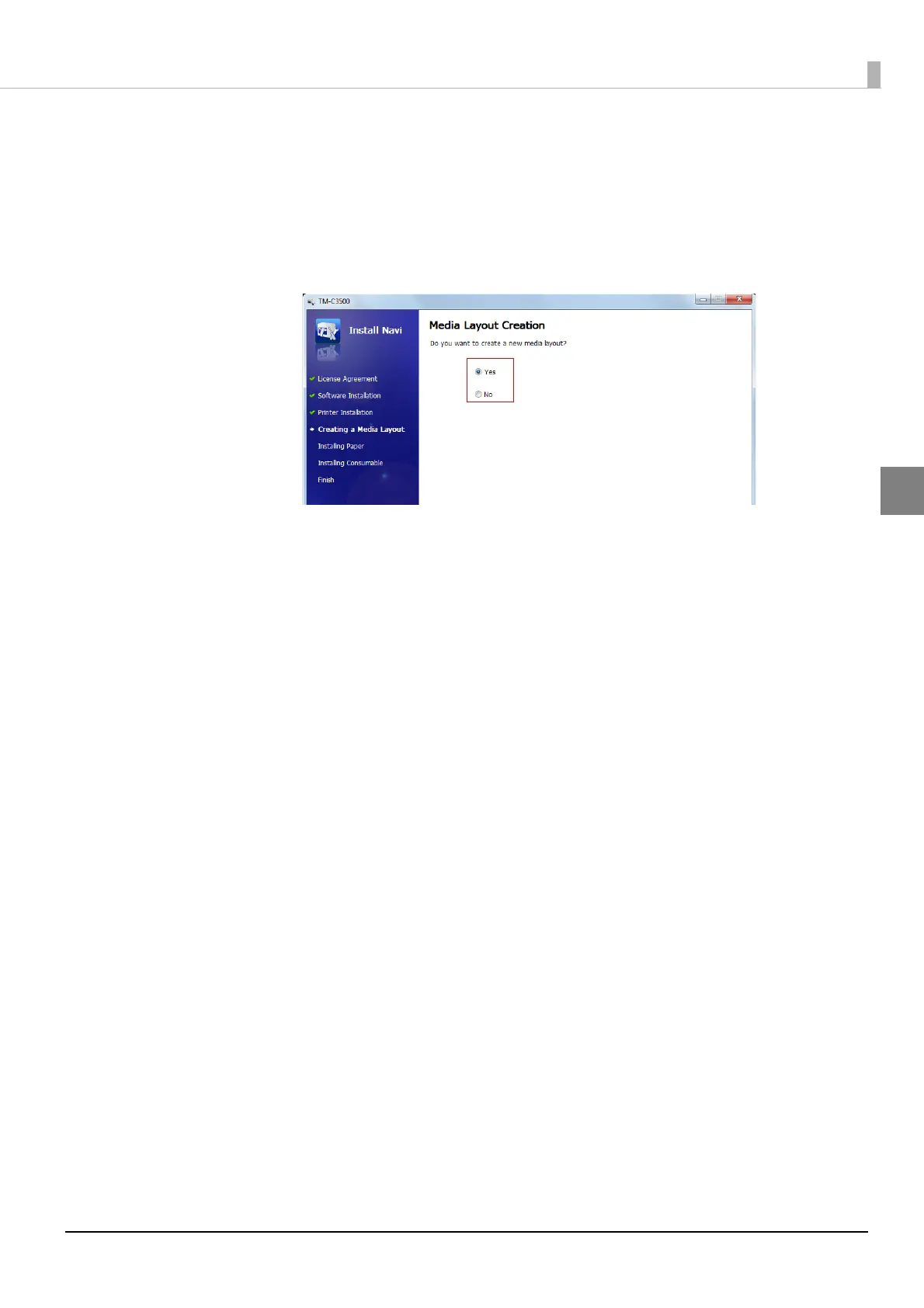
Later in the setup procedure, "Media Layout Creation" window appears.
When "Media Layout Creation" window appears, if you do not use the roll
paper included in the package, you have to create a new media layout.
For the procedure to create a new media layout, see Media Layout
Creation on page 36.
To use the supplied roll paper, select [No].
6
Set up the printer according to the steps. If test printing finishes successfully,
the procedure is finished.



 To Next Page