109
Chapter 3 Handling
3
Printing barcode and 2D symbol
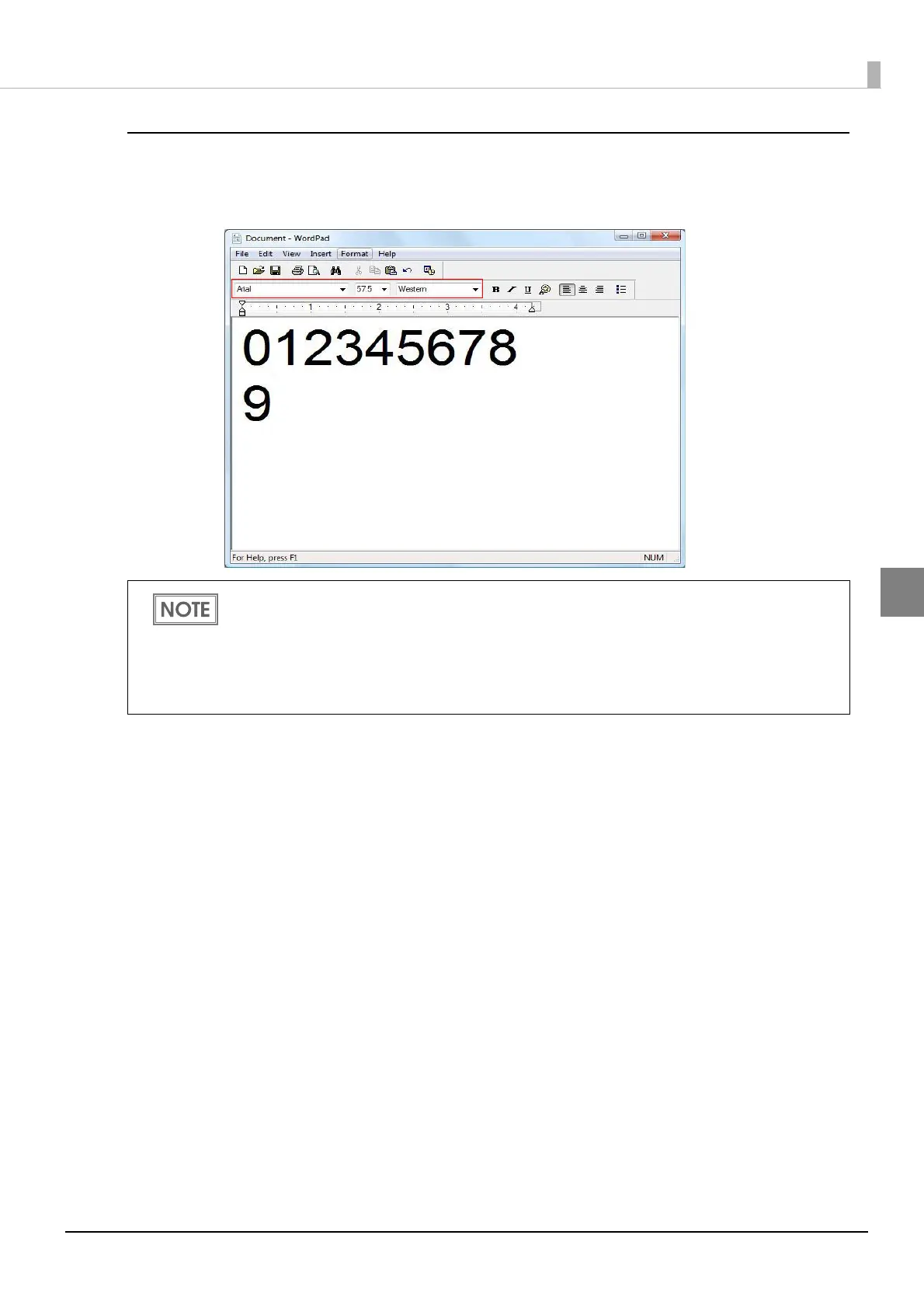
Sets specified number of point, language of the replaced True Type font by barcode and 2D symbol
font to the print data.
The number of point for barcode and 2D symbol is specified, check it from [Barcode and 2D
Symbol] on [Driver Utilities]. The barcode and 2D symbol can not be printed if a value other
than those specified is set.
The replaced True Type font can be used only for specifying barcode and 2D symbol, there-
fore, if the character other than specified is used can not be printed. Make sure to use True
Type font that is not be used for other printing.



 To Next Page