78
10
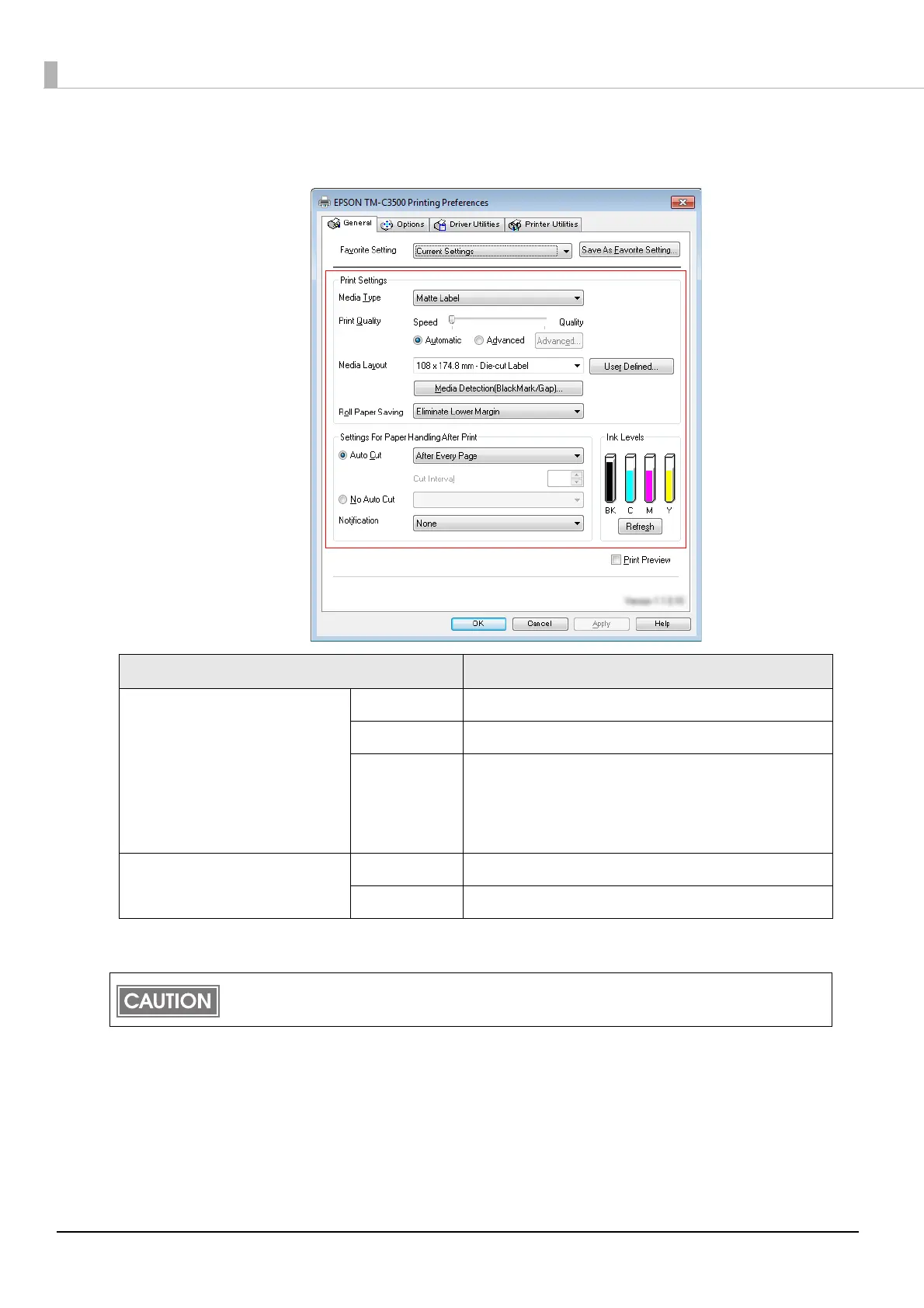
On the printer driver window, select [General] tab. Specify the media set-
tings and click [OK].
11
Turn the printer OFF.
Item Description
Print Settings
Media Type Select the media type.
Print Quality Select the print quality.
Media Layout
Select the media layout.
If the media layout to be used is not included in the
list, create a new layout.
See the
"Registering the Media Layout" on page 45.
Settings For Paper Handling
After Print
Auto Cut Select this to enable autocut after printing.
No Auto Cut Select this to disable autocut after printing.
Changes in the Media detection settings are saved in the memory in the printer when the printer
is turned off.



 To Next Page