82
19
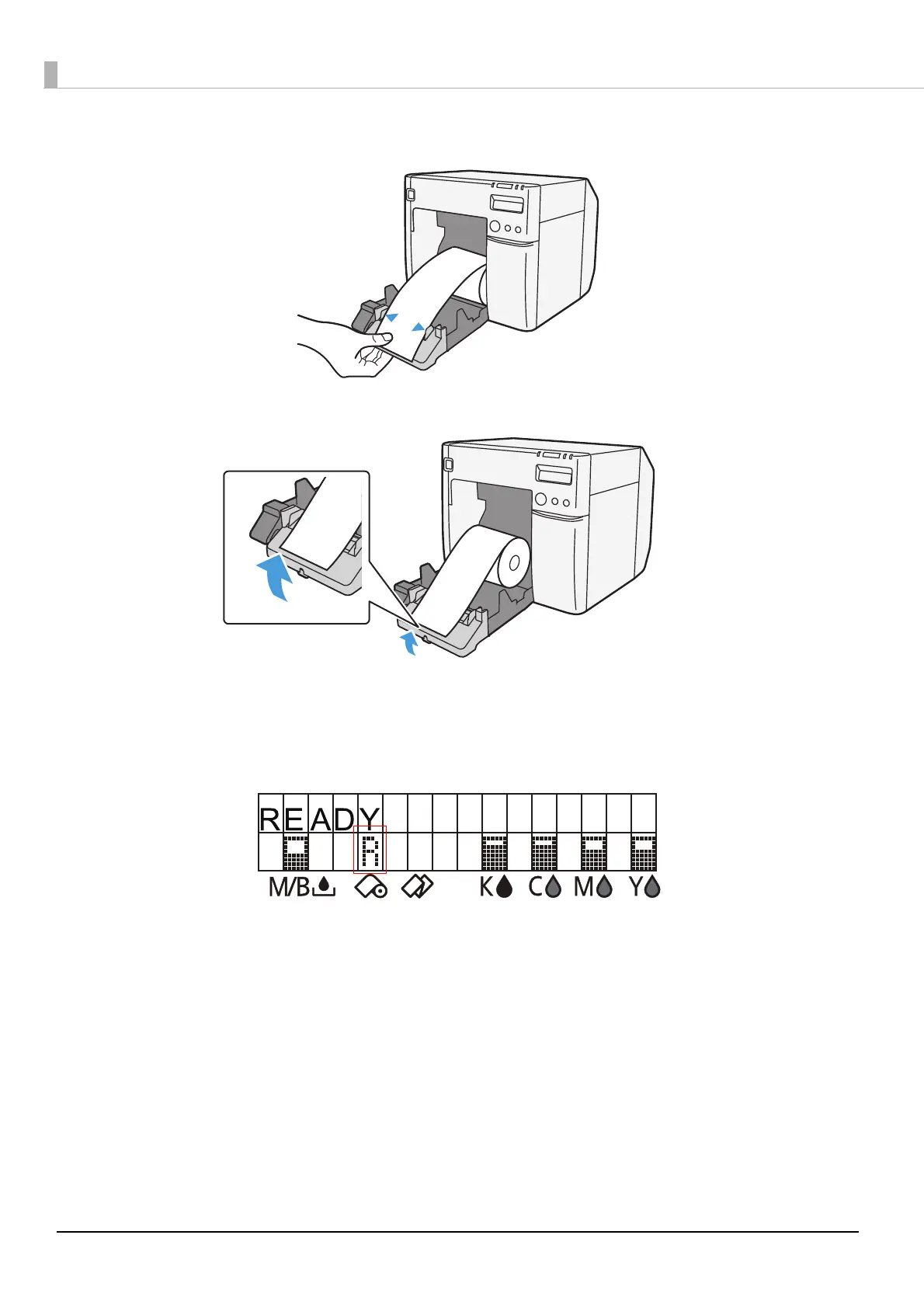
Adjust the paper ejection guide to the roll paper width.
20
Lock the paper ejection guide and close the roll paper cover.
21
Turn the printer ON. After this, the printer feeds the paper automatically to
remove any slack in the roll paper.
22
Confirm that the LCD displays an "R".
This is the end of loading of the roll paper.



 To Next Page