88
2
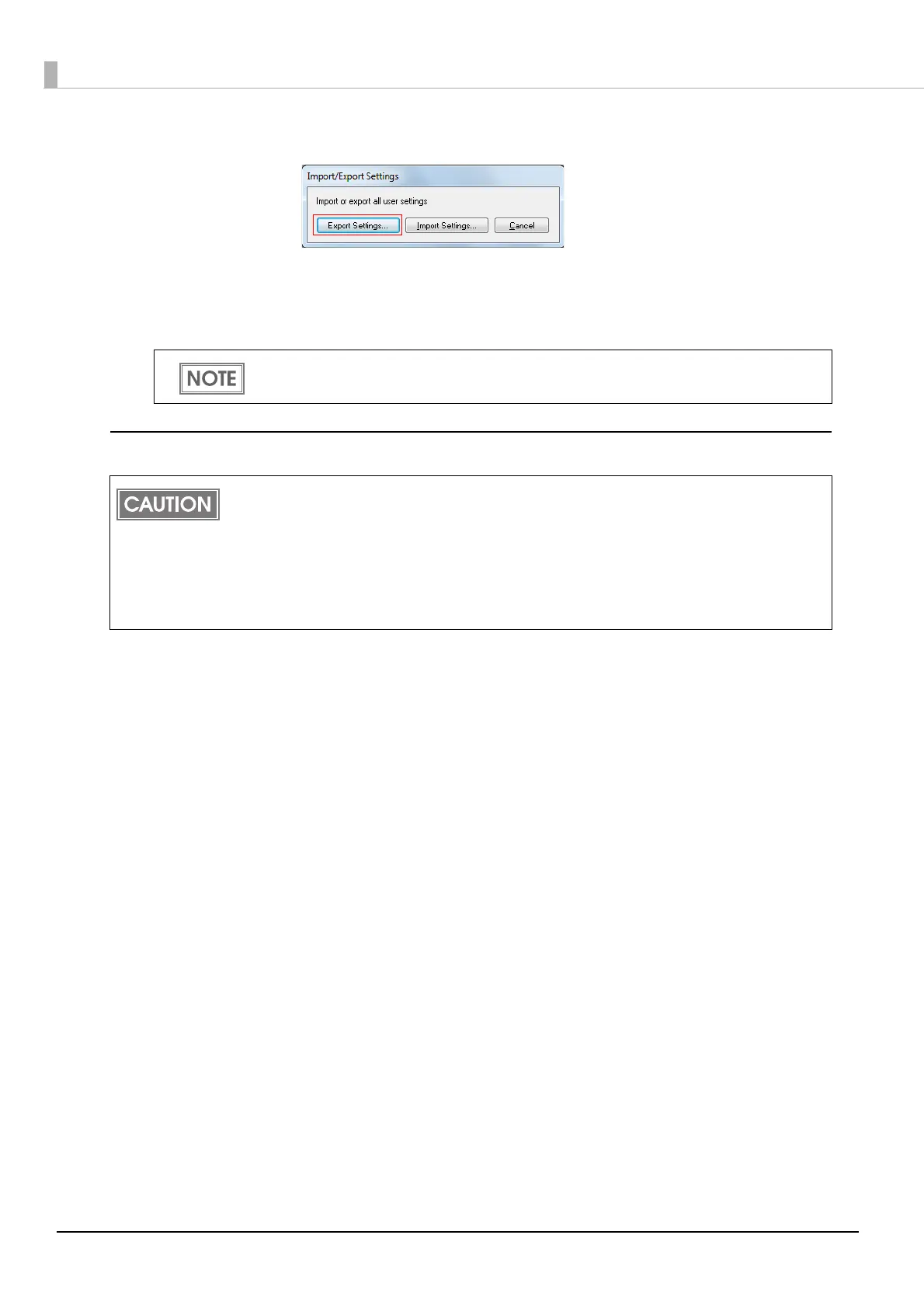
"Import/Export Settings" window appears. Click [Export Settings].
3
The window to save a file appears. Specify a name and save the BSF file.
4
The process completion window appears. Click [OK].
Import Settings
Follow the steps below to import the settings.
1
Select [Driver Utilities] tab. Click [Import/Export Settings].
2
"Import/Export Settings" window appears. Click [Import Settings].
3
The confirmation window appears. Click [OK].
4
The window to open a file appears. Select the file to be imported.
5
The process completion window appears. Click [OK].
To the BSF file, the print settings in "favorite setting" defined by the user are applied. The
print settings in "Current settings" are not applied.
When the settings are imported from a BSF file, the printer driver settings are overwritten.
Therefore, to retain the existing settings for the items listed below, create a BSF including the
existing settings.
Favorite List
User Defined Media List
Barcode Font List
Barcode Font Replacement List



 To Next Page