MaxCommunicator Manual 7
Getting Started
C
HAPTER
3
Getting Started
Start MaxCommunicator from the Microsoft Windows Start menu, by
choosing Start > All Programs > MaxCommunicator.
Note: For users running Windows XP SP2, a firewall protection Security
Alert may pop up when opening the login window. If this happens,
click Yes to allow MaxCommunicator to run.
If you are connecting to the Internet through a modem connection, before
you log in, establish a session connection from your PC to your local
internet service provider. If you’re using a low-speed connection, the login
may take some time, since a large amount of data is transferred to your
desktop.
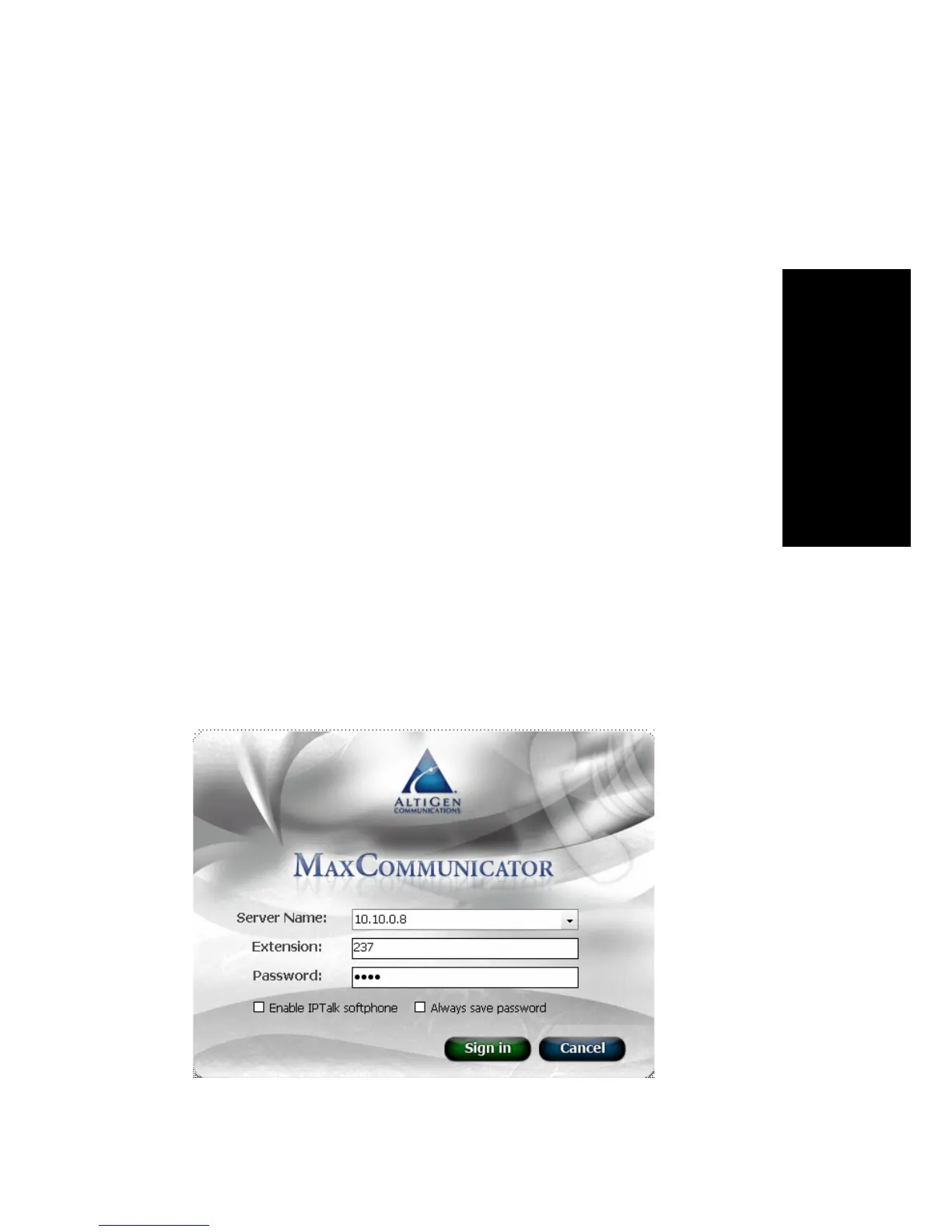
Logging In
1. If this is your first login to this MAX Communication Server ACC/
ACM system, enter the system server’s IP address or the name of the
system server you will be using. To obtain the server name or IP
address, ask your system administrator.



 To Next Page