MaxCommunicator Manual 25
Using
MaxCommunicator
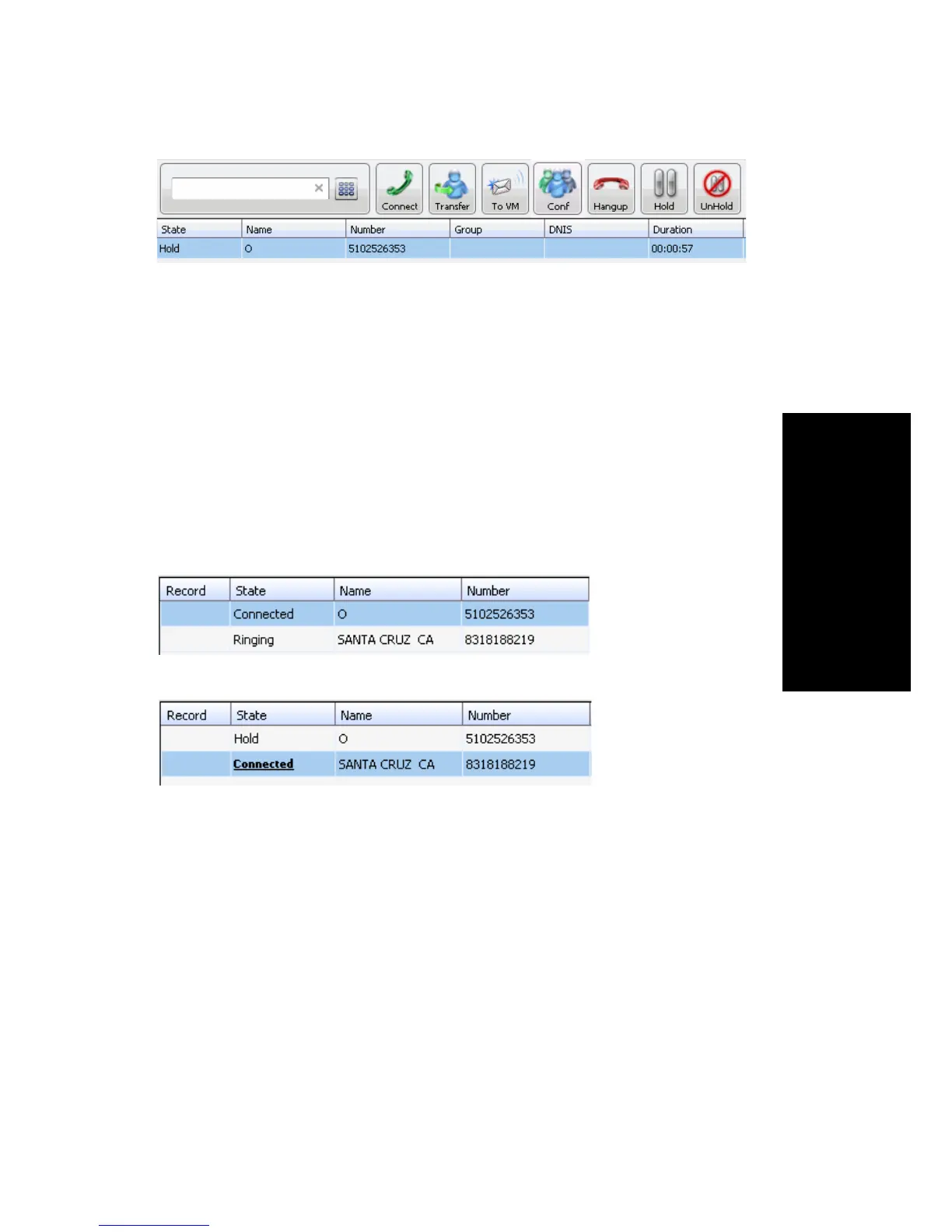
Click Hold in the call’s State cell to release the hold and reconnect the call,
or select the row and click the Unhold button.
Note: When a call is put on hold automatically by the system (to queue),
the system will ring you after two minutes if the call is still on hold.
Using Call Waiting
During a call, you may receive another incoming call. To answer the call,
click ringing in the new call’s State cell. The call to which you were
connected goes to the hold state.
When you are ready to reconnect to the call on hold, click Hold in the State
cell of the call (or select the call and click the Unhold button). The call goes
to the connected state.
Transferring Calls
MaxCommunicator supports both supervised transfer (in which you
confirm the transfer with the target) and blind transfer.
You may transfer calls in the following ways:
Dragging—Drag and drop the call (either while it’s ringing or connected)
onto the target number on the Directory, Speed Dial, Contacts, or
Monitor tabbed pages.
Click Ringing
to answer
second call
The first call
goes to Hold
state



 To Next Page